Managing Tests with Your AI
You have 50 tests and no idea which ones are broken. Your AI can find them, fix them, organize them, and clean up the ones you don't need anymore.
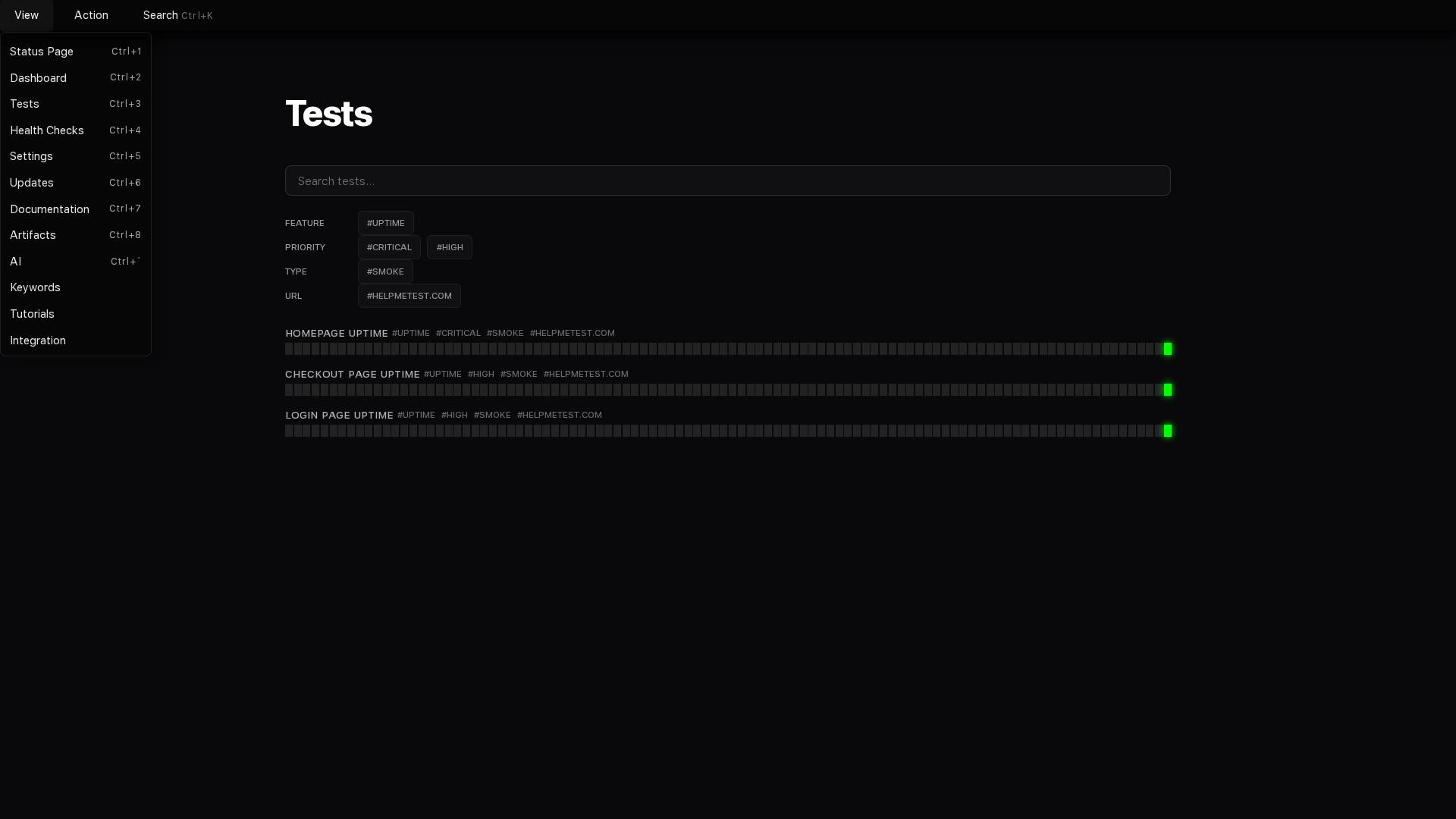
You created a test. It worked. You created another. Then ten more. Now you have 50 tests and you're not sure which ones actually matter, which ones are broken, or which ones check features you deleted three months ago.
Opening each test manually to see what it does takes forever. Deleting them one by one is worse. You need a way to work with your tests that doesn't require clicking through a UI for an hour.
Your AI can do all of this. You just tell it what you want in plain language.
I Deleted Tests by Mistake
You meant to delete one test. You deleted five. Or you cleaned up old tests and realized you needed one of them.
Your tests are back. This works for any update you made recently—deletions, renames, content changes, tag updates.
I Have Old Tests Cluttering Everything
You redesigned checkout three months ago. The old checkout tests are still running, failing constantly, and making it hard to see what's actually broken. You need them gone.
Twenty-three tests gone. Dashboard is clean. You can still undo it if you deleted the wrong ones.
Which Tests Are Actually Broken?
Something's failing. You got an alert. You open the dashboard and see 50 tests. You have no idea which ones failed or when.
Now you know exactly what's broken and what just got fixed. You can focus on the two that actually need attention.
Run Tests Before Deploying
You just changed the checkout flow. You want to make sure it still works before you push to production. You have 15 checkout-related tests and don't want to run all 50 tests.
You caught the break before deploying. The card number field changed and the test needs updating. Fix it now instead of finding out from customers.
What Does This Test Actually Do?
A test called "User Flow Test 3" is failing. You have no idea what it checks. You don't want to open it in the UI and read through 20 lines of commands.
Now you know what it does and exactly where it's failing. The filter isn't returning enough products—probably a data issue.
Organize Tests with Tags
You have 100 tests. Some have tags like "priority:critical" and "feature:checkout". Most have no tags at all. You can't find anything.
Now you can find all payment-related tests by filtering for #payment. Your dashboard is organized without manually editing 18 tests.
Fix a Test After Code Changed
You changed a button from "Buy Now" to "Purchase". The test is failing because it's looking for the old button text.
Test fixed and verified. You didn't write any code or open any editor.
Rename Tests After Feature Renamed
You renamed the "Products" section to "Catalog". You have 12 tests with "Products" in the name. You need them all renamed to match.
All tests renamed. Your test names match your actual feature names again.
Create Similar Tests
You have a "Homepage Load" test that checks if the homepage loads. You need the same test for /pricing, /about, and /contact pages.
You went from one test to four tests with one sentence. No copying, no pasting, no editing.
Find Tests by What They Check
You changed how login works. You need to find every test that uses login so you can verify they still work. You're not sure which tests actually log in.
Now you know exactly which tests to check after changing login. Eight tests instead of manually reviewing all 100.
What This Changes
Before: Managing tests means opening each one, reading through code, manually updating names and tags, clicking through UI menus, hoping you didn't miss anything.
After: Managing tests means telling your AI what you want in plain language. It finds, updates, organizes, runs, and fixes tests while you work on actual problems.
You're not learning new tools or memorizing commands. You're just describing what you need, and your AI handles the details.