Check the Things That Make You Money
Your site is "up" but checkout is broken. Uptime monitoring says everything's fine. You're losing every sale.
You set up a check that visits your homepage and confirms it loads. That's good. You'll know within minutes if your site goes completely down. But most problems aren't "the whole site is down." Most problems are "the site loads but checkout is broken" or "the homepage works but the search returns nothing" or "desktop works but mobile cart has an error."
Uptime checks tell you if your site is reachable. They don't tell you if your site is working. Your business makes money from people completing checkout, signing up for accounts, filling out forms, searching and finding products. Those flows can break while your homepage loads perfectly and your uptime check stays green.
Checking a Flow
Instead of just "go to my site and make sure it loads," check an entire customer flow. Tell your AI what you want to test in plain language. It explores your site, figures out how to do it, then writes a stable test that runs the same flow every 5 minutes.
You gave it a generic prompt. Your AI explored the site—read the login page, found the credentials displayed there, filled them in, navigated to products, found the backpack, clicked "Add to cart", opened the cart, verified the item appeared. Now it's a stable test. Every 5 minutes, HelpMeTest opens a real browser in the cloud and runs that exact flow. If any step breaks—login fails, product page doesn't load, button doesn't work, cart is empty—you know about it within minutes, not after customers start complaining.
The Full Purchase Flow
Go further and check the complete path to purchase:
Your AI walks through the entire purchase flow—opens checkout, fills in test card numbers (Stripe test cards, or whatever your payment provider accepts), submits, confirms the success page loads. If any step breaks—button doesn't work, payment form errors, confirmation doesn't load—you get alerted immediately.
All Checks Running Automatically
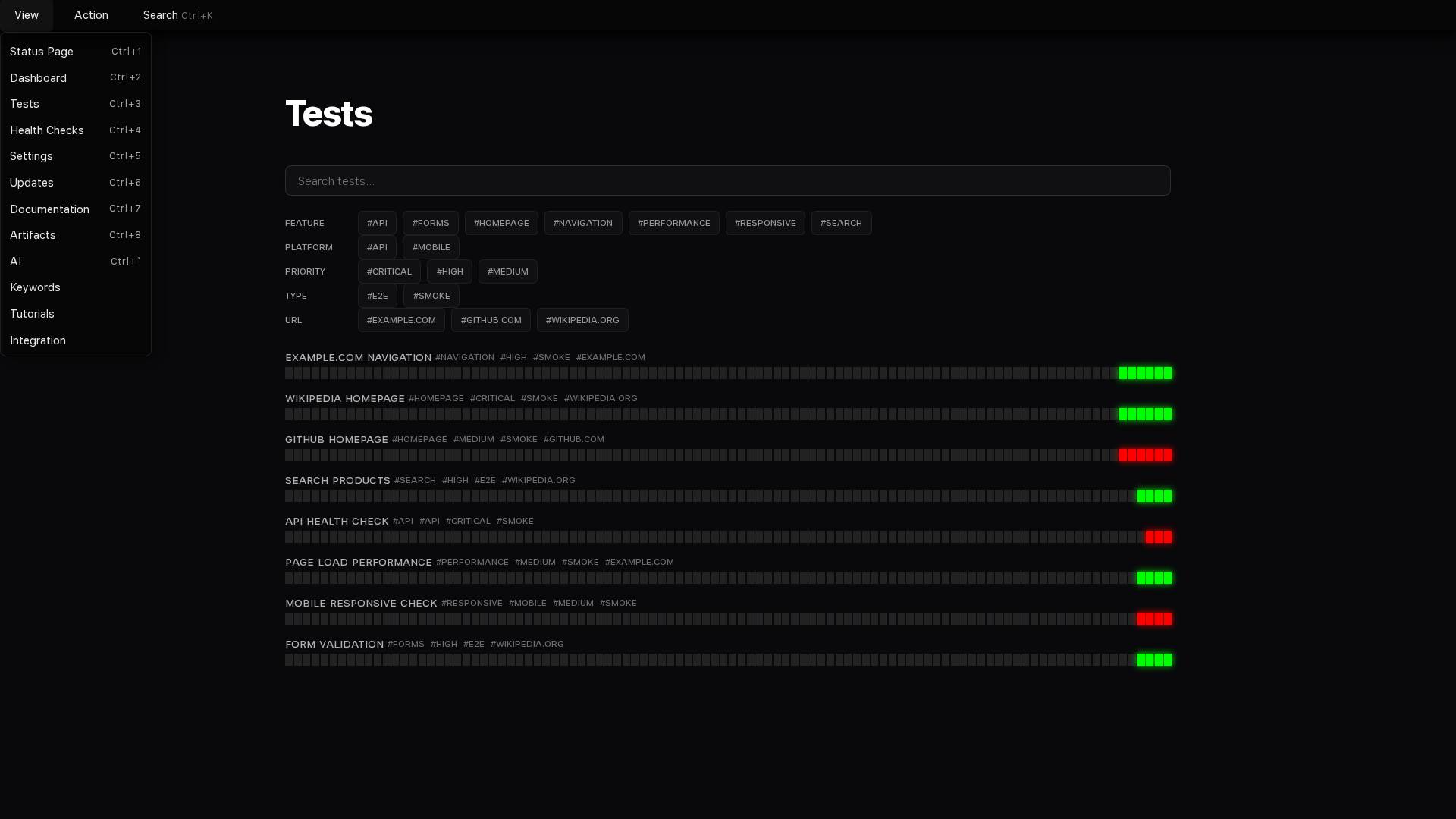
What Else You Can Check
Anything a customer can do, you can check:
- Ecommerce: Browse, filter, add to cart, apply discount, complete checkout
- SaaS: Sign up, log in, use features, change settings, upgrade
- Forms: Contact, newsletter, search, file uploads
- Content: Articles load, images display, videos play, comments work
Describe the flow. Your AI figures out how to test it.