The Think-Aloud Protocol: How to Get Inside Users' Heads
In a standard usability test, you watch what users do. You see them hesitate, backtrack, and misclick. What you can't see is why.

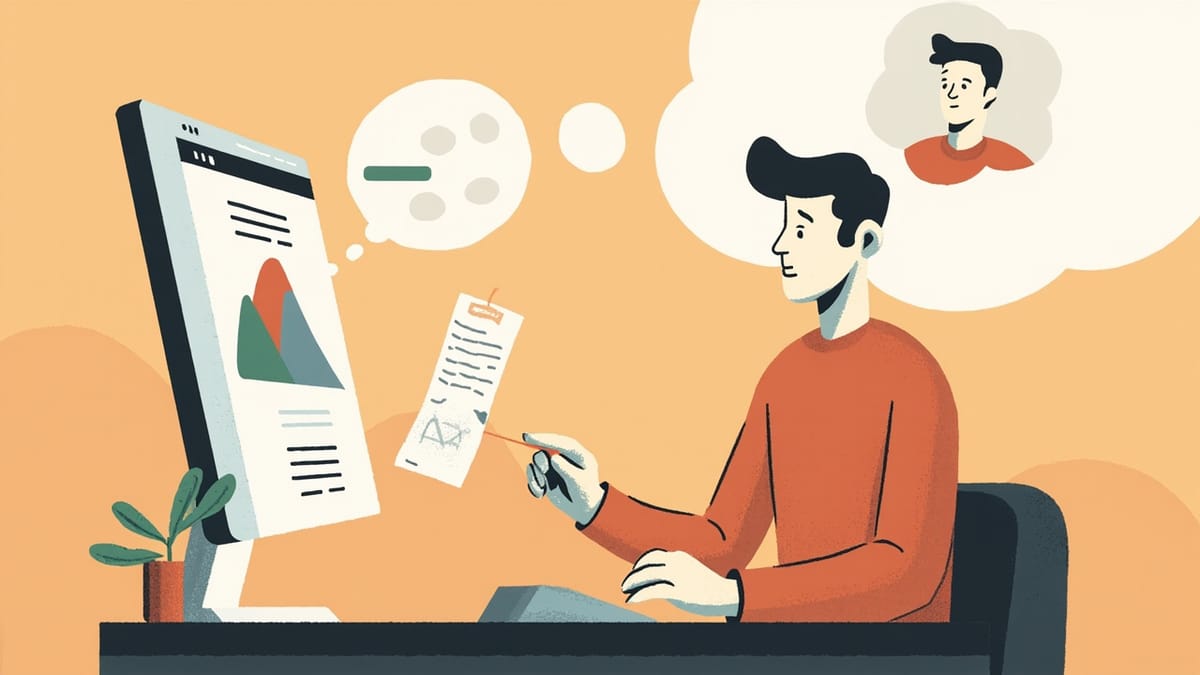
The think-aloud protocol asks usability test participants to verbalize their thoughts, expectations, and confusion as they work through tasks. It was developed by cognitive scientists and adapted by UX research to make the invisible visible — turning silent frustration into spoken evidence. When facilitated correctly, think-aloud sessions reveal not just where users struggle, but why, making them one of the most information-dense research methods available.
Key Takeaways
Think-aloud reveals the reasoning behind behavior. Watching someone click the wrong button tells you there's a problem. Hearing them say "I thought this would be in settings" tells you why — and what to fix.
Concurrent is harder but richer than retrospective. Real-time verbalization captures thoughts as they happen. Retrospective reconstruction introduces memory distortion. Use concurrent when you can facilitate it.
Silence is a probe cue, not permission to move on. When participants go quiet, that's when you ask "what are you thinking right now?" — not wait for them to continue.
Facilitator neutrality is the hardest skill to develop. The instinct to help, reassure, or confirm is strong and must be resisted. Every hint you give contaminates the data.
Cognitive load affects verbalization quality. When tasks are very demanding, participants stop talking to concentrate. Factor this in when analyzing silent moments — silence can mean confusion or concentration.
In a standard usability test, you watch what users do. You see them hesitate, backtrack, and misclick. What you can't see is why. Did they expect the button to be somewhere else? Did they misread the label? Were they uncertain about the consequences of an action?
The think-aloud protocol closes this gap. By asking participants to narrate their thoughts as they work, you turn a behavioral observation into a window into cognition — one that reveals the mental models, expectations, and confusions that drive behavior.
Origins of the Think-Aloud Method
The think-aloud method has roots in cognitive psychology, where it was used to study problem-solving and learning. Researchers including Newell and Simon used verbal protocols in the 1970s to study how people solve chess problems and logic puzzles — the verbalization made cognitive processes observable.
Klaus Moller and Jakob Nielsen adapted the technique for software usability research in the 1980s. Nielsen's work at Bell Labs established that asking participants to think out loud during usability tests produced dramatically more actionable findings than silent observation alone.
The technique has remained central to usability research for four decades because it works. No other method gives you direct access to the user's reasoning process at the moment of interaction.
Concurrent vs. Retrospective Think-Aloud
There are two primary variants of the think-aloud protocol, and the difference matters.
Concurrent Think-Aloud (CTA)
In concurrent think-aloud, participants verbalize their thoughts in real time as they interact with the product. They speak while they act.
This is the standard form and the one most usability guides describe. Its strength is immediacy: the verbalization happens in the same moment as the cognition, before memory processes distort it. You hear what someone actually thought when they encountered a confusing element — not their reconstruction of it five minutes later.
The challenge is that talking while performing a task adds cognitive load. Some tasks require enough concentration that participants naturally go quiet to focus. Facilitators need to prompt them back without breaking their flow or influencing their behavior.
Retrospective Think-Aloud (RTA)
In retrospective think-aloud, participants complete tasks silently (or with minimal prompting), and then watch a recording of their session and narrate what they were thinking at each moment.
This approach reduces cognitive load during tasks — participants can focus fully on what they're doing. The tradeoff is that retrospective narration is a reconstruction, not a live feed. Memory fills in gaps, smooths over confusions, and rationalizes behavior that was actually uncertain. "I went there because I thought the settings would be there" may be accurate, or it may be the story participants tell themselves after the fact.
RTA is particularly useful for:
- Complex tasks where cognitive load is high during performance
- Screen-based tasks where you want to separate task completion from explanation
- Sessions where you want participants to articulate decisions they couldn't verbalize in real time
Some researchers combine both: participants do a brief CTA attempt, then complete the task silently, then narrate during replay. This is resource-intensive but can produce rich data.
How to Introduce Think-Aloud to Participants
The hardest part of think-aloud facilitation is getting participants to actually do it. Most people are not accustomed to narrating their thoughts. The default is to silently click around.
The Standard Introduction
Before any tasks, give participants this framing:
"As you work through the tasks, please think out loud — say whatever comes to mind. What you're looking for, what you expect to happen, what's confusing you. There are no wrong answers. I'm not testing you — I'm testing the product. The more you talk, the more helpful it is."
Then model it briefly: "For example, if I was trying to buy something online, I might say 'I'm looking for the cart... I'd expect it to be in the top right... okay, there it is... now I need to enter my card number...'"
This brief demonstration reduces the strangeness of the behavior and gives participants a template.
Warm-Up Tasks
Consider starting with a simple, low-stakes warm-up task — something easy enough that the participant can succeed while practicing the think-aloud behavior. The warm-up burns off performance anxiety and establishes the verbalization habit before they hit the real tasks.
A warm-up like "Show me how you'd find information about the company's return policy" is specific enough to produce behavior without being so important that participants tense up.
Facilitating Think-Aloud Sessions
The Core Skill: Neutral Probing
Think-aloud facilitation requires one skill above all others: asking neutral questions without leading the participant. These probes have two purposes — to restart verbalization when participants go quiet, and to elicit more detail about something you observed.
Good neutral probes:
- "What are you thinking right now?"
- "What are you looking for?"
- "What do you expect to happen when you do that?"
- "Can you tell me more about that?"
Bad probes (leading or confirming):
- "Was that confusing?" (suggests it should be)
- "Did you find that easy?" (suggests it should be)
- "That button there — did you see it?" (reveals where the answer is)
- "What would make this clearer?" (assumes it's unclear)
The difference is between open questions that follow the participant's frame and leading questions that inject yours. This sounds easy and is surprisingly hard in practice. The instinct to help, reassure, or direct is strong — you built the product, you know where the button is, and watching someone miss it is uncomfortable.
Resist it. The struggle is the data.
Managing Silence
Silence is the most common challenge in think-aloud sessions. Participants focus on a task and stop talking.
When you notice silence, wait 5–10 seconds. Sometimes participants are just concentrating and will resume. If the silence continues, prompt with "What are you thinking right now?" or just "Can you say what's going on?"
Don't interpret silence for them. "You seem stuck" is an observation, not a probe, and it introduces your framing.
When Participants Ask for Help
Participants will ask for help. "Can I click that?" "Is this the right place?" "What does this button do?"
The standard response: "What would you do if I wasn't here?" or "What do you think that button does?" Return the question to them.
If they're genuinely stuck and have been for several minutes, you may want to move them past the blocker to get data on the rest of the tasks. Do this with minimal interference: "Let's try something else — here's the next task." Note that they were blocked on the previous task.
Responding to Emotional Reactions
Participants sometimes express frustration, confusion, or embarrassment when they can't complete a task. Acknowledge without evaluating: "That makes sense" or "A lot of people mention that" are neutral. Don't say "Yes, that is confusing" — you're confirming your interpretation, not theirs.
If a participant seems genuinely distressed, it's appropriate to remind them that they can stop at any time and that there are no wrong answers.
What to Listen For
Think-aloud data is rich but unstructured. Knowing what patterns to listen for helps you extract signal from noise.
Mental Model Mismatches
When participants expect the product to behave differently than it does, they say so: "I would have expected this to be in the menu," "I thought clicking this would take me to the dashboard," "I assumed this was for saving the file."
These statements map to mental model mismatches — the user's internalized model of how the system works doesn't match the actual model. Every such statement is a design opportunity.
Navigation Strategy
How participants search for things tells you how they think the system is organized. Do they look in the navigation first or scan the page? Do they use search? Do they go to a logical location and find something unexpected?
Verbalized navigation strategy is particularly valuable because it reveals the organizational scheme users expect — which may differ substantially from the scheme you used.
Label and Terminology Confusion
When participants pause at a label, guess at its meaning, or explicitly express uncertainty ("I'm not sure what 'workspace' means here"), that's a terminology problem. Collect these verbatim — exact quotes from participants about specific terms are compelling evidence in design reviews.
Expectation Gaps
"I thought this would..." is one of the most valuable phrases in think-aloud data. It marks the boundary between what users expect and what they get — and closing that gap is the primary work of usability improvement.
Error Recovery
What do participants do when they make a mistake? Do they recognize they've made one? Can they recover? Think-aloud participants will often narrate their error recovery: "That didn't work... let me go back... where was I?"
This narration shows you whether error states communicate clearly and whether recovery paths are obvious.
Analyzing Think-Aloud Data
Transcription and Coding
For formal research, sessions should be transcribed (or transcribed with timestamps if you have video). Code the transcript by:
- Issue type — navigation, label confusion, mental model mismatch, error state, missing information
- Severity — did this block task completion, delay completion, or just cause momentary confusion?
- Frequency — note when the same issue appears across sessions
This is time-intensive but produces defensible, detailed findings.
Rapid Affinity Mapping
For less formal contexts, skip full transcription and work from session notes. After all sessions:
- Write each observation on a separate note (physical or digital)
- Group similar observations
- Count frequency within groups
- Name each cluster (e.g., "Users can't find billing settings")
- Rate severity
Groups with 3+ observations across different participants are findings. Single observations are notes.
Quote Collection
Verbatim quotes from think-aloud participants are powerful artifacts. "I have no idea what 'workspace' means" is more persuasive in a design review than "users were confused by the workspace label." Collect and preserve exact quotes, attributed anonymously by participant number.
Think-Aloud in Remote Sessions
Think-aloud works in remote moderated sessions, with some adjustments:
- Video call platforms (Zoom, Google Meet) allow you to see participants' faces alongside screen sharing — facial expressions often precede verbalization
- Latency can make pauses ambiguous — wait longer before prompting
- Some participants are more inhibited on video calls than in person; the warm-up becomes more important
- Note-taking is easier with a co-facilitator who can observe while you focus on prompting
Unmoderated think-aloud (where participants record themselves doing tasks) produces lower-quality data but is scalable. Tools like UserTesting support this. The verbalization is less rich without a facilitator to prompt, but it's better than silent recording.
Connecting Think-Aloud Research to Automated Testing
Think-aloud testing reveals why users struggle. Automated functional testing reveals when the system breaks. The two methods address entirely different failure modes and both are necessary for quality products.
HelpMeTest handles the automated side — writing and running tests that verify your core flows work correctly, continuously. When your automated test suite is solid, your human testing attention can focus entirely on usability and cognition, where think-aloud sessions give you insights that no automated test can produce.
Conclusion
The think-aloud protocol is the closest thing usability research has to a superpower. It transforms behavioral observation — which tells you where users struggle — into cognitive access, which tells you why. A single well-facilitated think-aloud session, with a participant who genuinely matches your user profile, can produce more actionable insight than weeks of quantitative analytics.
The facilitation skills take practice — staying neutral while watching someone miss an obvious button requires genuine discipline. But the data quality reward is proportional to the investment. Teams that learn to run think-aloud sessions well make better design decisions, faster.