
How to Test CrewAI Agents in Production
You've built a CrewAI crew. Three agents, two tasks, one final output. You ran it locally, the output looked correct, and you're ready to ship.

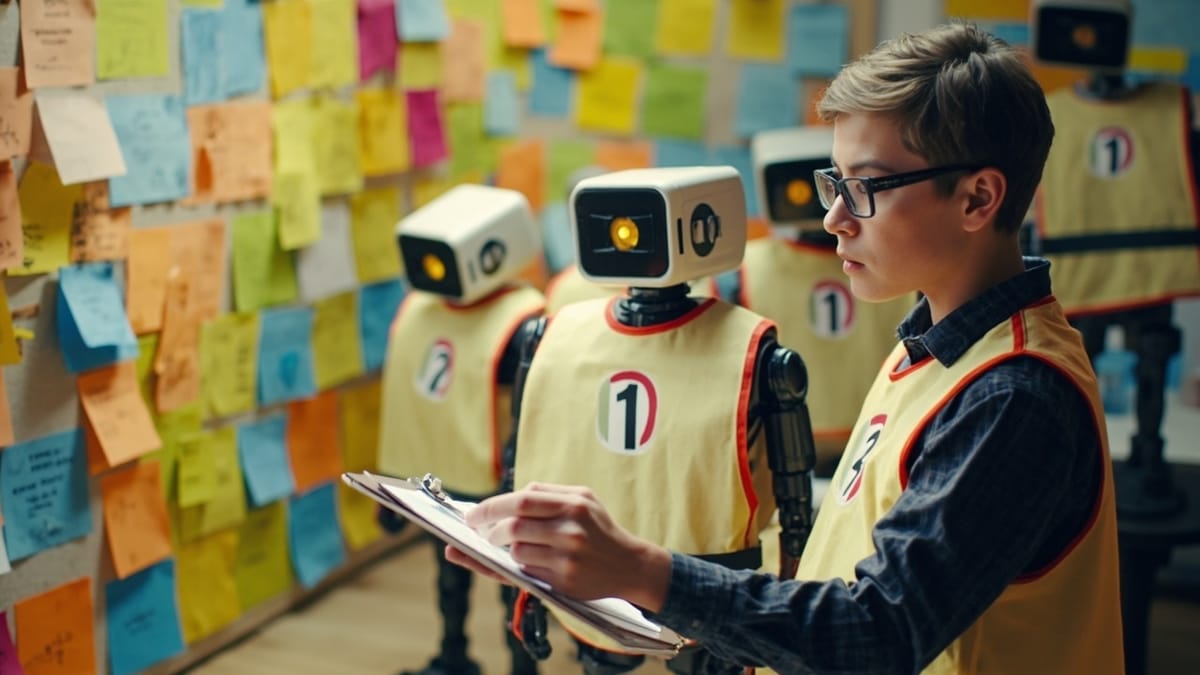
You've built a CrewAI crew. Three agents, two tasks, one final output. You ran it locally, the output looked correct, and you're ready to ship.
Two weeks later, a user reports the output is wrong. You run it again and it's fine. You run it ten times — seven good, three wrong. You have no idea which cases produce bad outputs or why.
This is the CrewAI testing problem: multi-agent systems with LLM calls are non-deterministic by nature, but "sometimes it works" isn't good enough for production.
What Makes CrewAI Hard to Test
CrewAI coordinates multiple agents through sequential or hierarchical task flows. Each agent has a role, a goal, and a backstory. Each task has expected output. The crew runs until all tasks are done.
The testing challenge comes from the interaction between layers:
- Individual agent quality — does each agent follow its role and produce output in the right format?
- Task output compatibility — does Agent B's task receive Agent A's output in a form it can process?
- Final output correctness — does the crew produce what was actually asked for?
- Consistency — does it produce reliably correct output, not just occasionally?
LLM non-determinism means running your crew once and checking the result tells you almost nothing about reliability.
Layer 1: Test Agent Behavior in Isolation
Before testing the full crew, verify each agent works correctly on its own.
CrewAI's CLI supports direct agent testing:
crewai test --n_iterations 5 --model gpt-4oThis runs your crew 5 times and scores outputs. But for more specific agent isolation, create a minimal crew with just one agent:
from crewai import Agent, Task, Crew

def test_research_agent_output_format():
    researcher = Agent(
        role="Market Researcher",
        goal="Research the competitive landscape for a given product category",
        backstory="You are an expert market analyst with 10 years experience.",
        verbose=False
    )

    task = Task(
        description="Research the top 3 competitors in the project management software space",
        expected_output="A structured list with competitor name, key features, and pricing for each",
        agent=researcher
    )

    crew = Crew(agents=[researcher], tasks=[task])
    result = crew.kickoff()

    # Validate output structure
    assert len(result.raw) > 100  # Not empty
assert any(name in result.raw for name in ["Asana", "Jira", "Monday", "Linear", "Notion"])This is a functional test, not a determinism test. Run it multiple times to get a sense of reliability.
Layer 2: Test Task Output Compatibility
In multi-agent crews, tasks are often chained — Agent A's output becomes Agent B's input. If the output format doesn't match what the next task expects, the crew breaks silently.
Test handoffs explicitly:
def test_research_to_analysis_handoff():
    # Simulate what the research agent would output
    mock_research_output = """
    Competitor Analysis:
    1. Asana - Task management, $10.99/user/month
    2. Jira - Issue tracking, $8.15/user/month
    3. Monday - Visual boards, $9.00/user/month
    """

    analyst = Agent(
        role="Strategic Analyst",
        goal="Analyze competitor research and identify market gaps",
        backstory="You identify strategic opportunities from competitive data.",
        verbose=False
    )

    task = Task(
        description=f"Analyze this competitor research and identify the top 2 market gaps:\n{mock_research_output}",
        expected_output="Two market gaps with supporting evidence from the research",
        agent=analyst
    )

    crew = Crew(agents=[analyst], tasks=[task])
    result = crew.kickoff()

    # Verify the analyst can work with this format
    assert "gap" in result.raw.lower() or "opportunity" in result.raw.lower()
assert len(result.raw) > 50By mocking the upstream output, you isolate whether the downstream agent can process it correctly — without depending on the upstream agent running correctly.
Layer 3: Output Validation
CrewAI's expected_output field is documentation, not enforcement. The crew doesn't validate that outputs match it. You need to write that validation yourself.
For structured outputs, use Pydantic models:
from pydantic import BaseModel
from typing import List

class CompetitorEntry(BaseModel):
    name: str
    key_features: List[str]
    pricing: str

class ResearchOutput(BaseModel):
    competitors: List[CompetitorEntry]
    summary: str

# In your task
task = Task(
    description="Research top 3 competitors in project management",
    expected_output="Structured competitor analysis",
    output_pydantic=ResearchOutput,
    agent=researcher
)

# In your test
result = crew.kickoff()
assert result.pydantic is not None
assert len(result.pydantic.competitors) >= 2
for competitor in result.pydantic.competitors:
    assert competitor.name
assert len(competitor.key_features) > 0Structured outputs are the single best thing you can do for CrewAI reliability. When agents have to produce parseable output, they produce more consistent output.
Layer 4: Full Crew Integration Tests
After individual agents and handoffs check out, test the full crew from end to end:
def test_full_competitive_analysis_crew():
    crew = build_competitive_analysis_crew()

    result = crew.kickoff(inputs={
        "product_category": "project management software",
        "target_market": "startups under 50 people"
    })

    # Check output completeness
    assert result.raw and len(result.raw) > 500

    # Check output relevance
    output_lower = result.raw.lower()
    assert "project management" in output_lower
    assert any(word in output_lower for word in ["recommend", "suggest", "opportunity", "gap"])

    # Check it's not a refusal or error
    assert not any(phrase in output_lower for phrase in [
        "i cannot", "i'm unable", "as an ai", "i don't have access"
])The refusal check is important. LLM-based agents occasionally refuse to complete tasks due to safety filters or ambiguous prompts. Your crew should never silently return a refusal as if it were valid output.
Testing for Consistency
A single successful run means nothing. You need to know what percentage of runs produce acceptable output.
Run your crew multiple times and track pass rates:
def test_crew_consistency():
    crew = build_your_crew()

    n_runs = 10
    passing = 0

    for i in range(n_runs):
        result = crew.kickoff(inputs={"topic": "AI coding tools"})
        if validate_output(result.raw):
            passing += 1

    pass_rate = passing / n_runs
    print(f"Pass rate: {pass_rate:.0%}")

    # Require at least 80% consistency
assert pass_rate >= 0.8, f"Crew only passes {pass_rate:.0%} of the time"If your pass rate is below 80%, your crew is not production-ready regardless of how good the individual runs look. Common fixes:
- More specific
expected_outputdescriptions - Structured output (Pydantic) instead of free-form text
- More constrained agent backstories
- Lower temperature on the underlying model
What CI Tests Miss
Your CI suite catches obvious breaks. It doesn't catch behavioral drift.
CrewAI crews degrade in production for reasons that aren't code changes:
- Model updates — OpenAI, Anthropic, and other providers update models without notice. Your crew's pass rate can drop from 90% to 60% overnight after a model update.
- Tool API changes — if your agents use tools (search, web scraping, databases), those APIs evolve. An agent that successfully used a tool last month may fail silently when the response format changes.
- Prompt sensitivity — real user inputs are more varied than your test cases. Edge cases you didn't think to test may hit failure modes.
Production monitoring catches these. Run a set of known-good test cases against your deployed crew on a schedule, and alert when pass rates drop.
HelpMeTest lets you write natural language tests that run against your API endpoint on a cron schedule:
Test: competitive analysis crew produces complete output
POST to your-crew-api.com/analyze
body: {"product_category": "project management software"}
Verify: response body length > 500 characters
Verify: response contains "competitor" or "analysis"
Verify: response time under 60 secondsIf your crew's pass rate drops after a model update, you find out from the monitoring alert, not from a user complaint.
Usage-based pricing: $0.003/run, 24/7 monitoring. Try HelpMeTest →
CrewAI Testing Checklist
Before shipping a CrewAI crew to production:
- Each agent tested in isolation with representative inputs
- Task handoffs tested with mock upstream outputs
- Structured output (Pydantic) enabled wherever possible
- Full crew tested end-to-end with representative inputs
- Pass rate measured over 10+ runs — must be above 80%
- Refusal detection in output validation
- Production monitoring for behavioral drift after model updates
- Latency tested — LLM chains can take 30-90 seconds, set appropriate timeouts
The agents coordinate automatically. What doesn't happen automatically is verifying they coordinate correctly.