
Test Suite Speed Optimization: Profiling and Cutting Slow Tests
A test suite that takes 15 minutes to run is a test suite developers avoid running.

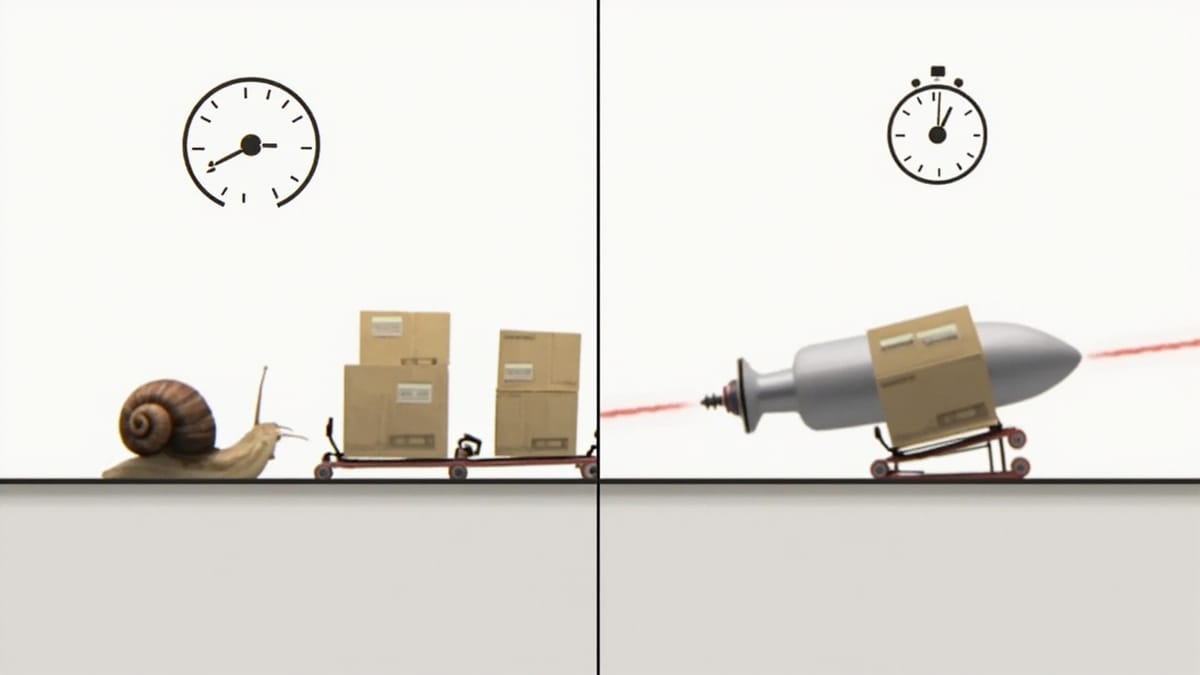
A test suite that takes 15 minutes to run is a test suite developers avoid running. The fix isn't always parallelism — often it's finding the 5% of tests consuming 60% of the time and making them faster. Here's a systematic approach to profiling and optimizing test speed.
Step 1: Profile First
Before optimizing anything, measure. Blind optimization wastes time on the wrong tests.
Jest:
npx jest --verbose --json > jest-results.json

# Find the 10 slowest tests
node -e "
const results = require('./jest-results.json');
const tests = results.testResults.flatMap(f =>
  f.testResults.map(t => ({
    name: t.fullName,
    duration: t.duration,
    file: f.testFilePath.replace(process.cwd(), ''),
  }))
);
tests.sort((a, b) => b.duration - a.duration);
tests.slice(0, 10).forEach(t =>
  console.log(t.duration + 'ms  ' + t.file + ' > ' + t.name)
);
"pytest:
pytest --durations=20  # show 20 slowest tests
pytest --durations=0 # show all test durations, sortedVitest:
npx vitest run --reporter=verbose 2>&1 | grep -E "^\s+[0-9]" | sort -rn | head -20Playwright:
npx playwright test --reporter=json > pw-results.json
node -e "
const data = require('./pw-results.json');
const tests = data.suites.flatMap(s => s.specs).flatMap(spec =>
  spec.tests.map(t => ({
    title: spec.title,
    duration: t.results.reduce((a, r) => a + r.duration, 0),
  }))
);
tests.sort((a, b) => b.duration - a.duration);
tests.slice(0, 10).forEach(t => console.log(t.duration + 'ms  ' + t.title));
"Step 2: Categorize Slow Tests
Once you have the slow list, categorize each:
| Category | Symptom | Fix |
|---|---|---|
| DB setup overhead | Slow beforeEach/setup |
Transaction rollback pattern |
| Network calls | Waits on external APIs | Mock at the boundary |
| Real-time waits | sleep(), setTimeout() |
Fake timers |
| Heavy factories | Creating too much related data | Minimal factories |
| Sequential when parallel | Tests that could run in parallel | --runInBand=false |
| Browser cold start | E2E test bootstrapping | Context reuse |
Database: The Biggest Win
Database tests are slow because of commit, rollback, and seeding overhead. Transaction rollback eliminates most of it.
Before (slow):
beforeEach(async () => {
  await db.query('TRUNCATE users, orders, products CASCADE');
  await db.query("INSERT INTO users VALUES ('u-1', 'Alice')");
  // Each test writes, reads, then truncates — slow
});After (fast):
let transaction: Transaction;

beforeEach(async () => {
  transaction = await db.beginTransaction();
  // All inserts during the test use this transaction
});

afterEach(async () => {
  await transaction.rollback();  // instant — nothing committed
});Transaction rollback is 10-50× faster than truncate+seed because:
- Rollback is a single log write
- No actual disk I/O for the test data
- No constraint checks on deletion
Minimal factories: Only create what the test actually needs.
// BAD: creates 15 related records when test only needs the user
const user = await factories.createFullUserWithOrdersAndProducts();

// GOOD: create only what the test asserts on
const user = await factories.createUser({ email: 'test@example.com' });
// Create orders only in tests that test order behaviorNetwork Calls: Mock at the Boundary
External HTTP calls add 100ms-5s per test and make tests non-deterministic.
Jest with MSW (Mock Service Worker):
import { setupServer } from 'msw/node';
import { http, HttpResponse } from 'msw';

const server = setupServer(
  http.get('https://api.stripe.com/v1/customers/*', () =>
    HttpResponse.json({ id: 'cus_test', email: 'test@example.com' })
  )
);

beforeAll(() => server.listen({ onUnhandledRequest: 'error' }));
afterEach(() => server.resetHandlers());
afterAll(() => server.close());

test('fetches customer from Stripe', async () => {
  const customer = await stripeService.getCustomer('cus_test');
  expect(customer.email).toBe('test@example.com');
  // No actual network call — 5ms instead of 300ms
});The onUnhandledRequest: 'error' setting is important — it catches accidental real network calls that sneak through.
Fake Timers
Tests that use real setTimeout, setInterval, or Date.now() are slow and flaky.
Jest:
beforeEach(() => {
  jest.useFakeTimers();
  jest.setSystemTime(new Date('2026-01-01'));
});

afterEach(() => {
  jest.useRealTimers();
});

test('expires session after 30 minutes', () => {
  const session = createSession();
  jest.advanceTimersByTime(31 * 60 * 1000);  // instant, no actual wait
  expect(session.isExpired()).toBe(true);
});Vitest:
vi.useFakeTimers();
vi.advanceTimersByTime(5000);
vi.useRealTimers();Heavy Test Setup: Move to beforeAll
If setup is slow but not state-dependent, run it once per file instead of once per test:
// BAD: compiles schema 50 times for a 50-test file
beforeEach(() => {
  schema = buildGraphQLSchema();  // 200ms each
});

// GOOD: compile once, reset only what changes
let schema: GraphQLSchema;
beforeAll(() => {
  schema = buildGraphQLSchema();  // 200ms once
});

beforeEach(() => {
  mockUser = createMockUser();  // fast, per-test
});This is safe when the shared resource is read-only (schemas, compiled validators, loaded fixtures).
Playwright: Browser Context Reuse
Cold-starting a browser per test is expensive. Reuse browser context across tests in the same file:
import { test, Browser, BrowserContext } from '@playwright/test';

let browser: Browser;
let context: BrowserContext;

test.beforeAll(async ({ playwright }) => {
  browser = await playwright.chromium.launch();
  context = await browser.newContext();
});

test.afterAll(async () => {
  await context.close();
  await browser.close();
});

test('page loads fast', async () => {
  const page = await context.newPage();  // cheap — reuses browser
  await page.goto('/');
  await page.close();
});Only do this when tests don't modify shared state (cookies, localStorage). For auth state, use storageState:
// Save once
await context.storageState({ path: 'auth-state.json' });

// Reuse in tests
const context = await browser.newContext({
  storageState: 'auth-state.json',
});CI-Specific Optimizations
Warm module cache: Node.js module loading adds time on cold starts.
- uses: actions/cache@v3
  with:
    path: node_modules/.cache
key: node-cache-${{ hashFiles('package-lock.json') }}Skip coverage in default runs: Coverage collection adds 30-50% overhead. Only collect on scheduled runs:
- name: Run tests
  run: |
    if [ "${{ github.event_name }}" = "schedule" ]; then
      npx jest --coverage
    else
      npx jest
fiSelective test runs: Only run tests affected by changed files.
# Jest: run only tests related to changed files
npx jest --onlyChanged  # requires git

# Or use changed file list from CI
CHANGED=$(git diff --name-only origin/main...HEAD)
npx jest --findRelatedTests $CHANGEDMeasuring Your Improvements
Track test duration in CI to catch regressions:
- name: Run tests and record duration
  run: |
    START=$(date +%s)
    npx jest --ci
    END=$(date +%s)
    DURATION=$((END - START))
    echo "Test duration: ${DURATION}s" >> $GITHUB_STEP_SUMMARY

    # Fail if tests take more than 5 minutes
    if [ $DURATION -gt 300 ]; then
      echo "::warning::Tests exceeded 5-minute threshold (${DURATION}s)"
fiTypical Results
After applying these techniques to a real codebase:
| Problem | Before | After | Technique |
|---|---|---|---|
| DB cleanup per test | 8 min | 2 min | Transaction rollback |
| Stripe API calls | +3s/test | +5ms/test | MSW mocking |
| Timer waits | +30s total | instant | Fake timers |
| Schema compilation | +10s/file | +0.2s/file | beforeAll |
| Browser cold starts | +2s/test | +0.1s/test | Context reuse |
Not every project has all of these, but most codebases have at least two. Find the slow tests with --durations, fix the category with the most total impact, and measure again before moving on.
Summary
Profile with --durations, --json, or --verbose. Categorize slow tests by type: DB, network, timers, or setup. Apply transaction rollback for DB isolation, MSW for network mocking, fake timers for async waits, and beforeAll for expensive read-only setup. Measure before and after each change — optimization without measurement is guessing.