
Test Data Masking and Anonymization for Compliance
Using production data in test environments is one of the most common compliance violations in software engineering — and one of the easiest to prevent.

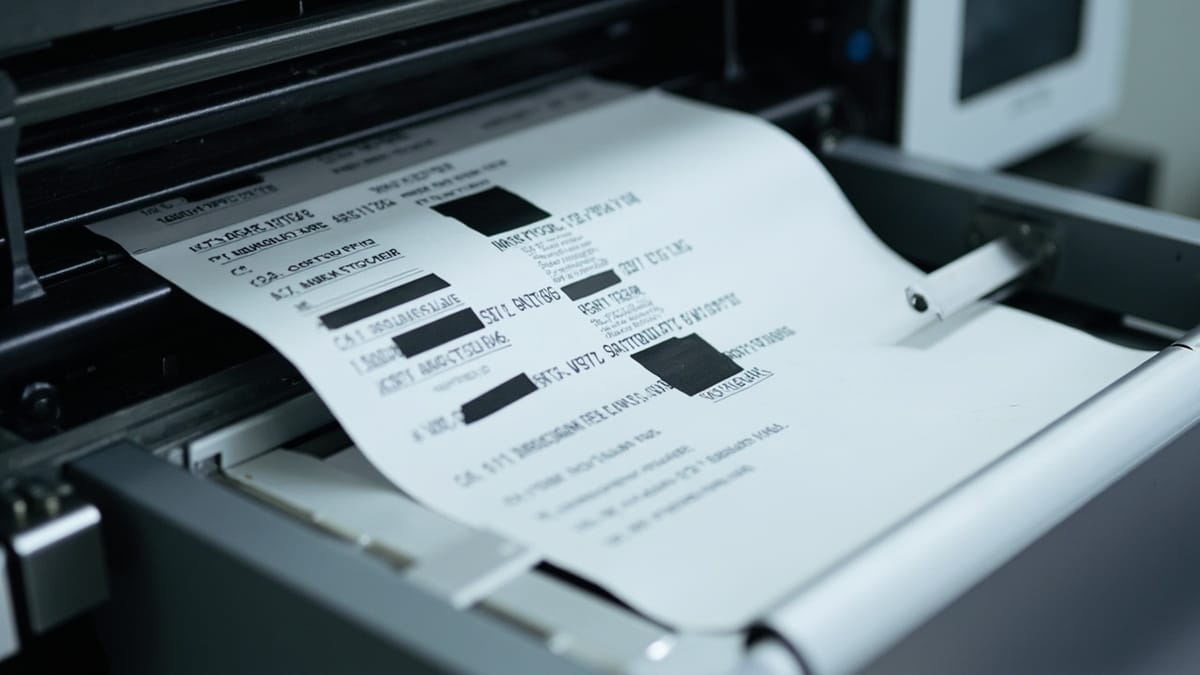
Using production data in test environments is one of the most common compliance violations in software engineering — and one of the easiest to prevent. Test data masking and anonymization are the tools that let your QA team work with realistic data while keeping regulators and auditors satisfied.
This guide explains the techniques, tools, and implementation strategies for compliant test data management.
Why Production Data in Tests Is a Compliance Problem
When production data ends up in a test environment, every person with access to that environment has access to real user data. In practice, test environments have:
- Weaker access controls than production
- More users with access (developers, QA engineers, contractors)
- Logs that may be stored less securely
- Data that lives longer than needed
Under GDPR, a test environment with production data is subject to the same requirements as the production system. Under HIPAA, PHI in a test environment requires a Business Associate Agreement with every vendor whose infrastructure touches that environment. Under SOC 2, auditors will ask specifically whether non-production environments contain production data.
The safest solution is to never move production data to test environments. But if you need realistic data, masking is the practical alternative.
Masking vs. Anonymization vs. Pseudonymization
These terms are often used interchangeably but they have specific meanings:
Data masking replaces sensitive values with realistic-looking fake values. The data structure and format remain the same, but the content changes. Masking may be reversible (with a key) or irreversible.
Anonymization removes or irreversibly alters data so it can no longer be attributed to an individual. Under GDPR, truly anonymized data falls outside the scope of the regulation — but achieving true anonymization is harder than it looks.
Pseudonymization replaces identifying information with pseudonyms (tokens, random IDs). The original identity can be recovered with a separate key. GDPR still applies to pseudonymized data, but it's treated more favorably.
For test environments, you generally want irreversible masking — data that's realistic enough to be useful but can't be traced back to real individuals even if the test database is breached.
What Counts as Sensitive Data?
Before you can mask data, you need to know what's sensitive. Common categories:
Direct identifiers:
- Full name
- Email address
- Phone number
- National ID / SSN / passport number
- Account numbers
- IP addresses (in some jurisdictions)
Quasi-identifiers (combinations that can identify individuals):
- Date of birth + ZIP code + gender (Sweeney's famous 87% re-identification)
- Employer + salary range + job title
Sensitive category data (higher protection under GDPR Art. 9):
- Health and medical data
- Biometric data
- Financial account details
- Sexual orientation, religious beliefs, political opinions
Domain-specific:
- Payment card numbers (PCI DSS)
- Protected health information (HIPAA)
- Student records (FERPA)
A data inventory — knowing where each category lives in your schema — is the prerequisite for any masking strategy.
Masking Techniques
Static Masking
Static masking transforms a database once and stores the result as a new dataset. The masking happens offline; the test environment always works from the masked copy.
-- Example: replace email with masked version
UPDATE users
SET email = CONCAT(LEFT(MD5(email), 8), '@example.com')
WHERE environment = 'test';Static masking is simple and auditable. Its weakness is staleness — you mask once and the data drifts from production over time.
Dynamic Masking
Dynamic masking applies transformations at query time, without changing the underlying data. A masking layer sits between the application and the database, rewriting sensitive values in query results based on the caller's role.
This keeps the production database intact while showing masked values to lower-privilege environments. It's more complex to implement but keeps test data current.
Substitution
Replace sensitive values with values from a lookup table of safe substitutes:
SAFE_NAMES = ["Alice Smith", "Bob Johnson", "Carol Williams", ...]
SAFE_EMAILS = ["alice@testdata.example", "bob@testdata.example", ...]

def mask_user(user):
    idx = hash(user['email']) % len(SAFE_NAMES)
    return {
        **user,
        'name': SAFE_NAMES[idx],
        'email': SAFE_EMAILS[idx],
}Substitution preserves format and referential integrity — the same real email always maps to the same fake email, so foreign key relationships survive masking.
Shuffling
Shuffle values within a column across rows. Real data, just redistributed:
-- Shuffle phone numbers within the users table
UPDATE users u
JOIN (
    SELECT id, phone, ROW_NUMBER() OVER (ORDER BY RAND()) AS rn
    FROM users
) shuffled ON shuffled.rn = u.id
SET u.phone = shuffled.phone;Shuffling preserves the statistical distribution of values (useful for analytics testing) while breaking the link between values and individuals. It doesn't work well for unique fields.
Tokenization
Replace sensitive values with random tokens stored in a separate mapping table:
Real: "jane.doe@company.com"
Token: "tok_7f3a9c12e4b8d6"Tokens can be reversed (to recover the original) or one-way (true anonymization). For test data, one-way tokenization is usually appropriate.
Format-Preserving Encryption (FPE)
FPE encrypts a value while preserving its format — a 16-digit credit card number stays a 16-digit number, a phone number stays a phone number. The result satisfies format validation checks in your application.
Real:   4532015112830366
FPE: 9271834520163847 (still a valid Luhn card number)FPE is useful when your application validates the format of sensitive fields (Luhn check for cards, format check for SSNs).
Tools for Test Data Masking
Faker + Custom Scripts
For small teams, scripted masking with Faker is practical:
from faker import Faker
import psycopg2

fake = Faker()
conn = psycopg2.connect("postgresql://prod_clone/testdb")
cur = conn.cursor()

cur.execute("SELECT id FROM users")
user_ids = cur.fetchall()

for (user_id,) in user_ids:
    cur.execute(
        "UPDATE users SET name=%s, email=%s, phone=%s WHERE id=%s",
        (fake.name(), fake.email(), fake.phone_number(), user_id)
    )

conn.commit()Simple, free, and fully customizable. Doesn't scale to complex schemas with many tables and relationships.
Neosync
Neosync is an open-source data anonymization and synthetic data platform. It connects to your source database, applies masking rules you configure, and outputs to a destination database.
Key features:
- Visual rule configuration (no SQL required)
- Preserves referential integrity across tables automatically
- Supports PostgreSQL, MySQL, and more
- Self-hostable (important for compliance)
- Sync-on-schedule or on-demand
Tonic.ai
Enterprise-grade platform for generating safe test data from production schemas. Handles complex relational schemas automatically, including foreign keys, indexes, and constraints.
Features include:
- Automatic PII detection using ML
- Consistent masking (same input → same output)
- Subsetting (generate a 10% sample with full referential integrity)
- Audit logs for compliance reporting
DataVeil / Jailer
DataVeil is a desktop tool for masking relational databases. Strong on Oracle and SQL Server support. Jailer is its open-source alternative with good PostgreSQL support and an automated subset + anonymization workflow.
Cloud Provider Tools
- AWS Macie — automatically discovers PII in S3 (doesn't mask, but identifies what needs masking)
- Google Cloud DLP — discover, classify, and de-identify sensitive data across GCP
- Azure Purview — data governance including sensitive data classification
Preserving Referential Integrity
The hardest part of masking is keeping foreign key relationships intact. If you mask user IDs randomly, all the orders that reference those user IDs become orphaned.
The solution is consistent masking — the same input value always produces the same output value:
import hashlib

def consistent_mask_id(real_id: int, salt: str) -> int:
    h = hashlib.sha256(f"{salt}{real_id}".encode()).hexdigest()
    return int(h[:8], 16)  # 8-hex-digit integer

# Same real_id + same salt → same masked_id, every timeWhen you mask user IDs consistently, all the orders that referenced real user 42 now reference masked user 2891034552 — and that relationship is still valid.
Building a Masking Pipeline
A practical masking pipeline for a medium-sized application:
- Inventory — document every table and column, classify sensitivity
- Clone — copy production to an isolated staging environment
- Mask — apply masking rules table by table, preserving integrity
- Validate — run your application against masked data, verify it works
- Distribute — make masked dataset available to QA and development
- Schedule — refresh masked dataset on a regular cadence (weekly, monthly)
The pipeline should be automated and auditable. Manual masking is error-prone and doesn't scale.
Testing Your Masking
Masking that doesn't work is worse than no masking — it creates a false sense of security. Test your masking pipeline:
- Re-identification test — can you link masked records back to real individuals? Try with the quasi-identifier combinations known to be risky (age + zip + gender).
- Format validation — does the application accept all masked values? (Masked phone numbers should still be valid phone numbers.)
- Referential integrity check — are all foreign keys still valid after masking?
- Statistical distribution — do the distributions of masked values match expectations? (If all ages are 34, something went wrong.)
-- Check for broken foreign keys after masking
SELECT COUNT(*) FROM orders o
LEFT JOIN users u ON u.id = o.user_id
WHERE u.id IS NULL;
-- Should be 0Compliance Documentation
Masking isn't just a technical practice — it's also a compliance artifact. Document:
- Which fields are masked and how
- When the masking was last run
- Who has access to the test environment
- That the masking pipeline has been tested for re-identification
This documentation becomes evidence during audits. A clear masking policy that's actually implemented and tested is far more valuable to auditors than a vague statement that "we anonymize test data."
Summary
Test data masking is the bridge between realistic testing and compliance. The key principles:
- Never move unmasked production data to test environments
- Use consistent masking to preserve referential integrity
- Automate the masking pipeline — manual masking breaks
- Test the masking itself — validate format, integrity, and re-identification risk
- Document for audits — masking policy + evidence of execution
Start simple (Faker-based scripts), and invest in enterprise tooling (Tonic, Neosync) as your compliance requirements and data complexity grow.
