
Test Data as Code: Version-Controlling Your Test Datasets

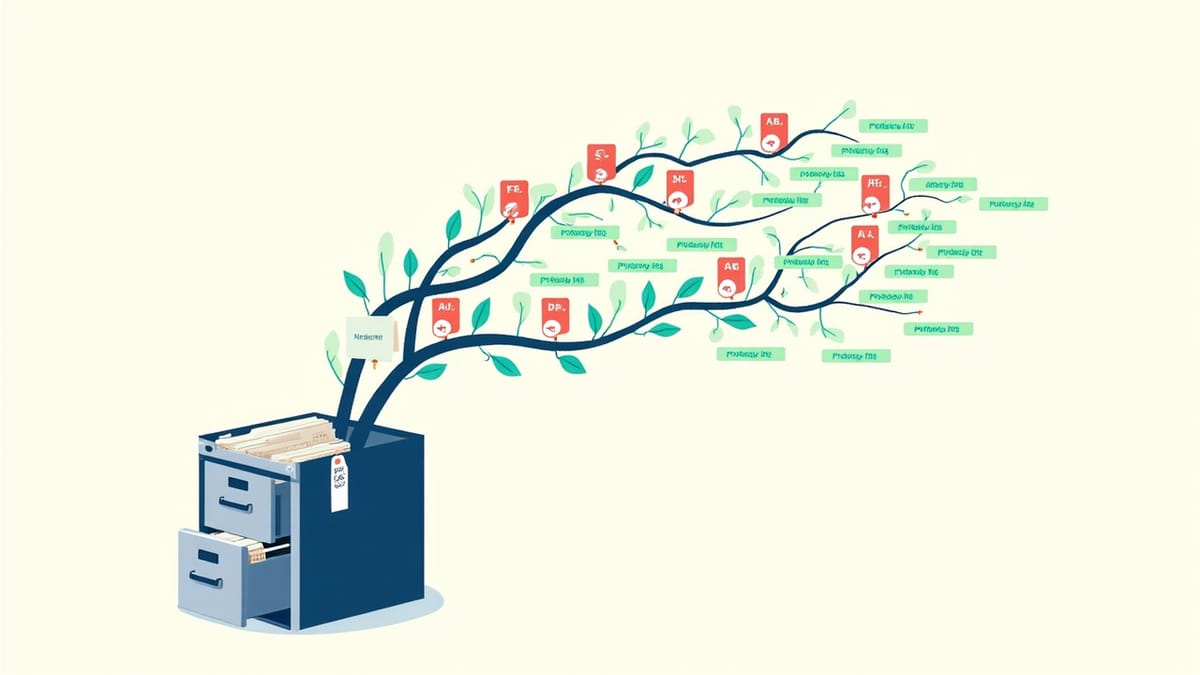
"Test data as code" is the practice of managing test data with the same rigor as application code — version controlled, reviewed, and deployed through your CI/CD pipeline. It's the natural extension of infrastructure as code and configuration as code into the testing layer.
When test data lives in code, you get reproducibility, auditability, and the ability to understand exactly what changed when tests start failing.
The Problem with Unversioned Test Data
Most teams manage test data informally. Seeds are scripts that got written once and rarely touched. Fixtures are YAML files that accumulate and drift. Database dumps are copied around and gradually become stale.
When something goes wrong — tests fail, a bug reaches production, an audit question arises — you can't answer "what was the state of the test data when this test ran?" because nobody tracked it.
Common symptoms of unversioned test data:
"Tests were passing yesterday" — but nobody knows what changed because test data changes weren't tracked.
Fixture drift — fixtures reference fields that no longer exist, or don't include fields that are now required.
Environment inconsistency — test data in CI differs from test data locally, so tests pass in one and fail in the other.
Audit gaps — for compliance-sensitive applications, you need to prove that specific tests ran against specific data. With unversioned data, you can't.
What "Test Data as Code" Means
Treating test data as code means:
- Test data is defined in code files, not database dumps or manual imports
- Test data changes are committed to version control alongside application code
- Test data has a migration path — just like database schemas, datasets evolve through versioned migrations
- Test data is reviewed in pull requests, not modified ad-hoc
- Test data is deployed through the same pipeline as application code
This applies to multiple layers: seed data, fixtures, factories, and data generators.
Layer 1: Seed Data as Code
Seeds create the baseline state your application needs to function. They should be version-controlled scripts, not one-off manual operations.
Basic Seed Files
// db/seeds/001_initial_data.js
export async function seed(db) {
  await db('roles').insert([
    { id: 1, name: 'admin', permissions: ['read', 'write', 'delete'] },
    { id: 2, name: 'user', permissions: ['read', 'write'] },
    { id: 3, name: 'viewer', permissions: ['read'] },
  ]);

  await db('config').insert([
    { key: 'max_upload_size_mb', value: '50' },
    { key: 'session_timeout_minutes', value: '60' },
    { key: 'feature_flag_new_checkout', value: 'false' },
  ]);
}Seeds are numbered (like migrations) so they run in order. The numbering makes the history readable: 001_initial_data.js, 002_add_test_users.js, 003_add_product_catalog.js.
Idempotent Seeds
Seeds must be idempotent — running them twice produces the same result as running them once. Use upsert semantics:
// Idempotent seed using upsert
export async function seed(db) {
  await db('roles').insert([
    { id: 1, name: 'admin' },
    { id: 2, name: 'user' },
  ]).onConflict('id').merge();  // update on conflict, don't fail
}Non-idempotent seeds fail on re-runs and make CI pipelines fragile.
Seed Environments
Different environments need different data. Structure your seeds to handle this:
// db/seeds/test-users.js
const ENV = process.env.NODE_ENV;

export async function seed(db) {
  if (ENV === 'production') {
    throw new Error('Refusing to seed test users in production');
  }

  const users = [
    { email: 'admin@test.example', role: 'admin', name: 'Test Admin' },
    { email: 'user@test.example', role: 'user', name: 'Test User' },
  ];

  if (ENV === 'development') {
    // Add extra development-only test accounts
    users.push({ email: 'dev@test.example', role: 'admin', name: 'Dev Account' });
  }

  await db('users').insert(users).onConflict('email').merge();
}Guard rails like this prevent test data from contaminating production.
Layer 2: Factories as Code
Factories are the code-level equivalent of test data templates. They define how to create valid instances of your domain objects:
// test/factories/user.factory.ts
import { Factory } from 'fishery';
import { faker } from '@faker-js/faker';
import type { User } from '../../src/types';

export const userFactory = Factory.define<User>(({ sequence }) => ({
  id: sequence,
  email: faker.internet.email(),
  name: faker.person.fullName(),
  role: 'user',
  createdAt: new Date(),
  emailVerified: true,
  passwordHash: '$2b$10$abcdefghijklmnopqrstuuVxyzABCDEFGHIJKLMNOP', // "password"
}));

// Traits for common variations
export const adminUserFactory = userFactory.params({ role: 'admin' });
export const unverifiedUserFactory = userFactory.params({ emailVerified: false });Factories live in test/factories/ alongside test files. When the User type changes, TypeScript catches mismatched factories at compile time.
Factory Conventions
One file per entity type — user.factory.ts, order.factory.ts, product.factory.ts. Easy to find.
Export trait variants — adminUserFactory, premiumUserFactory. Tests read clearly.
Handle associations explicitly — don't auto-create related records; let tests control relationships.
Keep factories lean — only include fields that exist in the type. Don't add test-only fields.
Layer 3: Data Migrations
Test data evolves when your schema evolves. When you add a required field to a table, your seeds and fixtures need to include it. When you rename a column, every reference needs updating.
Treating test data as code means managing this evolution explicitly:
db/
  migrations/
    001_create_users.sql           # schema migration
    002_add_user_role.sql          # schema migration
  seeds/
    001_initial_data.js            # seed data
    002_add_roles.js               # new seed added with migration 002
  test/
    factories/
      user.factory.ts              # updated to include role field
    fixtures/
users.json # updated to include role fieldWhen a schema migration adds a field, the corresponding seed and factory updates ship in the same pull request. Reviewers can see all the changes together.
Migration-Coupled Seeds
Some teams couple seed data changes directly to schema migrations:
-- migrations/002_add_user_role.sql

-- Schema change
ALTER TABLE users ADD COLUMN role VARCHAR(50) NOT NULL DEFAULT 'user';

-- Data change: update existing test users
UPDATE users SET role = 'admin' WHERE email = 'admin@test.example';This ensures seeds and schema are always in sync. The risk is that schema migrations and data migrations become harder to separate — useful for small teams, overkill at scale.
Layer 4: Fixture Files
For tests that need specific data scenarios (not just any valid user, but a user with these specific attributes), fixtures provide named datasets:
// test/fixtures/users.json
{
  "adminUser": {
    "id": 1,
    "email": "admin@test.example",
    "name": "Admin User",
    "role": "admin",
    "emailVerified": true
  },
  "suspendedUser": {
    "id": 2,
    "email": "suspended@test.example",
    "name": "Suspended User",
    "role": "user",
    "emailVerified": true,
    "suspendedAt": "2025-01-15T10:30:00Z"
  },
  "unverifiedUser": {
    "id": 3,
    "email": "new@test.example",
    "name": "New User",
    "role": "user",
    "emailVerified": false
  }
}Fixtures are explicit and readable, but brittle — they break when schemas change and don't handle relationships well. Use factories for most tests and fixtures only for specific named scenarios that need predictable, stable data.
Validating Fixtures Against Schema
Fixtures drift when schemas change and nobody updates the fixtures. Prevent this with schema validation at test time:
import Ajv from 'ajv';
import fixtures from './fixtures/users.json';
import userSchema from '../src/schemas/user.json';

const ajv = new Ajv();
const validate = ajv.compile(userSchema);

describe('User fixtures', () => {
  Object.entries(fixtures).forEach(([name, fixture]) => {
    test(`${name} matches user schema`, () => {
      const valid = validate(fixture);
      expect(valid).toBe(true);
    });
  });
});This test fails whenever a fixture is out of sync with the current schema — before you discover it during an actual test run.
Version Control Practices
Commit Test Data Changes with Feature Changes
When you add a feature that requires new test data:
git add src/features/checkout/        # feature code
git add test/factories/order.factory.ts  # updated factory
git add db/seeds/005_add_promo_codes.js  # new seed data
git commit -m "feat: add promo code support

- Add PromoCode model and service
- Seed 3 test promo codes for development
- Update OrderFactory to support promo_code association"The reviewer sees the complete picture: feature code, test factories, and seed data in one PR.
Use Branch-Aware Seeds
If your feature branch requires schema changes, the seeds on that branch won't work on main. Handle this with environment-level seed branching:
# Each feature branch can have its own seed additions
db/seeds/
  main/          # seeds that run in all environments
feature/ # seeds that only run for feature branches (cleaned up after merge)Or use feature flags in seeds:
export async function seed(db) {
  // Base data always runs
  await seedBaseData(db);

  // Feature-specific data only if feature is enabled
  if (process.env.FEATURE_PROMO_CODES === 'true') {
    await seedPromoCodes(db);
  }
}PR Review Checklist for Test Data Changes
Add a test data section to your PR template:
## Test Data Changes
- [ ] Seed files updated to include new required fields
- [ ] Factories updated for new/changed entity types
- [ ] Fixtures validated against updated schema
- [ ] Seeds are idempotent (safe to run multiple times)
- [ ] No production data references included
- [ ] Environment guards in place for sensitive seedsTooling Support
Knex.js (Node.js)
Knex has built-in support for migrations and seeds:
// knexfile.js
module.exports = {
  test: {
    client: 'postgresql',
    connection: process.env.TEST_DATABASE_URL,
    migrations: { directory: './db/migrations' },
    seeds: { directory: './db/seeds' },
  },
};# Run migrations
knex migrate:latest --env test
# Run seeds
knex seed:run --env test
# Create a new seed file
knex seed:make 005_add_promo_codes --env testAlembic (Python / SQLAlchemy)
# alembic/env.py — separate test data from schema migrations
def run_test_seeds():
    from app.tests.seeds import seed_all
seed_all(get_engine())Rails (ActiveRecord)
Rails has built-in seeds (db/seeds.rb) and a rich ecosystem of factory gems (FactoryBot):
# db/seeds.rb
Role.find_or_create_by(name: 'admin')
Role.find_or_create_by(name: 'user')

if Rails.env.test? || Rails.env.development?
  User.find_or_create_by(email: 'admin@test.example') do |u|
    u.name = 'Test Admin'
    u.role = Role.find_by(name: 'admin')
    u.password = 'testpassword'
  end
endFlyway / Liquibase (Java)
Both tools manage schema migrations. Use separate seed scripts triggered post-migration:
<!-- flyway: V1__create_users.sql, V2__add_roles.sql -->
<!-- seeds: separate Maven phase, not part of Flyway -->Measuring Test Data Health
Track these metrics to understand whether your test data discipline is working:
Fixture validity rate — what percentage of fixtures pass schema validation? Should be 100%.
Seed execution time — how long does it take to seed the test database? Should stay under 30 seconds for CI.
Test data-related failures — how often do tests fail because of data issues rather than code issues? Should trend toward zero.
Seed freshness — how recently were seeds updated relative to the last schema change? Flag seeds that haven't been touched in 90 days.
Summary
Test data as code is the practice that turns test data from a source of mystery failures into a controlled, auditable, reproducible asset. The key principles:
| Principle | Implementation |
|---|---|
| Seeds in version control | Numbered seed files in db/seeds/ |
| Factories alongside tests | test/factories/ directory |
| Fixture validation | Schema validation tests |
| Coupled migrations | Data changes ship with schema changes |
| Idempotent seeds | Upsert semantics throughout |
| Environment guards | Production check in all seeds |
When test data is code, test failures are debuggable, test environments are reproducible, and compliance audits become manageable — because you can always show exactly what data your tests ran against.
