
Regression Testing vs Retesting: What's the Difference?

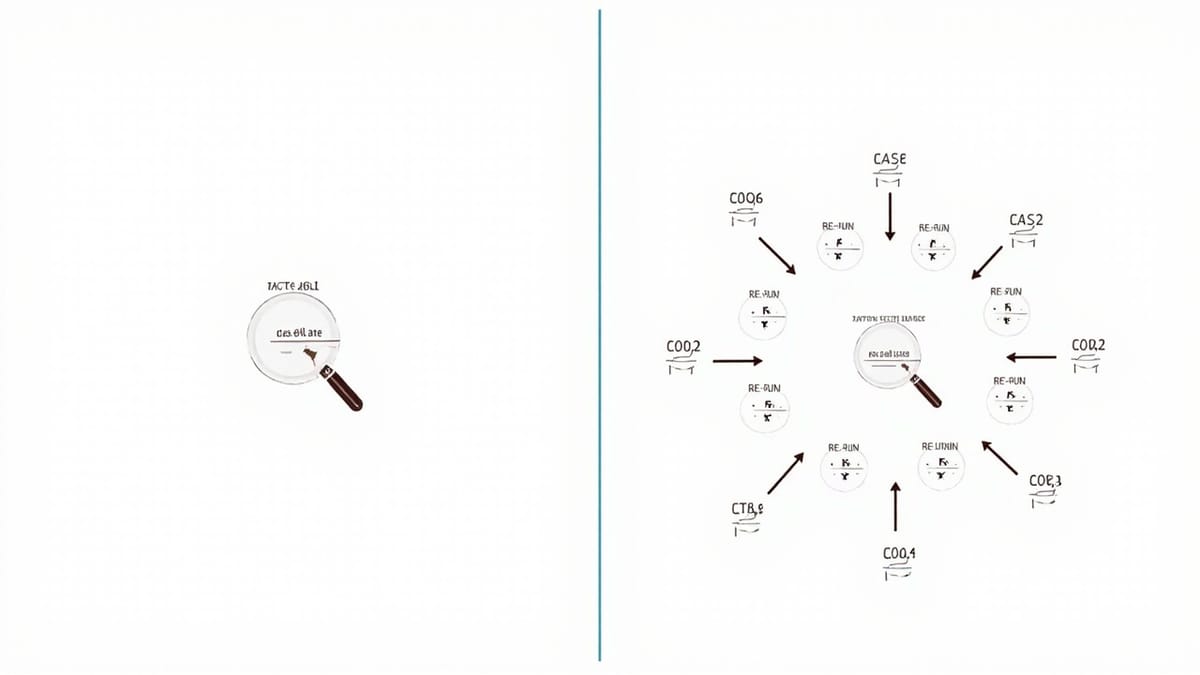
"Regression testing" and "retesting" get used interchangeably in engineering conversations, but they're different activities with different goals, different triggers, and different scopes. Mixing them up leads to either missed bugs or wasted effort. Here's a clear breakdown.
The Short Version
Retesting: You found a bug. It was fixed. You verify the fix works.
Regression testing: Code changed. You verify that everything else still works.
Retesting is narrow and specific. Regression testing is broad and protective. Both are necessary. They're just answers to different questions.
Retesting in Depth
What it is
Retesting is the act of re-executing a test that previously failed, after a fix has been applied, to confirm the fix resolved the issue.
If a tester found that clicking "Submit" on the checkout form submitted the order twice, creating duplicate charges — that's a bug. The developer fixes it. The tester then runs the exact same test again: open checkout, fill form, click Submit, verify exactly one order is created. That's retesting.
Triggers for retesting
- A bug has been fixed
- A specific defect has been resolved
- A previously failing test needs verification
Scope of retesting
Narrow. You're testing the specific scenario that was broken. Nothing more.
You're not running 200 tests. You're running the one test that failed — and possibly a few closely related ones if the fix could have affected adjacent behavior.
Who does it
Typically whoever reported the bug — a QA engineer, a developer who was assigned the bug, or an automated test that was written specifically to reproduce the issue.
Example
Bug report: BUG-4421 — Password reset emails not sending when email contains uppercase letters

Steps to reproduce:
1. Navigate to /forgot-password
2. Enter "User@Example.com" (uppercase)
3. Click "Send reset email"
4. Expected: Email arrives within 2 minutes
5. Actual: No email sent, no error displayed

Fix applied: Normalize email to lowercase before lookup in auth.service.ts

Retest:
1. Navigate to /forgot-password
2. Enter "User@Example.com"
3. Click "Send reset email"
4. PASS: Email received within 45 seconds
5. Close BUG-4421That's retesting. Targeted, specific, confirming one fix.
When retesting is not enough
Retesting confirms the fix works. It doesn't confirm the fix didn't break anything else. That's where regression testing comes in.
Regression Testing in Depth
What it is
Regression testing is running a broader set of tests after any code change to confirm that functionality which was working before the change still works. You're looking for unintended side effects of a change.
The change could be a bug fix, a new feature, a refactor, a dependency upgrade — anything. The goal is to catch regressions: things that worked before but don't work now.
Triggers for regression testing
- Any code change merged to the main branch
- A bug fix (yes, in addition to retesting the fix itself)
- A new feature deployment
- A dependency or library upgrade
- An infrastructure change
- A scheduled check to catch environmental drift
Scope of regression testing
Broad. You're running a significant subset — or all — of your existing tests.
Exactly how broad depends on your strategy. On every PR you might run your smoke regression suite (20-30 critical path tests). Before a release, you run the full suite (200+ tests). The goal is to cover enough ground to catch unintended consequences.
Example
The same bug fix from above (BUG-4421) that normalized email casing might have touched a shared utility function used by:
- Password reset
- Login
- User registration
- Email preference updates
- Account deletion
After retesting confirms the fix works, regression testing covers those other flows to make sure the normalization change didn't accidentally break login for users with mixed-case emails, or registration validation logic, or anything else.
# After applying the auth.service.ts fix and retesting the specific bug:
npx playwright test --grep "auth|login|registration|password"

# Results:
# ✓ login with valid credentials (1.2s)
# ✓ login with uppercase email (0.9s)  ← new regression test added for this fix
# ✓ login with wrong password shows error (1.1s)
# ✓ registration with valid data (2.3s)
# ✓ registration with existing email shows error (1.0s)
# ✓ password reset with valid email (4.1s)
# ✓ password reset with uppercase email (3.8s)  ← the bug scenario
# ✓ password reset with unknown email shows generic message (1.2s)All 8 tests pass. The fix didn't regress anything.
Side-by-Side Comparison
| Dimension | Retesting | Regression Testing |
|---|---|---|
| Goal | Confirm a specific bug is fixed | Confirm existing functionality still works |
| Trigger | Bug fix applied | Any code change |
| Scope | The failed test(s) only | Broad suite of existing tests |
| Question answered | "Did we fix the bug?" | "Did we break anything else?" |
| Who executes | Whoever reported/owned the bug | CI pipeline, QA team |
| Timing | After a specific fix | After any change, before release |
| Automation | Often manual for one-off bugs | Should be fully automated |
| New tests added | Sometimes (to prevent recurrence) | No — existing tests run |
Do You Always Need Both?
Almost always, yes. After a bug fix you need:
- Retest: Confirm the fix works for the specific scenario that was broken
- Regression test: Confirm the fix didn't break anything adjacent
The only time regression testing might be overkill is for a completely isolated fix — something in a utility function touched by exactly one test, with no shared dependencies. In practice, those are rare.
The only time retesting alone makes sense: you're reverting a change. The code is going back to a known-good state. Regression testing the revert is redundant — you already tested that state.
Common Mistakes
Mistake 1: Only retesting the fix
A developer fixes a login bug. They verify login works. They ship. They didn't run regression. Three days later, someone reports that the password reset flow is broken — the fix touched shared auth middleware.
Lesson: retest is not enough after touching shared code.
Mistake 2: Skipping retesting and just running regression
A bug fix is applied. The team runs the full regression suite. It passes. They close the bug. But nobody actually verified the exact failing scenario described in the bug report.
Sometimes a fix passes regression (no regressions introduced) but doesn't actually fix the bug (the specific scenario is not in the regression suite). Always retest the specific scenario explicitly.
Mistake 3: Adding retesting to your automation but not your regression suite
You write an automated test to verify the bug fix. Great. But you put it in a "bug fixes" folder that only runs manually, not in your regression suite.
Next quarter, a different change reintroduces the bug. The automated test exists, but it's not running. The bug ships again.
Always add the test for a bug fix to your regression suite. That's the only way to prevent the same bug from reappearing.
Practical Workflow
When a bug is reported and fixed:
- Write an automated test that reproduces the bug (if one doesn't exist) — it should fail against the unfixed code
- Apply the fix — the test should now pass
- Retest: run the specific test to confirm the fix (this is your retest)
- Regression test: run the suite for affected areas to confirm nothing else broke
- Add the test to the regression suite: commit the new test so it runs on every future change
- Close the bug: document what broke, what changed, and how you verified the fix
This workflow turns every bug into a permanent regression guard. Over time, your regression suite grows to cover the actual failure modes your software experiences — not just theoretical ones.
Conclusion
Retesting and regression testing are complementary, not interchangeable. Retesting is your proof that a fix worked. Regression testing is your protection against unintended consequences.
Skipping retesting means you might ship a fix that doesn't actually fix anything. Skipping regression testing means you might ship a fix that fixes one thing and breaks three others.
Run both. Automate both. And when you fix a bug, add a regression test so it can't silently return.