How to Test User Flows Without Code

User flow testing is the practice of verifying that your users can successfully complete key journeys in your application — from sign-up through onboarding to their first meaningful action. It's the most important type of testing for most web apps.
The traditional approach requires coding: you write Playwright or Selenium scripts that simulate user actions in a browser. This creates a barrier for non-engineers and means tests are maintained by developers who often have higher-priority work.
This guide shows you how to test user flows without any code, using natural language to define tests that run automatically.
What Are User Flows?
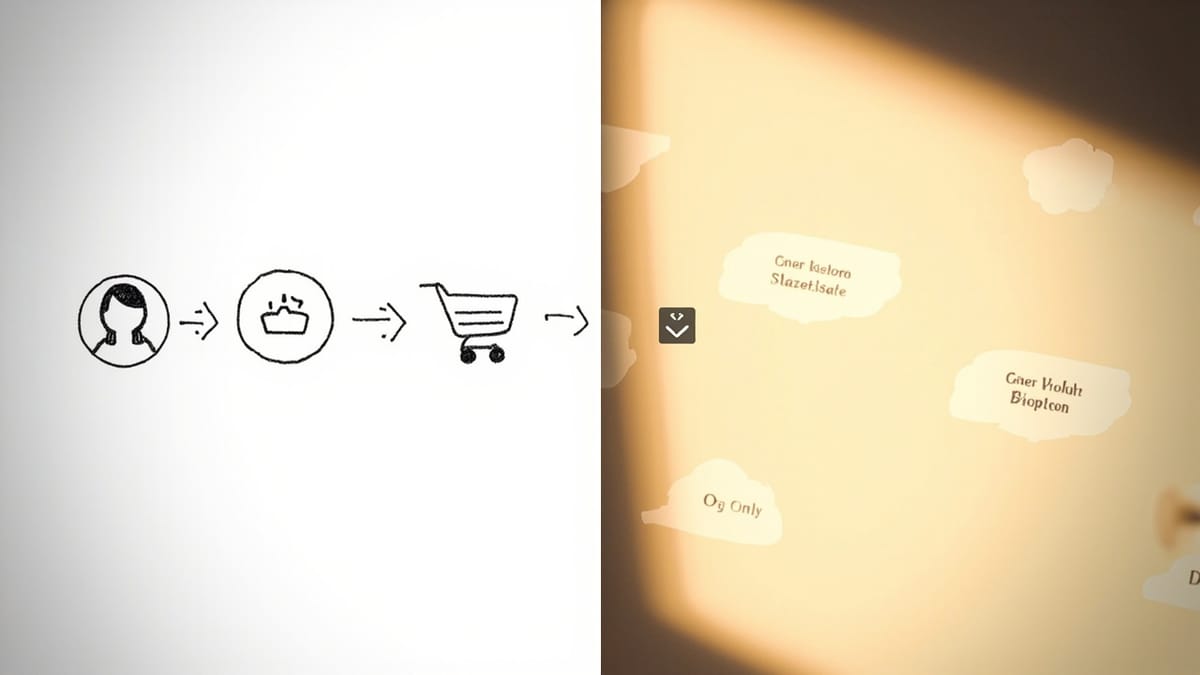
A user flow is a sequence of steps a user takes to accomplish a goal. Examples:
- Onboarding flow: Land on homepage → click Sign Up → fill out form → verify email → complete onboarding → reach dashboard
- Purchase flow: Browse products → add to cart → enter payment → confirm order → receive receipt
- Feature flow: Log in → navigate to feature → configure it → save → verify result appears
Each flow has a start, an end, and a series of steps. If any step fails, the user can't complete their goal.
Why User Flow Testing Matters
User flows are where you lose users. A broken button in a rarely-visited settings screen is a minor bug. A broken button in the checkout flow is a revenue incident.
Automated flow testing gives you:
Early regression detection — Changes in one part of the app can silently break flows elsewhere. Automated tests catch this before users do.
Confidence to ship faster — When you know your critical flows are tested, you can deploy without the anxiety of "what did I accidentally break?"
24/7 monitoring — Flows can break after business hours. Automated monitoring alerts you within minutes, not after users start complaining.
Documentation — Written test cases describe exactly how flows are supposed to work, which is useful for onboarding new team members.
How to Define User Flows in Plain English
With HelpMeTest, you write tests as natural language instructions — the same way you'd describe a flow to a manual tester:
Example: Signup Flow
Open https://app.example.com
Click "Sign Up"
Enter "testuser@example.com" in the email field
Enter "SecurePass123!" in the password field
Click "Create Account"
Wait for the dashboard to appear
Verify "Welcome" text is visible on the pageExample: Checkout Flow
Open https://shop.example.com/products
Click the first product
Click "Add to Cart"
Click the cart icon
Click "Proceed to Checkout"
Fill in the shipping address fields
Enter test credit card "4242424242424242"
Click "Place Order"
Verify the order confirmation page loads
Verify an order number is displayedExample: Core Feature Flow (SaaS)
Open https://myapp.com
Log in with email "demo@example.com" and password "demo123"
Navigate to the "Projects" section
Click "New Project"
Enter "Test Project" as the project name
Click "Create"
Verify the project appears in the list
Click on the project
Verify the project dashboard opensNo selectors. No async/await. No brittle XPath. Just steps, like you'd write in a test case document.
Setting Up Flow Tests
1. Identify your critical flows (30 minutes)
List every flow that, if broken, would cause user complaints or lost revenue. For most apps: signup, login, core feature, payment, password reset.
Prioritize by business impact. Test the highest-impact flows first.
2. Write tests for each flow (10-20 minutes per flow)
Open HelpMeTest and create a new test. Write steps in plain English. Be specific about what to click, what to enter, and what success looks like.
Tips for writing good flow tests:
- Be specific about field labels — "Enter email" is better than "Enter text"
- Include assertions — Every test should end with a "verify" step that confirms success
- Use test accounts — Create dedicated test credentials so you're not polluting production data
- Test the full path — Don't stop at "the button clicked" — verify what happened as a result
3. Run and validate (5 minutes)
Watch the first run as a video in HelpMeTest. Verify the test is doing what you expect. Adjust any steps where the AI misinterpreted your instructions.
4. Enable monitoring
Schedule the tests to run continuously. HelpMeTest runs tests every 5 minutes — you'll get an email alert if any flow breaks.
5. Add to CI/CD
Trigger tests after every deploy using the HelpMeTest CLI or API. This ensures flows are verified before changes go live.
Common Flow Testing Mistakes
Testing implementation instead of behavior. "Verify the React component renders" is not a user flow test. "Verify the user can see their account summary" is.
Not testing the assertion. A test that just navigates but never verifies success is just a broken link checker. Every flow test must end with an assertion.
Using production data. Create dedicated test accounts. Don't run automated signups against your production email system — use test email addresses that you control.
Starting too complex. Test the happy path first. Once that's stable, add edge cases (invalid input, expired session, network error).
Skipping mobile. Many users access your app on mobile. HelpMeTest supports multiple viewports — run your critical flows at mobile width too.
What Good Flow Test Coverage Looks Like
A well-tested app has:
- 5-10 critical flow tests covering P0 user journeys
- Each test running every 5-15 minutes
- Alert notifications to the PM and on-call engineer
- Tests integrated into the CI/CD pipeline (run on every deploy)
- At least one mobile viewport test for each critical flow
That's it. You don't need 1000 tests. You need 10 tests for the flows that matter, running continuously, with alerting.
Set up your first user flow test in HelpMeTest → — no coding required, start with a free trial.