Hookdeck: Testing, Debugging, and Monitoring Webhooks in Production

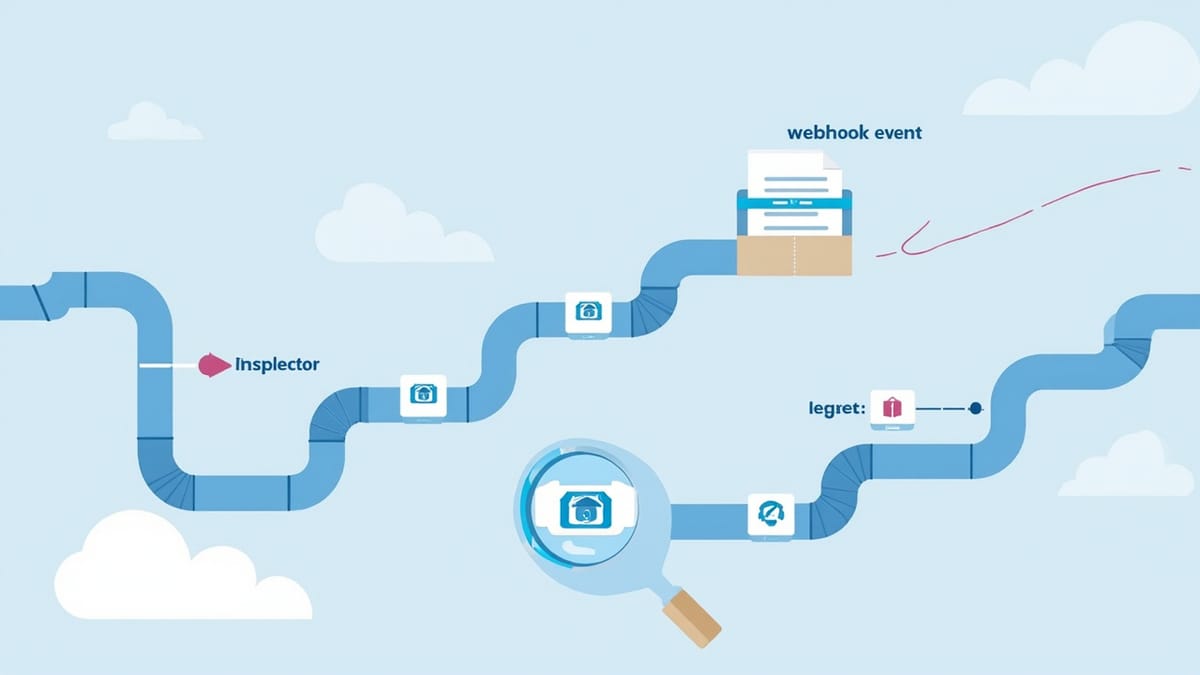
Hookdeck is a webhook gateway and event queue that sits between your webhook senders and your application. It gives you a request inspector for debugging payloads, event replay for development, and filtering and transformation as middleware. This guide walks through setting up Hookdeck CLI for local development, using the dashboard to debug, and how it compares to ngrok for webhook testing.
Key Takeaways
Hookdeck is not just a tunnel — it's a webhook infrastructure layer. Unlike ngrok, Hookdeck persists and queues events, so you don't lose webhooks when your local server is down. Event replay is the killer feature for developers. Replay any historical webhook against your updated handler without waiting for the external service to send again. Combine Hookdeck for development with HelpMeTest for production monitoring. Hookdeck handles inbound delivery; HelpMeTest catches when your endpoint goes silent.
Debugging a webhook integration is frustrating by default. You need to trigger a real event in an external system, catch the HTTP request before it disappears, understand the exact payload structure, reproduce the scenario when something goes wrong, and test your handler changes against historical events.
ngrok solves the "expose localhost" problem but doesn't address most of the others. Hookdeck was built specifically for webhook development workflows — it acts as a gateway that queues, inspects, filters, and replays webhook events.
What Hookdeck Actually Is
Hookdeck sits in front of your webhook handler as an HTTP intermediary:
External Service → Hookdeck → Your Application
(Stripe, GitHub,  (queue,      (localhost:3000
 Shopify, etc.)    inspect,     or production)
retry)When a webhook arrives at Hookdeck's ingress URL, Hookdeck:
- Accepts the event immediately (returns 200 to the sender)
- Queues the event for reliable delivery to your application
- Records the full request in its dashboard
- Delivers to your application, retrying on failure
- Marks the event delivered when your handler responds 2xx
This architecture means your handler going down doesn't cause the sender to see failures — Hookdeck absorbs the event and retries when your handler recovers.
Setting Up Hookdeck CLI for Local Development
The Hookdeck CLI creates a tunnel to your localhost and registers it as a destination in Hookdeck's routing.
# Install
npm install -g hookdeck-cli

# Or via Homebrew
brew install hookdeck/hookdeck/hookdeck

# Login (creates account or logs in)
hookdeck login

# Listen: forward webhooks from Hookdeck to your localhost
hookdeck listen 3000 stripe-webhooks
# → Dashboard URL: https://dashboard.hookdeck.com/cli/sessions/...
# → Webhooks URL: https://events.hookdeck.com/e/src_XXXXXThe "Webhooks URL" (https://events.hookdeck.com/e/src_XXXXX) is what you put in Stripe's dashboard instead of your server URL. All events go to Hookdeck first, then Hookdeck forwards them to your localhost.
Setting Up Your Express Handler
Your handler doesn't change at all — Hookdeck is transparent to your application:
// src/webhooks/stripe.js
const express = require("express");
const router = express.Router();

router.post("/stripe", express.raw({ type: "application/json" }), (req, res) => {
  const signature = req.headers["stripe-signature"];
  let event;

  try {
    event = stripe.webhooks.constructEvent(
      req.body,
      signature,
      process.env.STRIPE_WEBHOOK_SECRET
    );
  } catch (err) {
    console.error("Webhook signature verification failed:", err.message);
    return res.status(400).send(`Webhook Error: ${err.message}`);
  }

  switch (event.type) {
    case "payment_intent.succeeded":
      handlePaymentSucceeded(event.data.object);
      break;
    case "customer.subscription.deleted":
      handleSubscriptionCancelled(event.data.object);
      break;
    default:
      console.log(`Unhandled event type: ${event.type}`);
  }

  res.sendStatus(200);
});

module.exports = router;One note on signature verification with Hookdeck: Hookdeck forwards the original Stripe signature headers unchanged. Your stripe.webhooks.constructEvent() call works exactly as it would without Hookdeck.
Using the Request Inspector
Every webhook that passes through Hookdeck is visible in the dashboard at dashboard.hookdeck.com. The request inspector shows:
- Full request headers
- Raw request body (formatted JSON)
- Response status and body from your application
- Delivery attempt timeline (with retry history)
- Processing time
This is invaluable for debugging payload structure. Instead of adding console.logs to your handler and triggering events one at a time, you can see exactly what Stripe sent and compare it to what your handler expected.
Using the Hookdeck SDK to Access Events Programmatically
const { Hookdeck } = require("@hookdeck/sdk");

const hookdeck = new Hookdeck({
  token: process.env.HOOKDECK_API_KEY
});

async function getRecentFailedEvents(sourceId) {
  const events = await hookdeck.events.list({
    sourceId,
    status: "FAILED",
    limit: 20
  });

  return events.models.map(event => ({
    id: event.id,
    eventType: event.data?.type,
    status: event.status,
    attempts: event.attempts,
    lastAttemptAt: event.lastAttemptAt,
    responseStatus: event.lastAttemptAt ? event.responseStatus : null
  }));
}

async function getEventPayload(eventId) {
  const event = await hookdeck.events.retrieve(eventId);
  return {
    headers: event.headers,
    body: event.body,
    parsedBody: JSON.parse(event.body)
  };
}Replaying Webhook Events During Development
This is Hookdeck's most useful feature for development. When you change your handler logic, you don't need to trigger new real events — replay historical ones.
# Replay the last failed event
hookdeck events replay --last-failed

# Replay a specific event by ID
hookdeck events replay evt_abc123

# Replay all events from the last hour
hookdeck events replay --since=1hFrom the dashboard, you can replay any event with one click. This makes the development loop for webhook handlers much tighter:
- Trigger a real event once in Stripe's dashboard
- See it in Hookdeck inspector — understand the payload
- Write your handler
- Handler fails? Replay the event without going back to Stripe
- Fix, replay, repeat
Programmatic Replay in Tests
const { Hookdeck } = require("@hookdeck/sdk");

async function replayWebhookForTesting(eventId) {
  const hookdeck = new Hookdeck({ token: process.env.HOOKDECK_API_KEY });

  await hookdeck.events.retry(eventId);

  // Wait for delivery
  await new Promise(resolve => setTimeout(resolve, 2000));

  const event = await hookdeck.events.retrieve(eventId);
  return event.status === "DELIVERED";
}

test("handles historical payment.succeeded event correctly", async () => {
  const delivered = await replayWebhookForTesting("evt_historical_001");
  expect(delivered).toBe(true);

  const payment = await Payment.findOne({ where: { stripe_event_id: "evt_historical_001" } });
  expect(payment.status).toBe("completed");
});Hookdeck Filtering and Transformation Testing
Hookdeck lets you define filters that control which events reach your application. Test that your filter logic works as expected:
// Test: only payment events above $100 should reach the handler
async function createPaymentFilter(connectionId) {
  const hookdeck = new Hookdeck({ token: process.env.HOOKDECK_API_KEY });

  await hookdeck.connections.update(connectionId, {
    rules: [
      {
        type: "filter",
        body: {
          data: {
            object: {
              amount: { $gte: 10000 } // $100 in cents
            }
          }
        }
      }
    ]
  });
}

test("filter excludes small payments", async () => {
  const sender = new MockWebhookSender(secret, hookdeckIngressUrl);

  // Small payment — should be filtered
  await sender.send("payment.succeeded", { amount: 500 }); // $5

  // Large payment — should pass through
  await sender.send("payment.succeeded", { amount: 15000 }); // $150

  await sleep(1000);

  // Only one payment should have been processed
  const payments = await Payment.findAll({ where: { created_after: testStart } });
  expect(payments).toHaveLength(1);
  expect(payments[0].amount).toBe(15000);
});Testing Retry Behavior
Hookdeck retries delivery when your handler returns a non-2xx response. Test that your handler can handle retries after a transient failure:
let failureCount = 0;

// Temporarily make your handler fail
app.use("/webhooks/test-retry", (req, res, next) => {
  if (failureCount < 2) {
    failureCount++;
    return res.status(503).json({ error: "Temporarily unavailable" });
  }
  next();
});

test("Hookdeck retries after 503 and event is eventually processed", async () => {
  failureCount = 0;

  await sender.send("order.created", { id: "order_retry_test" });

  // Wait for Hookdeck to retry (default: exponential backoff, first retry ~30s)
  // In test environment, configure a shorter retry interval
  await sleep(5000);

  const event = await hookdeck.events.list({
    status: "DELIVERED",
    limit: 1
  });

  expect(event.models[0].attempts).toBeGreaterThan(1);

  const order = await Order.findById("order_retry_test");
  expect(order).not.toBeNull();
});Hookdeck vs ngrok for Webhook Testing
| Feature | Hookdeck | ngrok |
|---|---|---|
| Local tunnel | Yes | Yes |
| Event persistence | Yes (full history) | No (disappears) |
| Event replay | Yes | No |
| Request inspector | Full dashboard | Basic web inspector |
| Event queuing | Yes (handles downtime) | No |
| Filtering/transformation | Yes | No |
| Production webhook management | Yes (gateway mode) | No |
| Free tier | Yes (limited events) | Yes (basic tunnel) |
| Price | Paid plans from $25/month | Paid plans from $8/month |
Use ngrok when you just need a quick localhost tunnel for one-off testing. Use Hookdeck when you're doing serious webhook development — replay, filtering, and persistence are worth the extra setup.
Combining Hookdeck with HelpMeTest
Hookdeck handles the development and delivery reliability layer. For production monitoring — knowing when your webhook endpoint is down, slow, or silently failing — HelpMeTest's health checks fill the gap.
Set up a HelpMeTest health check that sends a test webhook to your endpoint every 5 minutes and verifies the expected outcome. When Hookdeck reports increasing retry counts (your handler is failing), your HelpMeTest health check will alert independently, confirming the production impact.
Try HelpMeTest
Your webhook endpoints need the same production monitoring as your REST APIs. HelpMeTest lets you set up health checks that continuously verify webhook handlers are running correctly — sending synthetic events, checking response status, validating side effects. Visit https://helpmetest.com — usage-based pricing ($0.003/run, no base fee), unlimited health checks and test runs.