
How to Test Flowise Chatflows and Agents
You built a Flowise chatflow, connected a few nodes, and it works perfectly in the canvas.

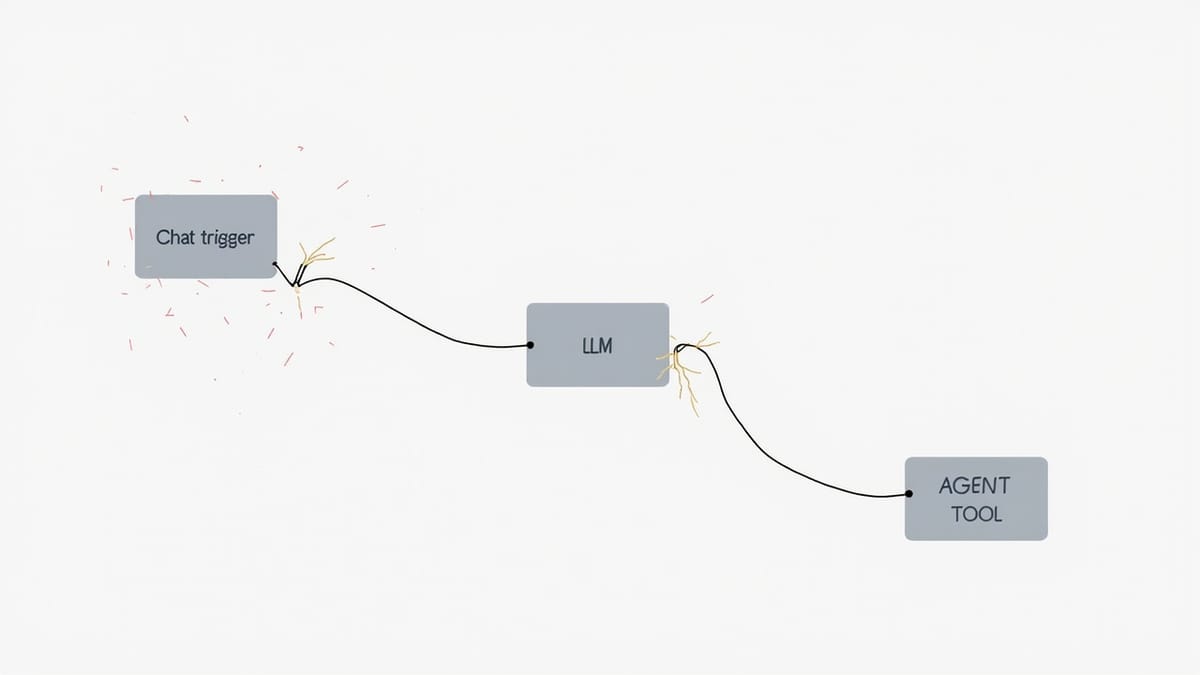
You built a Flowise chatflow, connected a few nodes, and it works perfectly in the canvas. Then you deploy it, a user asks a slightly different question than your test prompts, the chain returns a hallucinated answer, and the retrieval node quietly returned zero results. You find out from a support ticket.
This is the gap Flowise doesn't close for you. The visual builder is excellent for rapid prototyping — but it doesn't give you automated tests, regression coverage, or production monitoring. You need to build that layer yourself.
Here's how.
What You're Actually Testing in Flowise
A Flowise application is a graph of nodes. Each node is a component — a language model, a vector store, a retriever, a prompt template, a memory module. When something breaks, it's usually one of:
- Retrieval quality — the vector store returns irrelevant chunks, or returns nothing
- Prompt regression — a node's prompt was edited and the output changed unexpectedly
- Chain connectivity — a node was reconfigured and broke the downstream flow
- API contract — your application calls Flowise's prediction API and the response schema changed
- Tool call failure — an agent selected the wrong tool or a tool returned an error
The test strategy maps directly onto these failure modes.
Testing Flowise via the Prediction API
Every Flowise chatflow exposes a prediction endpoint. This is your primary test surface:
POST http://localhost:3000/api/v1/prediction/{chatflowId}
Content-Type: application/json

{
  "question": "What is the return policy?",
  "overrideConfig": {
    "sessionId": "test-session-001"
  }
}Write tests that call this endpoint directly, not through the Flowise canvas. Automated tests against the API catch regressions that manual canvas testing misses.
// flowise.test.js
import { describe, it, expect } from 'vitest';

const BASE_URL = process.env.FLOWISE_URL ?? 'http://localhost:3000';
const CHATFLOW_ID = process.env.CHATFLOW_ID ?? 'your-chatflow-id';

async function predict(question, sessionId = 'test-session') {
  const res = await fetch(`${BASE_URL}/api/v1/prediction/${CHATFLOW_ID}`, {
    method: 'POST',
    headers: { 'Content-Type': 'application/json' },
    body: JSON.stringify({ question, overrideConfig: { sessionId } }),
  });

  if (!res.ok) throw new Error(`Prediction failed: ${res.status}`);
  return res.json();
}

describe('Flowise chatflow — return policy', () => {
  it('returns a non-empty answer for a known question', async () => {
    const result = await predict('What is your return policy?');
    expect(result.text).toBeTruthy();
    expect(result.text.length).toBeGreaterThan(20);
  });

  it('does not hallucinate when the question is out of scope', async () => {
    const result = await predict('What is the capital of Mars?');
    // The answer should indicate the chatbot doesn't know, not invent an answer
    expect(result.text).toMatch(/don't know|not sure|outside|cannot/i);
  });

  it('maintains context across a session', async () => {
    const sessionId = `test-session-${Date.now()}`;
    await predict('My name is Alice.', sessionId);
    const followUp = await predict('What is my name?', sessionId);
    expect(followUp.text).toMatch(/alice/i);
  });
});These three tests catch the most common production failures: empty responses, hallucination on out-of-scope queries, and memory not carrying across turns.
Testing Retrieval Quality
If your chatflow includes a vector store retriever, retrieval quality is the highest-risk component. A retriever that returns zero chunks produces a hallucinated or empty answer every time.
// retrieval.test.js
describe('Flowise RAG retrieval', () => {
  it('retrieves relevant chunks for a known query', async () => {
    const result = await predict('What documents do I need for onboarding?');

    // Check that source documents were returned (if your flow returns them)
    expect(result.sourceDocuments).toBeDefined();
    expect(result.sourceDocuments.length).toBeGreaterThan(0);

    // Check that the retrieved content is topically relevant
    const retrievedText = result.sourceDocuments
      .map(d => d.pageContent)
      .join(' ')
      .toLowerCase();
    expect(retrievedText).toMatch(/onboard|document|require/i);
  });

  it('answers a query that requires specific retrieved data', async () => {
    // This is a "golden answer" test — you know the answer from your documents
    const result = await predict('How many days does onboarding take?');
    // If your docs say 5 days, assert that
    expect(result.text).toMatch(/5|five/i);
  });
});Golden-answer tests are the strongest signal for RAG quality. Pick questions where the answer is deterministic based on your document corpus and assert that the output matches.
Testing Flowise Agents
Flowise agents have more surface area than simple chains — they select tools, loop, and branch. Test them by asserting on the agent's tool selection and the final output.
// agent.test.js
describe('Flowise agent — customer support', () => {
  it('routes billing questions to the billing tool', async () => {
    const result = await predict('I was charged twice for my subscription');

    // If your flow returns tool usage metadata
    if (result.agentReasoning) {
      const toolsUsed = result.agentReasoning
        .flatMap(step => step.usedTools ?? [])
        .map(t => t.tool);
      expect(toolsUsed).toContain('billing-lookup');
    }

    // Always assert on the final answer quality
    expect(result.text).toMatch(/charge|billing|subscription|refund/i);
  });

  it('handles multi-hop questions without looping infinitely', async () => {
    const start = Date.now();
    const result = await predict('Compare the pricing of plan A and plan B');
    const elapsed = Date.now() - start;

    expect(result.text).toBeTruthy();
    expect(elapsed).toBeLessThan(30000); // Agent shouldn't loop for 30+ seconds
  });
});The infinite-loop check is often overlooked. Flowise agents with misconfigured stopping conditions will run until they hit a token limit or timeout. A timeout assertion in your test surfaces this before it reaches production.
Testing Document Upload Flows
If your Flowise instance has document ingestion (upload → chunk → embed → store), test the ingestion pipeline too:
// ingestion.test.js
import { readFileSync } from 'fs';

describe('Document ingestion', () => {
  it('accepts a PDF upload and makes it queryable', async () => {
    // Upload a test document via the document store API
    const formData = new FormData();
    formData.append('files', new Blob([readFileSync('./test-fixtures/test-policy.pdf')], {
      type: 'application/pdf'
    }), 'test-policy.pdf');

    const uploadRes = await fetch(`${BASE_URL}/api/v1/vector/upsert/${CHATFLOW_ID}`, {
      method: 'POST',
      body: formData,
    });
    expect(uploadRes.ok).toBe(true);

    // Wait briefly for ingestion to complete
    await new Promise(r => setTimeout(r, 3000));

    // Now query for content that's only in the uploaded document
    const result = await predict('What does the test policy document say about returns?');
    expect(result.text).toBeTruthy();
    expect(result.text).not.toMatch(/don't have|no information/i);
  });
});Smoke Tests for Production Monitoring
Beyond development tests, you need continuous monitoring for your deployed Flowise instance. Production chatflows break for reasons that don't show up in unit tests: the vector store goes cold, an API key expires, the LLM provider returns 429s.
Set up a minimal smoke test that runs on a schedule:
// smoke.test.js
describe('Flowise production smoke test', () => {
  it('prediction endpoint is reachable and returns a response', async () => {
    const result = await predict('Hello');
    expect(result.text).toBeTruthy();
  });

  it('responds within acceptable latency', async () => {
    const start = Date.now();
    await predict('What are your business hours?');
    const elapsed = Date.now() - start;
    expect(elapsed).toBeLessThan(10000); // 10 second max
  });
});How HelpMeTest Helps
If your Flowise app has a chat UI — and most do — HelpMeTest lets you write tests against the actual browser interface without touching test code:
Go to https://your-flowise-app.com
Click the chat input
Type "What is your return policy?"
Wait for the response to appear
Verify the response contains "30 days"HelpMeTest runs these tests on a schedule and alerts you when the chatflow breaks in production — the LLM response changed, the loading indicator never clears, or the UI throws an error the API test wouldn't catch.
The helpmetest health flowise-chat 5m command sets up a heartbeat that pings your chatflow every 5 minutes and reports when it goes down. That's faster than waiting for a user to file a ticket.
Usage-based pricing ($0.003/run, no base fee) means you can protect your critical chatflow paths from day one without worrying about a test cap.
What to Actually Ship
Minimum test coverage for a production Flowise chatflow:
- API test — prediction endpoint returns a non-empty answer for a known question
- Retrieval test — at least one golden-answer test per knowledge domain in your corpus
- Memory test — session context carries across turns if your flow uses memory
- Agent routing test — if you have tools, assert tool selection for each major intent
- Smoke test — latency and availability check running on a schedule in production
Flowise moves fast. New versions change how nodes behave. Your chatflow configuration drifts. Tests catch that before your users do.
Start a free trial with HelpMeTest. Add browser-level monitoring to your Flowise app in under ten minutes at helpmetest.com.