Dagger vs GitHub Actions: When to Use Each for Testing Pipelines
Both Dagger and GitHub Actions run your tests in CI. The difference is how you define and debug those pipelines.

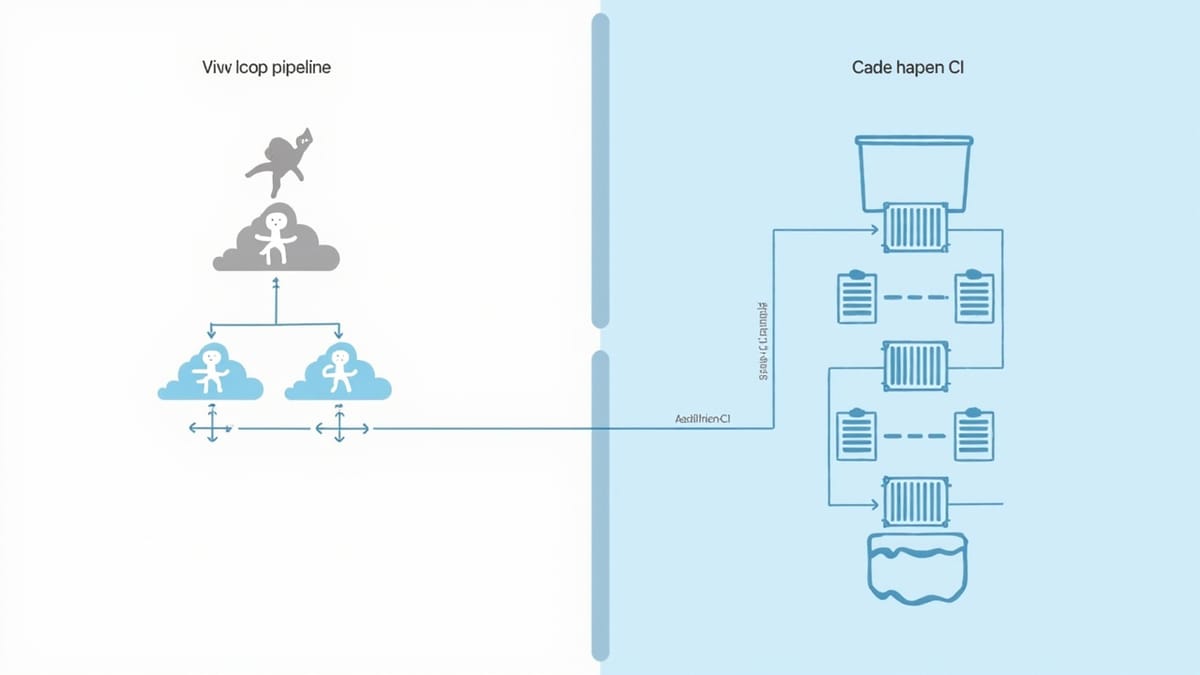
Both Dagger and GitHub Actions run your tests in CI. The difference is how you define and debug those pipelines. This guide compares them on the things that matter when you're running test suites: local execution, caching, services, parallelism, and debugging when something breaks.
The Core Difference
GitHub Actions is YAML-based orchestration. You declare jobs, steps, and conditions in .github/workflows/*.yml. GitHub executes them on their runners.
Dagger is a programmable engine. You write your pipeline in Python, TypeScript, or Go. Dagger executes each step in a container, anywhere — your laptop, GitHub Actions, GitLab CI, or any Docker host.
Dagger can run inside GitHub Actions. They're complementary, not mutually exclusive.
Local Execution: The Biggest Practical Difference
This is where Dagger wins decisively.
GitHub Actions:
# You write this...
- name: Run tests
  run: pytest tests/ -v

# But to test it locally, you need:
# - act (unofficial tool, partial compatibility)
# - Push to a branch and wait for CI to run
# - Or just run pytest locally and hope the env matchesDagger:
# Exactly the same command locally and in CI
dagger call test --source .The container definition is the pipeline. If it works locally, it works in CI. This eliminates the entire class of "works on my machine" CI bugs.
Caching Comparison
GitHub Actions cache:
- name: Cache pip dependencies
  uses: actions/cache@v4
  with:
    path: ~/.cache/pip
    key: ${{ runner.os }}-pip-${{ hashFiles('**/pyproject.toml') }}
    restore-keys: |
${{ runner.os }}-pip-This works, but it's manual. You define cache keys, restoration logic, and invalidation rules. Mess up the key and your cache never hits.
Dagger cache:
pip_cache = dag.cache_volume("pip-cache")

container = (
    dag.container()
    .from_("python:3.12-slim")
    .with_mounted_cache("/root/.cache/pip", pip_cache)
    .with_exec(["pip", "install", "-e", ".[dev]"])
)Dagger caches container layers automatically. The with_mounted_cache() adds explicit directory caching on top. With Dagger Cloud, caches are shared across runners — no YAML key management.
Services for Integration Tests
GitHub Actions services:
services:
  postgres:
    image: postgres:16
    env:
      POSTGRES_PASSWORD: test
    options: >-
      --health-cmd pg_isready
      --health-interval 10s
      --health-timeout 5s
      --health-retries 5
    ports:
      - 5432:5432

steps:
  - name: Run integration tests
    run: pytest tests/integration/
    env:
DATABASE_URL: postgresql://postgres:test@localhost:5432/testdbDagger services:
postgres = (
    dag.container()
    .from_("postgres:16-alpine")
    .with_env_variable("POSTGRES_PASSWORD", "test")
    .with_exposed_port(5432)
    .as_service()
)

result = await (
    dag.container()
    .from_("python:3.12-slim")
    .with_service_binding("postgres", postgres)
    .with_env_variable("DATABASE_URL", "postgresql://postgres:test@postgres:5432/testdb")
    .with_exec(["pytest", "tests/integration/"])
    .stdout()
)Both work. The Dagger version is testable and runs locally without Docker Compose setup.
Parallelism
GitHub Actions uses job-level parallelism:
jobs:
  unit-test:
    runs-on: ubuntu-latest
    steps:
      - run: pytest tests/unit/

  lint:
    runs-on: ubuntu-latest
    steps:
      - run: ruff check .

  typecheck:
    runs-on: ubuntu-latest
    steps:
      - run: mypy src/

  integration:
    needs: [unit-test]  # Waits for unit tests
    runs-on: ubuntu-latest
    steps:
- run: pytest tests/integration/Each job spins up a new runner, runs its own dependency installation, etc. Parallelism costs minutes on startup overhead.
Dagger uses function-level parallelism:
# These three run simultaneously in the same Dagger call
lint_task, type_task, unit_task = await asyncio.gather(
    self._lint(source),
    self._typecheck(source),
    self._unit_test(source),
)No runner startup overhead. Dependencies cached from the previous run. Parallelism at the container level, not the job level.
Matrix Builds
GitHub Actions matrix:
strategy:
  matrix:
    python-version: ["3.10", "3.11", "3.12"]

steps:
  - uses: actions/setup-python@v5
    with:
      python-version: ${{ matrix.python-version }}
- run: pytest tests/Dagger matrix:
@function
async def matrix_test(self, source: dagger.Directory) -> list[str]:
    return list(await asyncio.gather(*[
        dag.container()
        .from_(f"python:{v}-slim")
        .with_directory("/src", source)
        .with_exec(["pip", "install", "-e", ".[dev]"])
        .with_exec(["pytest", "-q"])
        .stdout()
        for v in ["3.10", "3.11", "3.12"]
]))Both achieve the same result. Dagger's version runs locally, is type-safe, and doesn't require GitHub's matrix syntax.
Debugging Failed Tests
GitHub Actions:
- Push a commit
- Wait 2-5 minutes for runner startup
- Read logs in the GitHub UI
- Guess what changed, push again
tmatestep for interactive debugging (rarely works well)
Dagger:
# Run just the failing step locally
dagger call integration-test --source .

# If it fails, add --interactive flag
dagger call integration-test --source . --interactive

# Or exec into the container directly
dagger call integration-test --source . --debugThe feedback loop is seconds, not minutes. You're debugging in the same container that CI uses.
Secrets Management
GitHub Actions:
env:
  API_KEY: ${{ secrets.API_KEY }}
DB_PASSWORD: ${{ secrets.DB_PASSWORD }}Simple, well-integrated with GitHub's secret management.
Dagger:
@function
async def test(
    self,
    source: dagger.Directory,
    api_key: dagger.Secret,
) -> str:
    return await (
        dag.container()
        .with_secret_variable("API_KEY", api_key)  # Never logged
        ...
)dagger call test --source . --api-key env:API_KEYDagger secrets are redacted from all logs automatically. In GitHub Actions, you get this by storing values as secrets — but the secret variable pattern is explicit in Dagger's type system.
Pipeline Reusability
GitHub Actions:
- Composite actions for reusable steps
- Reusable workflows for sharing across repos
- Complex permission and input/output handling
Dagger:
# Install from another project's module
dagger install github.com/my-org/shared-pipelines

# Use in your pipeline
from shared_pipelines import lint, test_pythonDagger modules are importable like Python packages. Cross-repo sharing works the same way as any package manager.
When to Use Each
Use GitHub Actions When:
- Your pipeline is simple (install, test, build, deploy)
- Your team is GitHub-native and knows Actions well
- You don't have "works locally" debugging problems
- You use GitHub-specific features (environments, deployments, PR checks)
- Budget: GitHub Actions is included in most plans; Dagger Cloud adds cost
Use Dagger When:
- You're constantly debugging CI failures you can't reproduce locally
- Your pipeline has complex logic (conditionals, loops, dynamic steps)
- You want to unit test your CI pipeline code
- You need to share pipeline logic across multiple repos
- Build/test time matters and you need fine-grained caching
Use Both:
# .github/workflows/ci.yml
- name: Run Dagger pipeline
run: dagger call ci --source .This is the most common real-world pattern: GitHub Actions handles the CI trigger, scheduling, and GitHub integrations; Dagger handles the actual build/test logic. You get the GitHub ecosystem benefits without being locked into YAML for complex pipeline logic.
Migration Path
You don't have to rewrite everything. Start with the step that causes the most "works locally, fails in CI" pain:
- Install Dagger CLI:
curl -L https://dl.dagger.io/dagger/install.sh | sh - Initialize a module:
dagger init --sdk python - Convert one step: pick your longest-running or most-debugged CI step
- Call from GitHub Actions:
dagger call that-step --source .
Once you've converted one step, the pattern is clear. Convert the rest incrementally.
Summary
| Criteria | GitHub Actions | Dagger |
|---|---|---|
| Local execution | ❌ | ✅ |
| Pipeline type safety | ❌ YAML strings | ✅ Python/TS/Go |
| Service sidecars | ✅ Built-in | ✅ Built-in |
| Parallelism | ✅ Job-level | ✅ Container-level |
| Caching | ⚠️ Manual | ✅ Automatic + shared |
| Matrix builds | ✅ Native | ✅ Via code |
| Pipeline unit tests | ❌ | ✅ |
| GitHub integration | ✅ Native | ⚠️ Via Actions wrapper |
| Learning curve | Low | Medium |
| Cost | Included | + Dagger Cloud |
For testing pipelines specifically, Dagger's local execution is the decisive advantage. The time you save debugging CI failures outweighs the setup cost after the first week.
Run your E2E and browser tests with HelpMeTest — it integrates into either platform via CLI and runs Playwright tests in the cloud with no infrastructure setup.