
Canary Deployments Testing Strategy with Argo Rollouts
Canary deployments reduce release risk by routing a small percentage of production traffic to the new version before rolling it out fully.

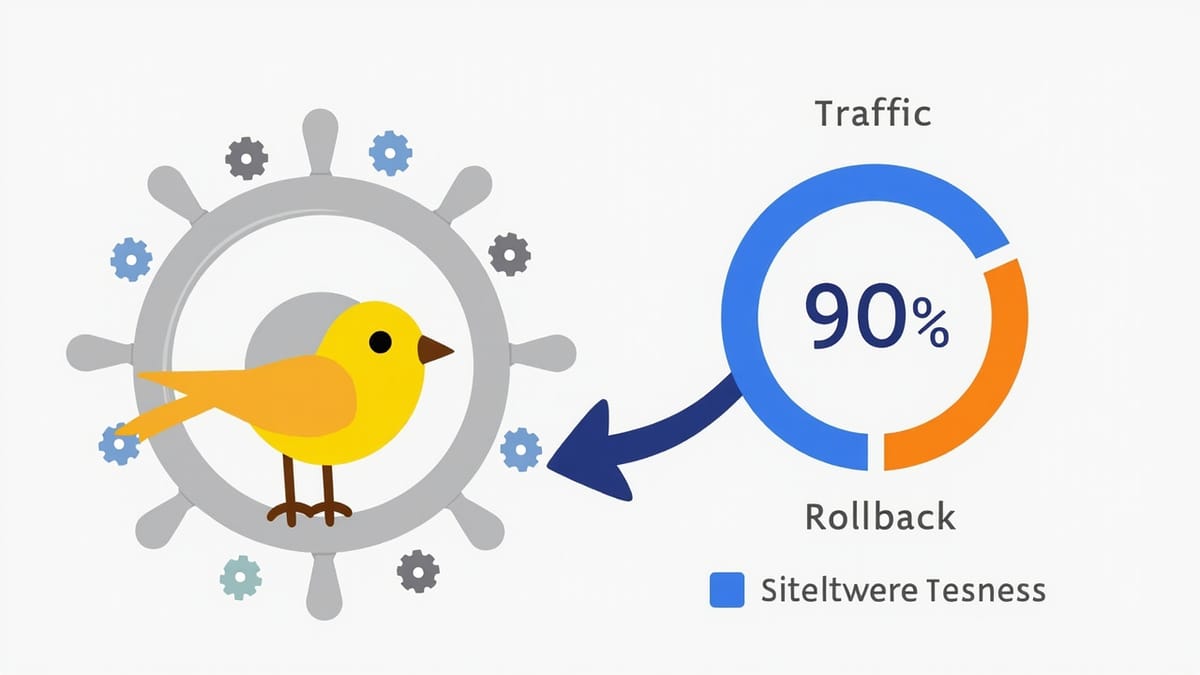
Canary deployments reduce release risk by routing a small percentage of production traffic to the new version before rolling it out fully. If the canary behaves badly — error rates spike, latency increases, business metrics drop — you roll back with minimal user impact.
Argo Rollouts is the most capable Kubernetes-native tool for managing canary deployments. It adds progressive delivery capabilities to Kubernetes: traffic splitting, metric analysis, automated rollback, and detailed rollout visibility. This guide covers how to set up, test, and validate canary deployments with Argo Rollouts.
What Argo Rollouts Adds
Standard Kubernetes deployments are all-or-nothing: you update the deployment spec, and Kubernetes gradually replaces pods with the new version. There's no built-in traffic splitting, no metric analysis, no automatic rollback based on error rates.
Argo Rollouts extends Kubernetes with:
- Traffic splitting — route a percentage of requests to the new version using Ingress controllers or service meshes
- Analysis templates — define what "good" looks like using metrics from Prometheus, Datadog, or custom queries
- Automated rollback — if analysis fails, automatically roll back to the stable version
- Manual promotion gates — pause and require human approval before increasing traffic to canary
- Visual dashboard — view rollout progress, traffic weights, and analysis results
Architecture
A Argo Rollouts canary setup involves:
Internet → Ingress/Gateway → Service (stable + canary weights)
                                ├── Stable ReplicaSet (old version)
                                └── Canary ReplicaSet (new version)

Analysis Jobs → Prometheus/Datadog → Rollout ControllerThe Rollout controller manages the ReplicaSets and updates traffic weights. Analysis Jobs query your metrics system during each step.
Installation
kubectl create namespace argo-rollouts
kubectl apply -n argo-rollouts -f https://github.com/argoproj/argo-rollouts/releases/latest/download/install.yaml

# Install kubectl plugin
curl -LO https://github.com/argoproj/argo-rollouts/releases/latest/download/kubectl-argo-rollouts-linux-amd64
chmod +x kubectl-argo-rollouts-linux-amd64
sudo mv kubectl-argo-rollouts-linux-amd64 /usr/local/bin/kubectl-argo-rolloutsDefining a Canary Rollout
Replace your Kubernetes Deployment with an Argo Rollout:
apiVersion: argoproj.io/v1alpha1
kind: Rollout
metadata:
  name: my-app
spec:
  replicas: 10
  strategy:
    canary:
      # Traffic routing configuration
      trafficRouting:
        nginx:
          stableIngress: my-app-stable
          annotationPrefix: nginx.ingress.kubernetes.io
          additionalIngressAnnotations:
            canary-by-header: X-Canary

      # Rollout steps
      steps:
        - setWeight: 5        # Route 5% to canary
        - pause: {}           # Pause indefinitely — requires manual promotion
        - setWeight: 20       # Route 20%
        - pause: {duration: 10m}  # Wait 10 minutes, then auto-promote
        - analysis:           # Run analysis before continuing
            templates:
              - templateName: success-rate
        - setWeight: 50
        - pause: {duration: 10m}
        - setWeight: 100      # Full rollout

      # Analysis to run during rollout
      analysis:
        templates:
          - templateName: success-rate
        startingStep: 2  # Start analysis from step 2

  selector:
    matchLabels:
      app: my-app
  template:
    metadata:
      labels:
        app: my-app
    spec:
      containers:
        - name: my-app
image: my-app:v2.0.0Analysis Templates
Analysis templates define what metrics to check and what counts as a failure. They're separate objects that rollouts reference:
Prometheus Success Rate Analysis
apiVersion: argoproj.io/v1alpha1
kind: AnalysisTemplate
metadata:
  name: success-rate
spec:
  args:
    - name: service-name
  metrics:
    - name: success-rate
      interval: 1m
      # Fail if success rate drops below 95%
      successCondition: result[0] >= 0.95
      failureLimit: 3  # Allow 3 consecutive failures before aborting
      provider:
        prometheus:
          address: http://prometheus:9090
          query: |
            sum(
              rate(http_requests_total{
                service="{{ args.service-name }}",
                status!~"5.."
              }[5m])
            ) /
            sum(
              rate(http_requests_total{
                service="{{ args.service-name }}"
              }[5m])
)Latency Analysis
apiVersion: argoproj.io/v1alpha1
kind: AnalysisTemplate
metadata:
  name: latency-check
spec:
  metrics:
    - name: p99-latency
      interval: 2m
      successCondition: result[0] < 500  # Under 500ms p99
      provider:
        prometheus:
          address: http://prometheus:9090
          query: |
            histogram_quantile(0.99,
              sum(rate(http_request_duration_seconds_bucket{
                service="my-app"
              }[5m])) by (le)
) * 1000Datadog Analysis
spec:
  metrics:
    - name: error-rate
      interval: 1m
      successCondition: result[0] < 0.05  # Under 5% error rate
      provider:
        datadog:
          apiVersion: v2
          interval: 5m
          query: |
            sum:trace.web.request.errors{service:my-app,env:production}.as_rate() /
sum:trace.web.request.hits{service:my-app,env:production}.as_rate()Testing Your Canary Strategy
Before deploying a new version, validate your rollout configuration and analysis templates.
Dry Run Analysis
Test that your analysis template queries work:
# Create an AnalysisRun manually to test a template
kubectl apply -f - <<EOF
apiVersion: argoproj.io/v1alpha1
kind: AnalysisRun
metadata:
  name: test-success-rate
spec:
  args:
    - name: service-name
      value: my-app
  templates:
    - templateName: success-rate
EOF

# Watch the result
kubectl get analysisrun test-success-rate -w
kubectl describe analysisrun test-success-rateAn AnalysisRun runs independently of a rollout. Use this to verify your queries return expected values before attaching them to a real deployment.
Simulate Traffic with Wrong Error Rates
Test automatic rollback by intentionally degrading the canary:
# Deploy canary with a buggy version that returns 5xx errors
kubectl argo rollouts set image my-app my-app=my-app:buggy

# Watch the rollout — it should automatically abort
kubectl argo rollouts watch my-appIf your analysis is correctly configured, the rollout aborts and the stable version takes back 100% of traffic.
Traffic Distribution Verification
Verify traffic is splitting as expected using logs or metrics:
# Check pod counts per version
kubectl get pods -l app=my-app -o custom-columns=\
  NAME:.metadata.name,\
  VERSION:.metadata.labels.rollouts-pod-template-hash

# Send test traffic and check distribution
for i in {1..100}; do curl -s https://my-app.example.com/api/version; done | sort | uniq -cOperating a Canary Rollout
Monitoring with the Dashboard
kubectl argo rollouts dashboardOpen http://localhost:3100 to see a real-time view of rollout progress, traffic weights, and analysis results.
Manual Promotion
If you configured pause: {} (indefinite pause), promote manually after reviewing metrics:
kubectl argo rollouts promote my-appAbort a Rollout
If you see problems in logs or dashboards before analysis catches them:
kubectl argo rollouts abort my-appThis immediately routes 100% traffic back to stable and marks the rollout as degraded.
Retry After Abort
Fix the issue, update the image, and retry:
kubectl argo rollouts set image my-app my-app=my-app:v2.0.1
kubectl argo rollouts retry rollout my-appIntegration with CI/CD
In a GitHub Actions pipeline:
- name: Deploy canary
  run: |
    kubectl argo rollouts set image my-app my-app=$IMAGE_TAG
kubectl argo rollouts status my-app --timeout=10mkubectl argo rollouts status blocks until the rollout completes successfully or fails. If it fails (analysis degraded, rollback triggered), the pipeline exits with a non-zero code.
Key Metrics to Monitor During Canary
Configure analysis to watch these signals:
HTTP success rate — what percentage of requests succeed (non-5xx)? A canary should match or improve the stable version.
Latency (p99) — is the new version slower than stable? Even if it doesn't increase errors, a latency increase is a regression.
Business metrics — conversion rate, checkout completion, API call success for critical paths. A technically correct service can still hurt business metrics.
Error budget — how much of your SLO error budget is the canary consuming? If it's using 3x the normal rate, that's a signal.
When Canary Testing Is Most Valuable
Canary deployments provide the most value when:
- Changes affect core request paths (database queries, API handlers)
- Changes involve external dependencies (third-party APIs, new infrastructure)
- Your service has high traffic and many users who would be impacted by a bad deploy
- Your monitoring is mature enough to detect regressions in production metrics
For internal admin tools, low-traffic services, or purely frontend changes, the overhead of canary infrastructure may exceed the benefit. But for high-stakes, high-traffic services, canary + automated analysis is the safest deployment strategy available.
