
Integrating Allure Report with JUnit 5: Categories, Flaky Tests, and History
Allure Report transforms JUnit 5 test results into interactive dashboards with trend history, failure categories, and rich attachments.

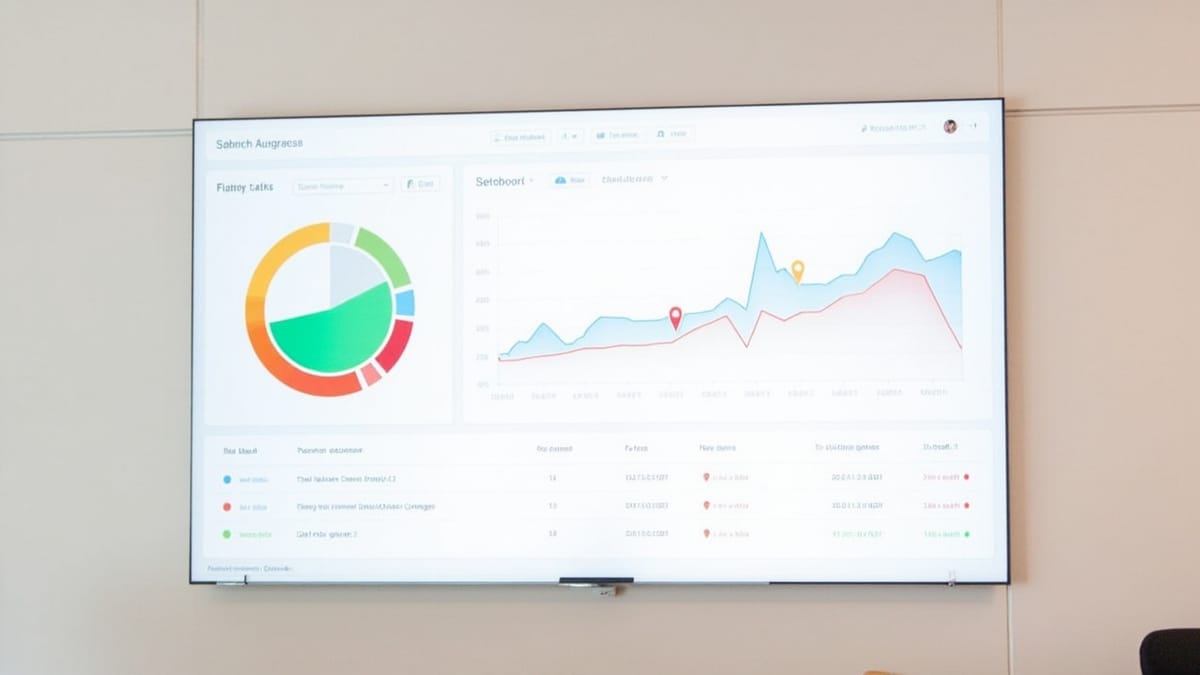
Allure Report transforms JUnit 5 test results into interactive dashboards with trend history, failure categories, and rich attachments. The built-in Surefire/Gradle XML output tells you what failed. Allure tells you why, how often, and whether it's getting better or worse.
Setup
Maven:
<dependency>
  <groupId>io.qameta.allure</groupId>
  <artifactId>allure-junit5</artifactId>
  <version>2.25.0</version>
  <scope>test</scope>
</dependency>

<build>
  <plugins>
    <plugin>
      <groupId>org.apache.maven.plugins</groupId>
      <artifactId>maven-surefire-plugin</artifactId>
      <version>3.2.5</version>
      <configuration>
        <argLine>-javaagent:${settings.localRepository}/org/aspectj/aspectjweaver/1.9.21/aspectjweaver-1.9.21.jar</argLine>
        <systemPropertyVariables>
          <allure.results.directory>${project.build.directory}/allure-results</allure.results.directory>
        </systemPropertyVariables>
      </configuration>
    </plugin>
  </plugins>
</build>Gradle:
dependencies {
  testImplementation 'io.qameta.allure:allure-junit5:2.25.0'
}

test {
  jvmArgs '-javaagent:/path/to/aspectjweaver.jar'
  systemProperty 'allure.results.directory', "${buildDir}/allure-results"
}Annotating Tests
Allure reads annotations to build report structure:
import io.qameta.allure.*;
import io.qameta.allure.junit5.AllureJunit5;
import org.junit.jupiter.api.*;
import org.junit.jupiter.api.extension.ExtendWith;

@Epic("E-Commerce")
@Feature("Checkout")
@ExtendWith(AllureJunit5.class)
class CheckoutTest {

  @Test
  @Story("Happy Path")
  @Severity(SeverityLevel.CRITICAL)
  @Description("Verifies complete purchase flow from cart to confirmation")
  @Owner("qa-team")
  void userCanCompletePurchase() {
    Allure.step("Add item to cart", () -> {
      // ...
    });

    Allure.step("Enter shipping details", () -> {
      // ...
    });

    Allure.step("Complete payment", () -> {
      // ...
    });
  }

  @Test
  @Story("Edge Cases")
  @Flaky
  void cartHandlesInventoryChange() {
    // Test that's known to be flaky — Allure marks it specially
  }
}The @Epic, @Feature, @Story hierarchy drives the "Behaviors" view in Allure — a tree that maps directly to user-facing functionality.
Steps and Attachments
Steps appear as collapsible sections in the report:
@Test
void orderCreationEmitsEvent() {
  Allure.step("Create order via API", () -> {
    var response = given()
      .contentType(ContentType.JSON)
      .body("""{"items": ["widget-a"], "userId": "u-123"}""")
      .post("/api/orders");

    // Attach the raw response body
    Allure.addAttachment("API Response", "application/json",
      response.body().asString(), "json");

    response.then().statusCode(201);

    String orderId = response.jsonPath().getString("id");
    Allure.label("order.id", orderId);
  });

  Allure.step("Verify event published to Kafka", () -> {
    var events = kafkaConsumer.poll(Duration.ofSeconds(5));
    assertThat(events).hasSize(1);
    assertThat(events.get(0).topic()).isEqualTo("order-created");
  });
}For screenshots in Selenium/WebDriver tests:
@Test
void loginPageRendersCorrectly() {
  driver.get("https://app.example.com/login");

  byte[] screenshot = ((TakesScreenshot) driver).getScreenshotAs(OutputType.BYTES);
  Allure.addAttachment("Login Page", "image/png", new ByteArrayInputStream(screenshot), "png");

  assertThat(driver.findElement(By.id("login-form")).isDisplayed()).isTrue();
}Failure Categories
Create allure-results/categories.json before generating the report to auto-classify failures:
[
  {
    "name": "Product Defects",
    "matchedStatuses": ["failed"],
    "messageRegex": ".*AssertionError.*|.*expected.*but was.*"
  },
  {
    "name": "Test Infrastructure Issues",
    "matchedStatuses": ["broken"],
    "traceRegex": ".*ConnectionRefused.*|.*TimeoutException.*"
  },
  {
    "name": "Known Flaky Tests",
    "matchedStatuses": ["failed"],
    "messageRegex": ".*StaleElementReferenceException.*"
  }
]The "Categories" view in Allure shows how many failures fall into each bucket. It's immediately clear whether you're dealing with real product bugs or test infrastructure noise.
Preserving History Between Builds
History trends (the bar chart showing pass rates across builds) require copying the history/ directory from the previous report into allure-results/ before generating a new report.
Maven lifecycle:
# 1. Before running tests, copy history from previous report
cp -r target/allure-report/history target/allure-results/history 2>/dev/null || true

# 2. Run tests
mvn test

# 3. Generate report
mvn allure:report # generates to target/allure-report/GitHub Actions:
- name: Restore Allure history cache
  uses: actions/cache@v3
  with:
    path: target/allure-report/history
    key: allure-history-${{ github.ref }}
    restore-keys: allure-history-

- name: Copy history to results dir
  run: mkdir -p target/allure-results && cp -r target/allure-report/history target/allure-results/ 2>/dev/null || true

- name: Run tests
  run: mvn test

- name: Generate Allure Report
  run: mvn allure:report

- name: Save Allure history
  uses: actions/cache@v3
  with:
    path: target/allure-report/history
    key: allure-history-${{ github.ref }}

- name: Upload report
  uses: actions/upload-artifact@v4
  if: always()
  with:
    name: allure-report
path: target/allure-report/After a few builds, the Trend widget on the Overview page shows a multi-column history of pass/fail/broken/skipped across your recent runs.
Tracking Retries and Flaky Tests
JUnit 5 has built-in retry support. Combined with Allure, each retry appears as a separate attempt in the test timeline:
@RepeatedTest(3)
void eventuallyConsistentOperation() {
  // Allure shows each attempt: 1/3 failed, 2/3 failed, 3/3 passed
  var result = pollForResult();
  assertThat(result).isNotNull();
}For conditional retry with JUnit Pioneer:
<dependency>
  <groupId>org.junit-pioneer</groupId>
  <artifactId>junit-pioneer</artifactId>
  <version>2.2.0</version>
  <scope>test</scope>
</dependency>@Test
@RetryingTest(3)
@Flaky
void externalApiReturnsData() {
var response = externalApi.call();
assertThat(response.statusCode()).isEqualTo(200);
}The @Flaky annotation marks the test in Allure with a lightning bolt icon, and the report's "Flaky tests" section aggregates them separately.
Dynamic Tests
JUnit 5 dynamic tests (from @TestFactory) are supported but require wrapping with Allure steps:
@TestFactory
@Feature("Data Validation")
Stream<DynamicTest> validateProductData() {
  return loadTestData().stream().map(product ->
    DynamicTest.dynamicTest("Validate product: " + product.id(), () -> {
      Allure.label("product.id", product.id());

      assertThat(product.name()).isNotBlank();
      assertThat(product.price()).isPositive();
      assertThat(product.category()).isIn(VALID_CATEGORIES);
    })
  );
}Serving the Report
Generate and serve locally:
# Maven
mvn allure:serve  # generates + opens browser

# Or generate then serve separately
mvn allure:report
npx allure open target/allure-reportFor CI publishing to GitHub Pages or S3, the report is a static site — upload the entire allure-report/ directory.
Summary
Allure + JUnit 5 gives you: epic/feature/story hierarchy via annotations, step-level breakdown with attachments, failure categories for triage, retry tracking for flaky tests, and build-over-build trend history. The key operational requirement is preserving the history/ folder between CI runs. Once that's set up, the report becomes your primary post-mortem tool — far more useful than parsing raw Surefire XML.

