
Test Reporting
Allure Report Advanced Features: Beyond the Basics
Most teams get Allure working in an afternoon: install the plugin, run tests, generate the report.

Test Reporting
Most teams get Allure working in an afternoon: install the plugin, run tests, generate the report.

Allure
Allure integrates with REST-assured via a filter that captures every HTTP request and response and attaches them to the test report. When an API test fails, the Allure report shows the exact request sent and response received — no log digging required. Key Takeaways AllureRestAssured filter attaches request/response to

Allure
Allure Report's Categories feature classifies test failures by root cause (product defect, infrastructure failure, test issue). The Trends section shows pass/fail rates over time. Together they answer: "Why did tests fail?" and "Are we getting better or worse?" Key Takeaways Categories classify failures

Allure
Allure TestOps is the hosted platform built on top of Allure Report. Where Allure Report shows a single test run, TestOps tracks test results across every run over time — showing trends, flaky tests, coverage analytics, and linking automated tests to manual test cases. Key Takeaways Allure Report is a single-
Allure
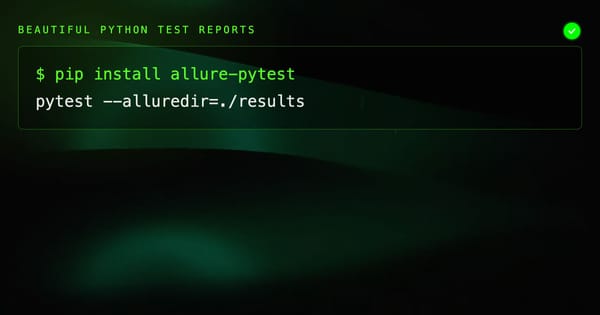
allure-pytest is the pytest plugin for Allure Report. Use @allure.step, @allure.epic, @allure.feature, and allure.attach to annotate your Python tests and generate interactive HTML reports with history, attachments, and step details. Key Takeaways Install allure-pytest and allure-commandline. The Python package generates results; the Java

Allure
Allure Report integrates with Cypress via the allure-cypress plugin. It captures test steps, attaches screenshots on failure, records test history, and generates interactive HTML reports. Every failed test shows exactly which step failed and what the page looked like. Key Takeaways allure-cypress is the official reporter plugin. Install