How to Monitor AI Agents in Production (The Layer Most Teams Miss)

Your AI agent shipped. Traffic is flowing. Everything looks clean in your LLM observability dashboard — latency is fine, token usage is stable, no exceptions in the logs.
And somewhere, quietly, your agent is returning the wrong answer to every third user.
This is the silent failure problem. It is not a hypothetical. It is the defining failure mode of production AI systems in 2026 — and it is precisely what traditional monitoring misses.
TL;DR: LLM observability tools (LangSmith, Braintrust, Arize) monitor what happens inside your model. Behavioral monitoring verifies what your agent does from the user's perspective, end-to-end, every few minutes. You need both. Most teams only have the first.
Table of Contents
- Why AI Agents Fail Silently
- What LLM Observability Actually Covers
- The 3-Layer AI Agent Monitoring Stack
- Layer 3: Behavioral Monitoring in Practice
- How to Set Up Behavioral Monitoring in 5 Minutes
- Signs You Need Behavioral Monitoring Now
- FAQ
Why AI Agents Fail Silently
Traditional software fails loudly. A broken API returns a 500 error. A null pointer throws an exception. Your alerting fires, your on-call gets paged, and the failure is visible within seconds.
AI agents fail differently. The HTTP request succeeds. The model returns a response. No error is logged anywhere. The agent just — does the wrong thing. It calls the wrong MCP tool. It misreads the user's intent. It returns a plausible-sounding answer that is factually incorrect for this specific user's data. It skips a required step.
Zero exceptions. Zero alerts. Just a quiet degradation of user experience that accumulates until someone complains.
According to Gartner, LLM observability investments are on track to cover only 15% of GenAI deployments today — a number that needs to reach 50% by 2028 just to keep pace with production failures that are "increasingly silent." That gap between deployment velocity and observability coverage is where user trust goes to die.
The root cause is architectural. AI agents have non-deterministic behavior baked in. The same input can produce different outputs on different runs. A model update your vendor pushed silently at 3 AM can subtly change how your agent selects tools. A prompt that worked for 95% of users might fail specifically for users who have more than 10 items in their cart, or who set their account language to Japanese, or who ask their question on a Monday.
Unit tests don't catch this. LLM evals don't catch this in production. You need a different layer.
What LLM Observability Actually Covers
To be clear: LLM observability tools are excellent. If you are not using one, you should be.
Tools like LangSmith, Braintrust, Arize AI, and Galileo give you:
- Trace visibility — every reasoning step, tool call, and LLM request in your agent's execution path
- Eval metrics — is the model selecting the right tools? Is it hallucinating? Is response quality degrading?
- Latency and cost tracking — token usage, response times, spend per session
- Regression testing — did this model update break behavior compared to last week's baseline?
This is the internal view. It tells you what your model did — which tools it called, what parameters it passed, how it reasoned through the problem.
What it cannot tell you: did the user get the right outcome?
LLM observability operates at the model layer. It monitors the internals of your AI system. But your users do not experience the internals — they experience the end-to-end product. They click a button, trigger a workflow, and either get the right result or they do not.
The gap is the same one that exists between unit tests and integration tests. You can have 100% unit test coverage and still have a production bug, because the bug lives in how the pieces fit together. LLM observability is excellent at unit-level visibility. Behavioral monitoring is integration-level visibility.
The 3-Layer AI Agent Monitoring Stack
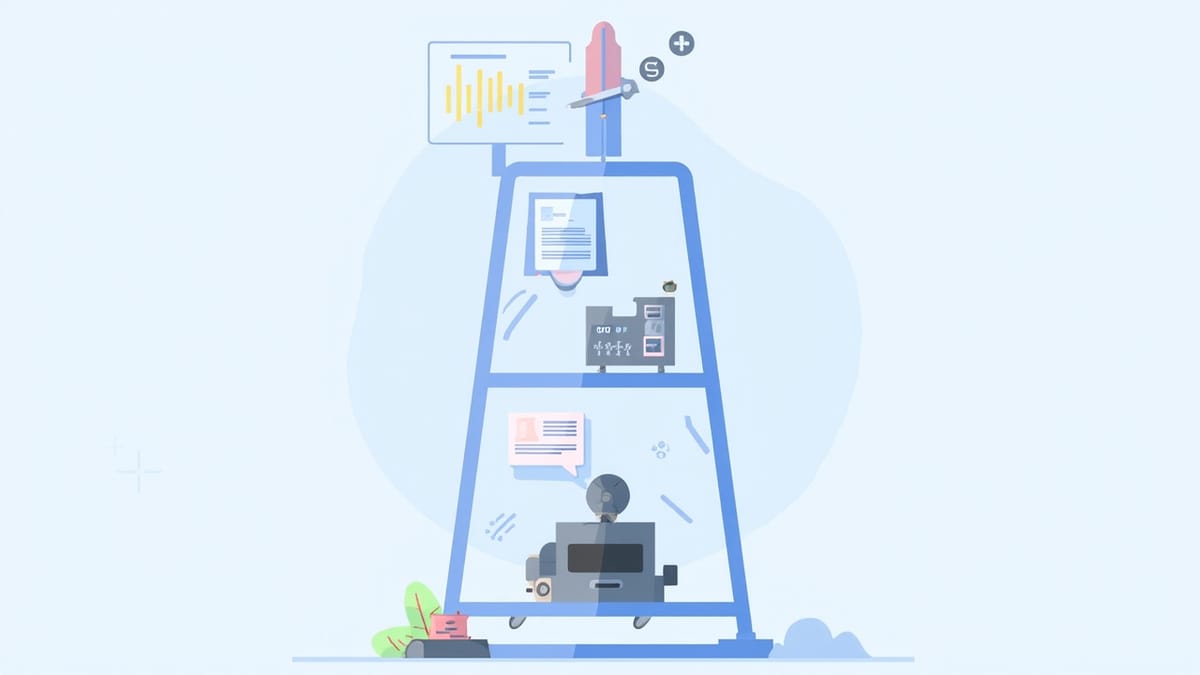
A production-ready AI agent needs monitoring at three distinct layers. Most teams have 1 of 3. Some have 2. Almost nobody has all 3 until something breaks badly enough to demand it.
Layer 1: Unit Tests (Tool Functions)
Test your MCP tool functions in isolation, without any model involved. Does your read_file tool actually read files? Does your query_database tool return the right schema? Does your call_api tool handle 429 rate limit responses correctly?
These are pure deterministic tests. Write them in Jest, pytest, or whatever your language prefers. They run fast, they run in CI, and they tell you nothing about the model.
Layer 2: LLM Evals (Model Quality)
This is where LangSmith, Braintrust, DeepEval, and Galileo live. You run test scenarios through your model and measure: Did it call the right tool? Did it extract parameters correctly? Is the response quality above your threshold? Did it handle the edge case correctly?
Run these offline in CI before shipping, and online in production at a sampling rate that fits your budget. Evals catch model-layer regressions — when a model update or prompt change degrades quality.
Layer 3: Behavioral Monitoring (End-to-End)
This is the layer most teams miss.
Behavioral monitoring asks: from the outside, does my agent still do the right thing? It is a real user session, run automatically, on a schedule, against your live production system. It does not care about traces or token counts. It cares about outcomes.
A behavioral test for an AI agent might look like this:
1. Go to app.yourproduct.com
2. Log in as test user
3. Click "Ask AI" and type "Summarize my recent orders"
4. Wait for the agent to respond (up to 30 seconds)
5. Verify the response mentions at least one order number
6. Verify the response appears within 20 secondsIf that test fails at 2:47 AM on a Sunday because your database MCP tool timed out, you find out at 2:48 AM. Not when the first user complaint lands in your support queue on Monday morning.
This is what behavioral monitoring does. Layer 1 and Layer 2 cannot do it, because they do not make real requests to your live system. They test the components. Behavioral monitoring tests the product.
Layer 3: Behavioral Monitoring in Practice
The concrete implementation of behavioral monitoring for AI agents has three characteristics that distinguish it from the other layers:
It runs against production. Not a staging environment, not a mock. Your real system, with real users' data (or a dedicated test account), making real requests. Behavioral monitoring that never touches production has never verified that production works.
It runs continuously. Not on deploy, not in CI. Every 5 minutes, or every 30 minutes, depending on your SLA. You want to know within one monitoring cycle if something breaks — not when a user notices.
It tests behavior, not internals. A behavioral test does not inspect what tools the model called or what reasoning it used. It verifies: did the user get the right outcome? The test is written from the outside, from the user's perspective.
What Breaks That Behavioral Monitoring Catches
Behavioral monitoring is particularly good at catching failure modes that Layer 1 and Layer 2 miss:
- MCP tool chain failures — one tool works, but passing its output to the next tool in the chain fails for a specific input shape
- Auth expiry — your agent's service account token expired; every request silently fails with a degraded response instead of an error
- Rate limit cascades — an upstream API you call via MCP hit its daily quota; the agent gracefully "handles" it by returning a useless response
- Model vendor incidents — Anthropic or OpenAI has a partial outage; responses degrade without errors
- Prompt drift — you edited a system prompt two weeks ago, and a specific edge case that used to work now fails
None of these produce stack traces. All of them are immediately visible to a behavioral monitoring test that checks outcomes.
How to Set Up Behavioral Monitoring in 5 Minutes
With HelpMeTest, behavioral monitoring for AI agents requires no code. You write your tests in plain English — the same natural language you would use to describe the workflow to a QA engineer — and HelpMeTest runs them against your live product every 5 minutes.
Here is an example test for a support agent that uses MCP tools to query a customer database:
Navigate to https://app.yourproduct.com/login
Enter test@yourcompany.com in the email field
Enter [test password] in the password field
Click the Sign In button

Click "Chat with Support AI"
Type "What is the status of my most recent order?"
Wait for a response to appear (up to 30 seconds)

Verify the response contains "order" or "shipped" or "processing"
Verify the response does not contain "I'm sorry, I can't access"
Verify the response appeared within 25 secondsThat test runs every 5 minutes. If it fails — for any reason, whether the MCP tool timed out, the model returned an apology instead of an answer, or your auth broke — you get an alert immediately.
Setup takes about 5 minutes. Cost is usage-based at $0.003 per test run, with no base fee, for unlimited tests. You do not need to write code, deploy infrastructure, or configure a tracing SDK.
If you are building AI agents with MCP tools, this is the monitoring layer that tells you whether your product is working — not just whether your model is running.
For teams already using Robot Framework or Playwright, you can write more technical tests using the full test automation stack. But for most AI agent monitoring use cases, plain English is sufficient and significantly faster to maintain.
Signs You Need Behavioral Monitoring Now
You should add behavioral monitoring to your AI agent before any of these happen. If any of them have already happened, add it today:
- You found out about a production failure from a user, not from an alert. This is the clearest sign that your current monitoring has a gap.
- You have MCP tools connected to external services. Each external dependency is a point of silent failure. The more MCP integrations you have, the more you need end-to-end verification.
- Your agent runs autonomously for extended periods. The higher the autonomy, the longer failures go undetected if you are only monitoring internals. We wrote about this risk in detail in Why Multiagent Orchestration Needs a Testing Layer.
- You rely on an LLM vendor's uptime. Anthropic, OpenAI, and Google all have partial outages. These rarely surface as errors — they surface as degraded responses that pass basic availability checks but fail behavioral ones.
- Your last deploy changed something in a way that "shouldn't have affected" the agent. It did. Behavioral monitoring would have told you within 5 minutes.
FAQ
What is the difference between AI agent monitoring and LLM observability?
LLM observability monitors the internals of your AI system — traces, token usage, model eval scores, tool call sequences. AI agent monitoring (specifically behavioral monitoring) verifies that your agent produces the correct outcome from the user's perspective, end-to-end. Both are necessary. Observability tells you what happened internally; behavioral monitoring tells you whether the product worked.
Can I use existing monitoring tools like Datadog or Prometheus for AI agents?
Datadog and Prometheus are excellent for infrastructure monitoring — CPU, memory, request rates, error rates. They will catch a crash or a spike in latency. They will not catch a production AI agent that responds correctly from an HTTP perspective but returns wrong or degraded answers. For behavioral correctness, you need tests that verify outcomes, not just uptime.
How often should behavioral tests run for AI agents?
For most production AI agents, every 5 minutes is a reasonable baseline. If your product has a tight SLA or handles high-stakes workflows (financial, medical, customer-facing), consider every minute. If your agent runs batch processes rather than real-time interactions, every 30 minutes may be sufficient. The goal is that any failure is caught within one monitoring cycle.
Do I need code to write behavioral tests for AI agents?
No. Tools like HelpMeTest let you write behavioral tests in plain English — describing the steps a user would take and the outcomes you expect to see. This is intentional: AI agent behavior is defined in natural language, and your tests should be too. If a non-engineer cannot read and understand the test, it is probably over-specified.
What happens when an AI agent uses MCP tools that connect to third-party services?
Each MCP tool that calls an external service is a potential point of silent failure. Rate limits, auth expiry, schema changes, and service outages at the third-party level will not surface as errors in your LLM observability dashboard — the model call succeeds, but the result is wrong. Behavioral tests that verify end-to-end outcomes catch exactly this failure mode. See our guide on testing AI agents with MCP tools for specific test patterns.
Conclusion
Shipping an AI agent without behavioral monitoring is like deploying a web app with no uptime monitoring — you will discover production failures through user complaints instead of alerts. The silent failure problem is real, it is growing, and it is structurally invisible to LLM observability tools that monitor model internals rather than user-facing outcomes.
The 3-layer stack is not complicated: unit tests for your tool functions, LLM evals for model quality, and behavioral monitoring for end-to-end correctness. Most teams have the first. Many have the second. Almost nobody has the third — until something breaks.
Add behavioral monitoring to your AI agent today. HelpMeTest takes 5 minutes to set up, requires no code, and runs your tests every 5 minutes against your live production system with usage-based pricing at $0.003 per run. If your agent breaks at 3 AM, you find out at 3:01 AM.