
WebdriverIO vs Playwright vs Cypress: Which to Choose in 2025
Choosing a browser automation framework is one of the more consequential decisions a QA team makes. The wrong choice means rewriting tests later.

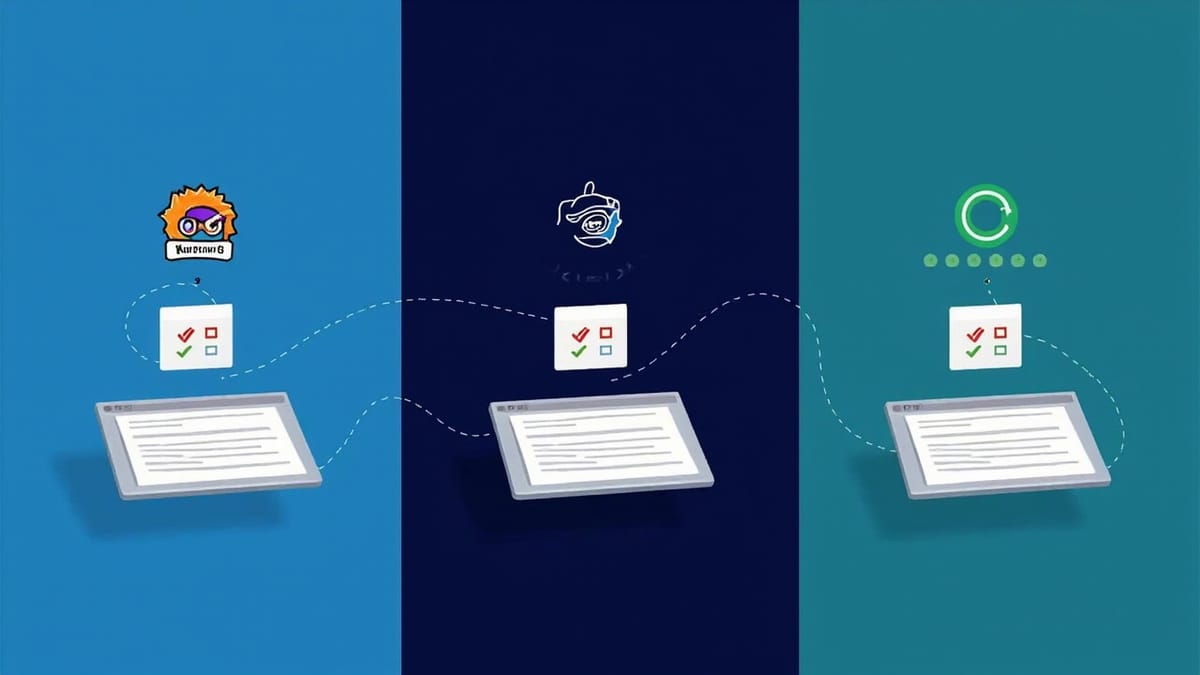
Choosing a browser automation framework is one of the more consequential decisions a QA team makes. The wrong choice means rewriting tests later. The right choice compounds — faster test authoring, better CI results, fewer flaky tests. This comparison breaks down WebdriverIO, Playwright, and Cypress across the dimensions that actually matter.
Quick Summary
| WebdriverIO | Playwright | Cypress | |
|---|---|---|---|
| Protocol | WebDriver (W3C) | Chrome DevTools / WebDriver | Chrome DevTools (CDP) |
| Language | JavaScript/TypeScript | JS/TS/Python/Java/.NET | JavaScript/TypeScript |
| Mobile testing | Yes (Appium) | Limited | No |
| Multi-tab | Yes | Yes | Partial (limited) |
| iframes | Yes | Yes | Complex |
| Cross-browser | Chrome, Firefox, Safari, Edge | Chrome, Firefox, Safari, Edge | Chrome, Firefox, Edge |
| Component testing | Yes | Yes | Yes |
| Parallel execution | Yes (built-in) | Yes (built-in) | Yes (paid plan) |
| Open source | Yes | Yes | Yes (runner) |
Architecture Differences
Understanding why these tools behave differently starts with their architecture.
WebdriverIO
WebdriverIO uses the W3C WebDriver protocol — an HTTP-based API where your test code sends commands to a browser driver (ChromeDriver, GeckoDriver, etc.) that controls the browser.
Test code → WebdriverIO → HTTP → ChromeDriver → ChromeThis indirection adds a small latency overhead per command but gives WebdriverIO a critical advantage: it works with any browser that implements WebDriver, including mobile browsers via Appium.
Playwright
Playwright uses Chrome DevTools Protocol (CDP) for Chromium-based browsers and has its own protocol implementation for Firefox and WebKit. This gives it near-direct browser control.
Test code → Playwright → WebSocket → Browser internal protocol → BrowserResult: faster command execution, powerful network interception, and more reliable timing — but the architecture is tightly coupled to the browsers Playwright bundles.
Cypress
Cypress runs inside the browser alongside your application. It injects itself into the browser and communicates directly, giving it unique access to application internals.
Test code → Cypress (in-browser) → Direct DOM accessThis makes Cypress extremely fast for same-origin applications but limits it when crossing origins, working with multiple tabs, or testing anything outside the browser context.
Performance
In practice, test execution speed varies by test type:
Unit/component tests: Cypress is fastest (runs in-browser with minimal overhead).
E2E tests with DOM interactions: Playwright edges out WebdriverIO due to direct protocol access. Cypress is competitive but can slow down on complex scenarios.
Network-heavy tests: Playwright's network interception is the most performant. WebdriverIO requires additional services.
Mobile tests: Only WebdriverIO (via Appium) supports real device and emulator testing at scale.
A rough benchmark on a 50-test E2E suite:
- Playwright: ~45 seconds
- WebdriverIO: ~60 seconds
- Cypress: ~55 seconds
These numbers vary significantly based on application under test, test design, and parallelism configuration.
Cross-Browser Support
All three tools claim cross-browser support, but the depth differs.
WebdriverIO has the broadest real cross-browser support. Any browser with a WebDriver implementation works — including legacy browsers needed for enterprise applications, Safari on real macOS hardware, and mobile browsers via Appium.
Playwright bundles its own browser builds (Chromium, Firefox, WebKit). This means consistent behavior but you're testing against Playwright's browser builds, not the browsers your users actually run. Safari testing uses WebKit, which is close but not identical to Safari.
Cypress supports Chrome, Firefox, and Edge. No Safari support. This is a dealbreaker for many teams.
// WebdriverIO — test on multiple browsers easily
capabilities: [
  { browserName: 'chrome' },
  { browserName: 'firefox' },
  { browserName: 'safari' },
  { 'appium:platformName': 'iOS', 'appium:deviceName': 'iPhone 14' }
]Mobile Testing
This is where WebdriverIO clearly wins.
WebdriverIO integrates with Appium to provide a unified API for testing web apps, native iOS apps, native Android apps, and hybrid apps — all from the same framework. Teams testing across web and mobile platforms can share page object patterns, utilities, and CI configurations.
Playwright has basic mobile viewport emulation but no real device testing. Cypress has no mobile testing at all.
If your team needs to test iOS or Android apps, WebdriverIO is the only choice among these three.
Developer Experience
Setup
Cypress wins on initial setup. npm install cypress && npx cypress open gives you a visual test runner within minutes. The learning curve is the gentlest.
Playwright is close with npm init playwright@latest. Its codegen tool records tests as you click — excellent for getting started quickly.
WebdriverIO requires more configuration via its setup wizard, but the wizard handles most decisions. More powerful, slightly steeper learning curve.
Debugging
Cypress has the best debugging experience. The time-travel debugger lets you click through every test step and see exactly what the DOM looked like at each point. Ideal for teams where developers do their own debugging.
Playwright has --debug mode and a trace viewer that's excellent for CI failures — you can replay any failing test with full network and DOM state recorded.
WebdriverIO relies on standard Node.js debugging (node --inspect) or log-based debugging. Less visual, more familiar for Node.js developers.
API Design
All three use async/await, but the style differs:
// WebdriverIO
const input = await $('input[name="email"]');
await input.setValue('test@example.com');
await $('button[type="submit"]').click();
const message = await $('.success-message').getText();

// Playwright
await page.fill('input[name="email"]', 'test@example.com');
await page.click('button[type="submit"]');
const message = await page.textContent('.success-message');

// Cypress (different mental model - commands queue synchronously)
cy.get('input[name="email"]').type('test@example.com');
cy.get('button[type="submit"]').click();
cy.get('.success-message').should('have.text', 'Welcome!');Cypress's command queuing is different from async/await — it's a common source of confusion for developers coming from other frameworks.
CI/CD Integration
All three integrate well with CI. The key differences:
WebdriverIO works in any environment since it uses standard ChromeDriver (or remote Selenium Grid). No special setup required beyond installing Chrome.
Playwright requires its bundled browsers. The playwright install command downloads them. Works well but adds download time to CI pipelines.
Cypress has its own Docker images and CI integrations. The free tier runs tests serially; parallel execution requires the paid Cypress Cloud.
For GitHub Actions, Playwright has the most official support and documentation. WebdriverIO and Cypress both work well with generic Node.js CI configurations.
When to Choose Each
Choose WebdriverIO when:
- Your team tests both web and mobile (iOS/Android)
- You need cross-browser testing including Safari on real macOS
- You're already in the enterprise/Selenium ecosystem and want a modern JS API
- You need maximum browser compatibility including legacy browsers
- Team is comfortable with Node.js configuration
Choose Playwright when:
- You want the fastest test execution for web-only E2E tests
- You need powerful network interception and mocking
- Your team works across multiple programming languages
- You prioritize built-in parallelism and tracing
- You're starting fresh with no legacy constraints
Choose Cypress when:
- You primarily build single-page applications
- Your team is developer-focused and values DX heavily
- You want the easiest onboarding for non-automation specialists
- Component testing is a primary use case
- Your stack is Chrome/Firefox/Edge only
Migration Considerations
If you're considering migrating between frameworks, the effort depends on your test count and how much framework-specific API you use.
WebdriverIO → Playwright: Manageable. Both use async/await. Selectors are compatible. Main work is configuration and hooks.
Cypress → WebdriverIO or Playwright: More involved. Cypress's command queuing model is fundamentally different. Tests need to be rewritten, not just translated.
Playwright → WebdriverIO: Usually straightforward for basic tests. WebdriverIO's API is slightly more verbose for some operations.
Conclusion
There's no universally correct answer. The right framework depends on your testing scope:
- Mobile + web: WebdriverIO is the only viable option
- Pure web, speed priority: Playwright
- Developer experience priority: Cypress
Many teams use multiple frameworks — Cypress for component tests during development, Playwright or WebdriverIO for E2E suites in CI. This hybrid approach is increasingly common and often the most pragmatic choice.
Regardless of which framework you choose, the challenge of maintaining tests, handling flakiness, and scaling coverage remains. Tools like HelpMeTest address these problems at a higher level — AI-powered test generation and self-healing tests that complement whichever automation framework your team uses.

