Vue.js Testing Guide: Unit, Component, and E2E Tests with Vue Test Utils and Vitest

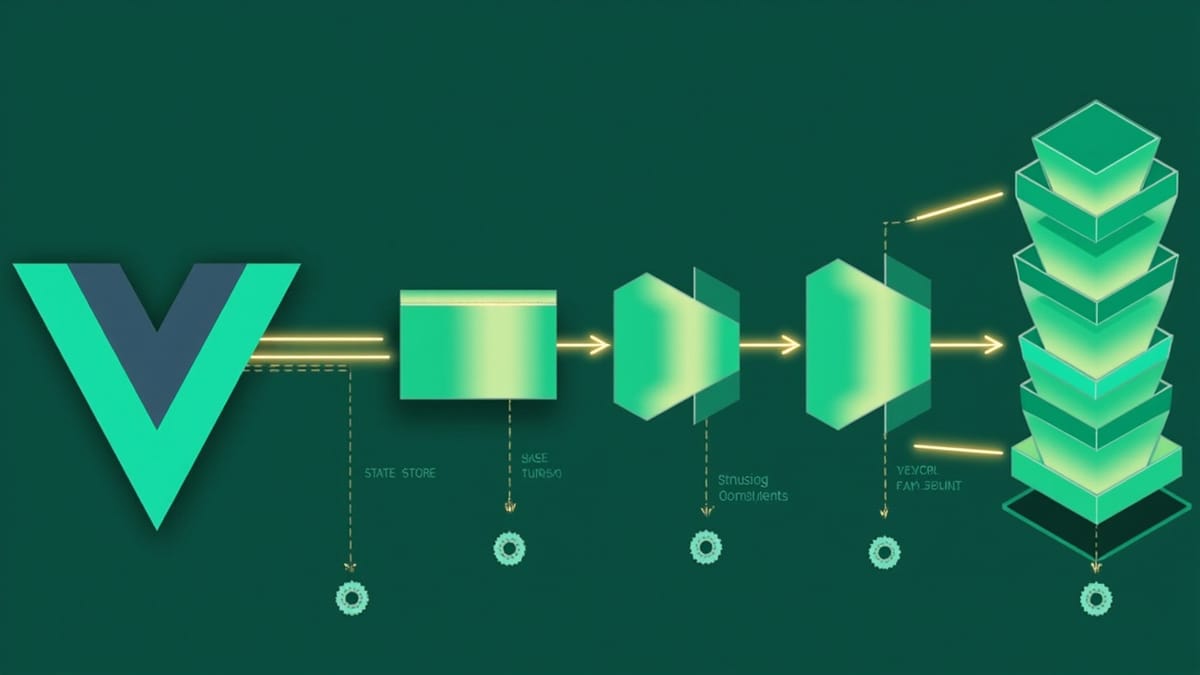
Vue.js testing covers three levels: unit tests for composables and utilities, component tests for Vue components with Vue Test Utils 2, and end-to-end tests with Cypress or Playwright. The recommended stack for Vue 3 projects is Vitest for unit and component tests (it integrates directly with Vite) plus Cypress for E2E. This guide walks through setting up each layer and writing effective tests.
Key Takeaways
Vitest is the natural choice for Vue 3 + Vite projects. It reuses your vite.config.ts, understands Vue SFCs natively with @vitejs/plugin-vue, and is significantly faster than Jest for large Vue codebases.
Vue Test Utils 2 is the mounting library for Vue 3. mount() renders a component in a virtual DOM; shallowMount() stubs child components. Use mount() by default — stubs hide real behavior.
Test composables directly, not through components. A composable is just a function. Call it in a test, assert on the returned refs. No need to mount a component just to test logic.
Pinia stores are testable in isolation. Call setActivePinia(createPinia()) in beforeEach, then import and use the store normally. No mocking needed.
Vitest's vi.mock() works with dynamic imports. Unlike Jest, Vitest supports mocking ES modules that use import() — useful for lazy-loaded Vue route components.
Vue Testing Stack
A complete Vue 3 test setup looks like this:
| Layer | Tool | What it tests |
|---|---|---|
| Unit | Vitest | Composables, utilities, stores |
| Component | Vitest + Vue Test Utils 2 | Vue components in isolation |
| E2E | Cypress | Real browser, full application |
For Vue 2 projects, the stack is Jest + Vue Test Utils 1. This guide focuses on Vue 3.
Installing and Configuring Vitest
npm install --save-dev vitest @vue/test-utils @vitejs/plugin-vue jsdomUpdate vite.config.ts:
import { defineConfig } from 'vite';
import vue from '@vitejs/plugin-vue';

export default defineConfig({
  plugins: [vue()],
  test: {
    globals: true,
    environment: 'jsdom',
    setupFiles: ['./src/tests/setup.ts'],
  },
});jsdom simulates a browser environment in Node.js. Vue components need access to the DOM API, so this is required.
src/tests/setup.ts:
import { config } from '@vue/test-utils';

// Global test utilities (optional)
config.global.stubs = {};Testing Composables
Composables are the easiest thing to test in Vue 3:
// src/composables/useCounter.ts
import { ref, computed } from 'vue';

export function useCounter(initialValue = 0) {
  const count = ref(initialValue);
  const doubled = computed(() => count.value * 2);

  function increment() { count.value++ }
  function decrement() { count.value-- }
  function reset() { count.value = initialValue }

  return { count, doubled, increment, decrement, reset };
}// src/composables/useCounter.test.ts
import { useCounter } from './useCounter';
describe('useCounter', () => {
it('initializes with 0 by default', () => {
const { count } = useCounter();
expect(count.value).toBe(0);
});
it('initializes with a custom value', () => {
const { count } = useCounter(10);
expect(count.value).toBe(10);
});
it('increments the count', () => {
const { count, increment } = useCounter();
increment();
increment();
expect(count.value).toBe(2);
});
it('decrements the count', () => {
const { count, decrement } = useCounter(5);
decrement();
expect(count.value).toBe(4);
});
it('computes the doubled value', () => {
const { count, doubled, increment } = useCounter();
expect(doubled.value).toBe(0);
increment();
expect(doubled.value).toBe(2);
});
it('resets to the initial value', () => {
const { count, increment, reset } = useCounter(3);
increment();
increment();
reset();
expect(count.value).toBe(3);
});
});No mount(), no DOM — just pure function testing.
Testing Components with Vue Test Utils
<!-- src/components/UserCard.vue -->
<template>
  <div class="user-card">
    <h2>{{ user.name }}</h2>
    <p>{{ user.email }}</p>
    <button @click="$emit('delete', user.id)">Delete</button>
  </div>
</template>

<script setup lang="ts">
interface User { id: string; name: string; email: string; }
defineProps<{ user: User }>();
defineEmits<{ delete: [id: string] }>();
</script>// src/components/UserCard.test.ts
import { mount } from '@vue/test-utils';
import UserCard from './UserCard.vue';
const user = { id: '1', name: 'Alice', email: 'alice@example.com' };
describe('UserCard', () => {
it('renders the user name and email', () => {
const wrapper = mount(UserCard, { props: { user } });
expect(wrapper.find('h2').text()).toBe('Alice');
expect(wrapper.find('p').text()).toBe('alice@example.com');
});
it('emits delete event with user id when button is clicked', async () => {
const wrapper = mount(UserCard, { props: { user } });
await wrapper.find('button').trigger('click');
expect(wrapper.emitted('delete')).toBeTruthy();
expect(wrapper.emitted('delete')?.[0]).toEqual(['1']);
});
});Testing with Global Plugins
If your components use Vue Router or Pinia, register them in the global option:
import { mount } from '@vue/test-utils';
import { createRouter, createMemoryHistory } from 'vue-router';
import { createPinia } from 'pinia';

const router = createRouter({
  history: createMemoryHistory(),
  routes: [{ path: '/', component: { template: '<div/>' } }],
});

const wrapper = mount(MyComponent, {
  global: {
    plugins: [router, createPinia()],
  },
});Testing Async Components
Components that fetch data on mount need await nextTick() or flushPromises():
import { flushPromises } from '@vue/test-utils';
import { vi } from 'vitest';

it('displays users after loading', async () => {
  vi.stubGlobal('fetch', vi.fn().mockResolvedValue({
    ok: true,
    json: async () => [{ id: '1', name: 'Alice' }],
  }));

  const wrapper = mount(UserList);

  // Before data loads
  expect(wrapper.text()).toContain('Loading...');

  // Wait for all promises
  await flushPromises();

  // After data loads
  expect(wrapper.text()).toContain('Alice');
});Testing Slots
<!-- Card.vue -->
<template>
  <div class="card">
    <div class="card-header"><slot name="header" /></div>
    <div class="card-body"><slot /></div>
    <div class="card-footer"><slot name="footer" /></div>
  </div>
</template>it('renders named slots', () => {
const wrapper = mount(Card, {
slots: {
header: '<h1>Card Title</h1>',
default: '<p>Card content</p>',
footer: '<button>Action</button>',
},
});
expect(wrapper.find('.card-header').text()).toBe('Card Title');
expect(wrapper.find('.card-body').text()).toBe('Card content');
expect(wrapper.find('.card-footer').text()).toBe('Action');
});Running Tests
npx vitest              # watch mode
npx vitest run          # single run (CI)
npx vitest --coverage   # with coverage
npx vitest --ui # browser UISetting Up E2E with Cypress
npm install --save-dev cypress @cypress/vue
npx cypress open # first-time setupcypress.config.ts:
import { defineConfig } from 'cypress';

export default defineConfig({
  e2e: {
    baseUrl: 'http://localhost:5173',
  },
  component: {
    devServer: {
      framework: 'vue',
      bundler: 'vite',
    },
  },
});E2E test:
// cypress/e2e/users.cy.ts
describe('Users page', () => {
  it('displays the user list', () => {
    cy.visit('/users');
    cy.get('[data-testid="user-list"]').should('be.visible');
    cy.get('[data-testid="user-card"]').should('have.length.greaterThan', 0);
  });

  it('filters users by search term', () => {
    cy.visit('/users');
    cy.get('[data-testid="search-input"]').type('Alice');
    cy.get('[data-testid="user-card"]').each(card => {
      cy.wrap(card).should('contain', 'Alice');
    });
  });
});What's Next
Each topic in this guide deserves deeper coverage. The other posts in this cluster cover:
- Vue Test Utils 2 in depth — props, emits, slots, async behavior
- Vitest with Vue — setup, coverage, mocking Vue Router and composables
- Pinia store testing — unit testing stores without components
- Cypress component testing — real browser tests for individual components
HelpMeTest handles production monitoring — automated tests against your deployed Vue application, 24/7. Start with a 14-day free trial.