
Visual Regression Testing: What It Is and Why It Matters
A developer changes a global CSS variable — --spacing-base: 8px becomes --spacing-base: 10px. All unit tests pass. All E2E tests pass.

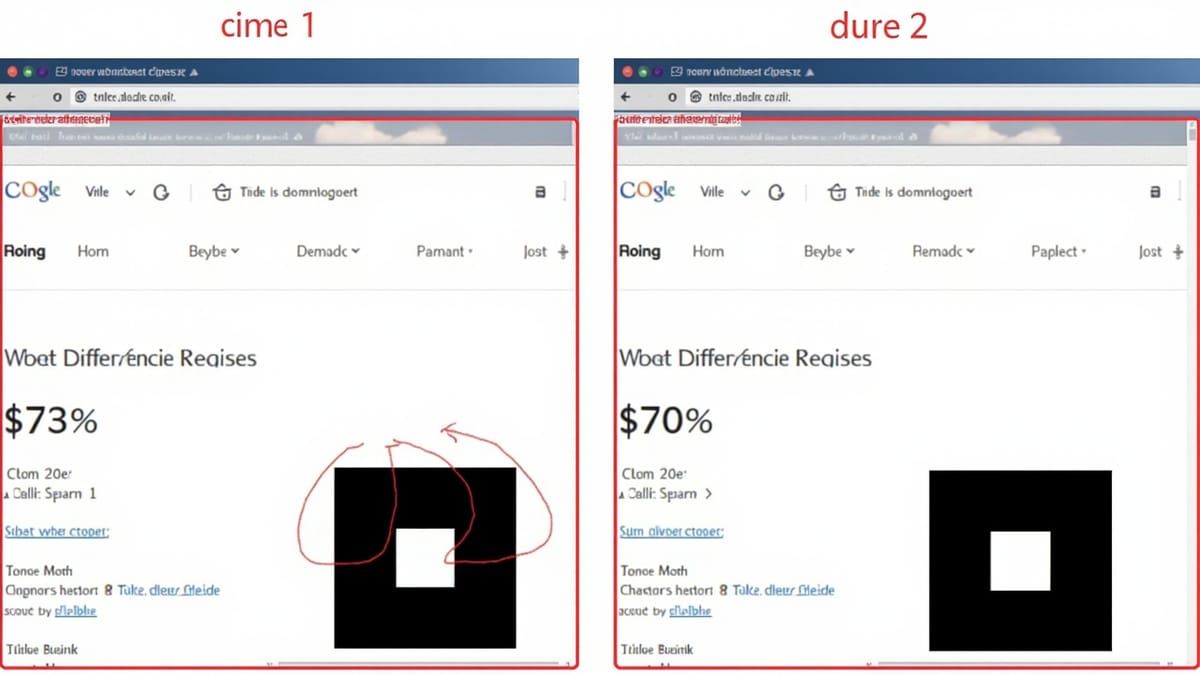
A developer changes a global CSS variable — --spacing-base: 8px becomes --spacing-base: 10px. All unit tests pass. All E2E tests pass. But twenty components now have slightly different spacing, the header overlap looks wrong on mobile, and a dialog's close button is partially hidden.
No test caught it because functional tests don't verify appearance. Visual regression testing exists to fill this gap.
What Is Visual Regression Testing?
Visual regression testing automatically detects unintended visual changes in your application. It works by:
- Capturing baseline screenshots of components or pages in a known-good state
- Capturing current screenshots in your test run or PR
- Comparing the two and flagging differences
When a test detects a visual change, it surfaces the diff for human review. You decide whether the change was intentional (accept the new baseline) or a regression (fix the code).
The key word is regression. Visual regression testing isn't about making your UI look a specific way — it's about catching changes you didn't intend.
What Visual Regression Testing Catches
Layout shifts — an element moved unexpectedly. Common cause: a CSS change affected position, margin, padding, or display on a parent element.
Color regressions — a button changed from #2563eb to #1d4ed8 because someone updated a CSS variable that affected more than intended.
Typography changes — font size, weight, or line height changed globally. Text that fit in a container no longer does. Truncation appears where it didn't before.
Missing images or icons — an image path changed, a CDN URL expired, or a web font failed to load. Functional tests see the <img> tag; visual tests see the broken image.
Component composition bugs — two components that work correctly in isolation but conflict when placed on the same page. A modal's z-index doesn't clear the sticky header.
Responsive layout breakage — a change that looks fine at 1280px breaks the layout at 375px. Multi-viewport visual testing catches this immediately.
Third-party widget changes — a chat widget or analytics embed updates its UI without your knowledge. Visual tests flag it before users see it.
What Visual Regression Testing Does NOT Catch
Visual regression testing is specifically about appearance. It doesn't catch:
- Functional bugs — wrong data, broken form submissions, incorrect calculations
- Business logic errors — wrong discount applied, wrong user permissions
- Performance regressions — slow load times, excessive API calls
- Accessibility violations — ARIA labels, keyboard navigation, color contrast ratios
- Security vulnerabilities — XSS, CSRF, authentication bypasses
These require different test types. Visual regression testing is an addition to your testing strategy, not a replacement for functional tests.
How Visual Comparison Works
Pixel-level diffing
The simplest approach: compare screenshots pixel by pixel. Any pixel that differs is flagged.
Advantages: deterministic, fast to implement. Disadvantages: highly sensitive to anti-aliasing, font rendering differences across OS and browser versions, and subpixel positioning changes that are invisible to the human eye. This produces significant false positives, which cause teams to disable the tests or update baselines blindly.
Tools using pixel diffing: Percy, Chromatic, BackstopJS, Playwright's built-in screenshots.
AI-powered comparison
Machine learning models trained on UI screenshots classify differences as "meaningful" or "noise." The model understands that a 1-pixel shift in a border shadow is noise; a button that moved 20px is a regression.
Tools using AI: Applitools Eyes.
Advantages: dramatically fewer false positives, better cross-browser consistency. Disadvantages: more expensive, less transparent (what exactly did the model decide is noise?).
DOM snapshot comparison
Instead of comparing screenshots, capture the DOM and re-render it consistently. This eliminates OS font rendering differences and anti-aliasing variance.
Tools using DOM snapshots: Percy.
Advantages: consistent renders across machines and browsers. Disadvantages: doesn't catch purely visual issues that come from the rendering engine itself.
Baseline Management
Every visual regression tool needs a baseline — the "approved" state against which comparisons run.
First run creates the baseline
When you first add visual tests, run them with no existing baseline. The tool captures screenshots and stores them as the baseline without requiring approval. All future runs compare against these.
Updating baselines
When you make an intentional UI change (redesign, brand update, dependency update), you need to accept the new screenshots as the baseline. Most tools provide:
- Per-diff approval — review each changed screenshot individually
- Bulk approval — accept all changes in a build
- Branch baselines — feature branches compare against the main branch baseline, not their own history
Baseline drift
One failure mode: teams run update-snapshots automatically without review. Baselines drift to match whatever the application currently looks like — including regressions. The tests pass, but they no longer catch anything.
Discipline: always review baseline updates before approving them.
Integrating Visual Tests Into Your Workflow
Component level vs page level
Component-level testing (Chromatic, Storybook):
- Tests individual components in isolation
- Fast feedback — catches component regressions immediately
- Doesn't catch composition bugs when components are combined on a page
- Best for design system teams
Page-level testing (Percy, Applitools):
- Tests full pages or page sections
- Catches composition bugs and global CSS effects
- Slower than component testing
- Best for application teams
Many mature teams use both layers.
When to run visual tests
On every PR: Run visual tests as a PR check. Unapproved visual changes block merge. This is the most common setup and catches regressions before they reach main.
Nightly: For larger suites, run the full visual test suite nightly against staging. Faster than running everything on every PR.
Pre-release: Run a complete visual test pass before major releases, especially if you use TurboSnap or other change-detection that might skip snapshots.
What to snapshot
Not every page and state needs to be tested. Focus on:
- High-visibility pages — homepage, landing pages, checkout flow, dashboard
- Reused components — navigation, buttons, forms, modals that appear throughout the app
- Responsive breakpoints — test at mobile (375px), tablet (768px), and desktop (1280px) at minimum
- Key states — empty state, loading state, error state, full state
- Brand-sensitive surfaces — anything where an accidental color or typography change would be noticed immediately
Don't snapshot:
- Pages with highly dynamic content (news feeds, real-time data dashboards)
- Components in development behind feature flags
- Admin-only pages with low user visibility
The Visual Testing Workflow in Practice
A typical PR workflow with visual testing:
- Developer opens a PR
- CI runs unit tests + E2E tests + visual tests
- Visual tests detect 3 changed snapshots
- Percy/Chromatic/Applitools posts a "pending" status on the PR
- A team member opens the visual diff review
- Two changes are from the intentional UI update (accept as new baseline)
- One change reveals an unintended layout shift in the mobile header (reject — developer fixes it)
- Once all diffs are reviewed and approved, the visual test check passes
- PR merges
Without visual testing, step 7 wouldn't happen until a user reports it.
Starting Your Visual Testing Journey
Start small
Don't try to snapshot the entire application on day one. Start with:
- 5-10 core components in your design system
- 2-3 high-visibility pages
- 2 viewports (mobile + desktop)
Run this for a few weeks, build the review habit, then expand coverage.
Stabilise before you scale
Flaky visual tests are worse than no visual tests. Before expanding your suite, ensure:
- Dynamic content is masked or replaced with static data
- Animations are disabled or paused before capture
- Load states are waited for before snapshotting
- Test data is deterministic
A stable suite of 50 snapshots is more valuable than a flaky suite of 500.
Define your review process
Who reviews visual diffs? What's the SLA for reviewing a pending PR check? Can developers self-approve their own changes?
Common approach: the PR author can approve expected changes; a second reviewer is required for changes that affect shared components or layouts.
Visual Testing Tools at a Glance
| Tool | Type | Free tier | Best for |
|---|---|---|---|
| Percy | Cloud, page-level | 5,000 snapshots/month | Cypress/Playwright users |
| Applitools Eyes | Cloud, page + component | 100 checkpoints/month | Enterprise, cross-browser |
| Chromatic | Cloud, component-level | 5,000 snapshots/month | Storybook users |
| BackstopJS | Self-hosted | Free | Teams that can't use cloud |
| Playwright screenshots | Self-hosted | Free | Playwright users wanting minimal setup |
Summary
Visual regression testing catches a class of bugs that no other test type detects: unintended changes to how your application looks. It's not a replacement for functional tests — it's a complementary layer that answers the question "did anything look different from before?"
The investment is modest: one SDK, a few percySnapshot() or eyes.check() calls, and a review workflow. The return is catching layout shifts, color regressions, and responsive breakages before your users do.
Start with the pages and components that matter most, stabilise the suite, then expand. Visual regression testing that gets disabled due to noise is worse than no visual testing at all — so start small and reliable.
