
Testing AI Agent Workflows End-to-End: A Practical Guide

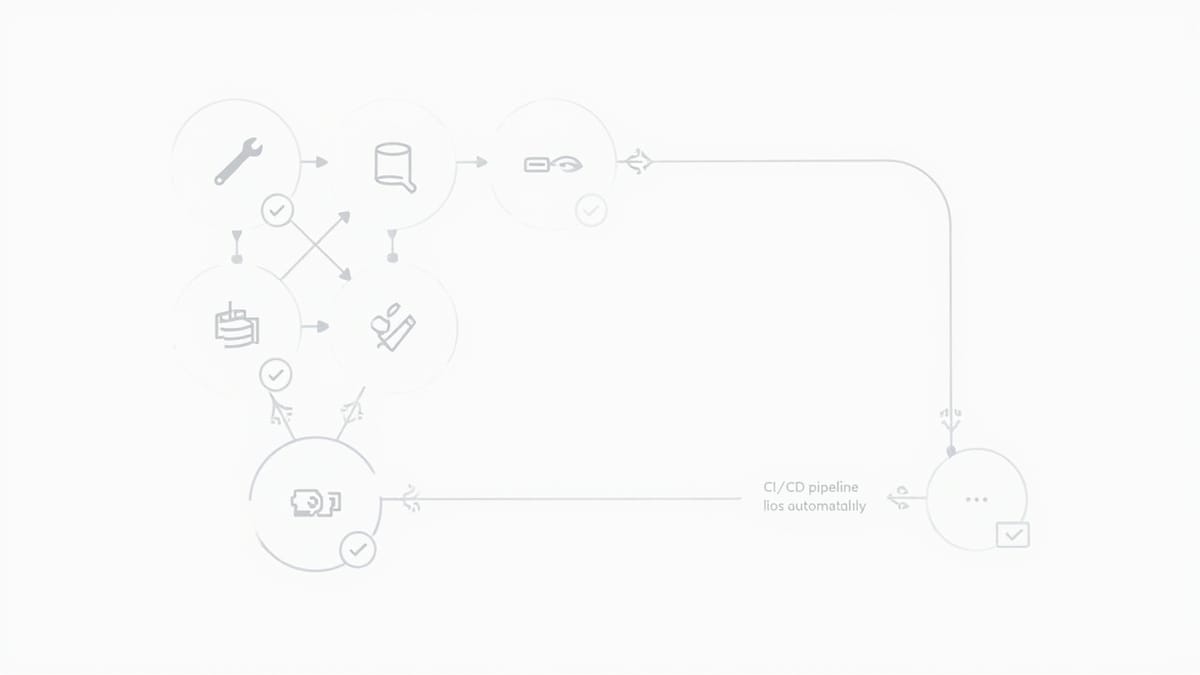
AI agent workflows are harder to test than traditional software because the intermediate steps (which tools get called, in what order, with what arguments) are non-deterministic. This guide covers deterministic testing strategies: behavioral assertions over tool calls, golden dataset testing, state-based verification, and contract testing for agent-tool interfaces.
AI agents are everywhere: coding assistants that write and execute code, support bots that query databases and draft replies, research agents that browse the web and summarize findings. But most teams treat agents like black boxes — give them a prompt, check the final output, call it done.
That approach breaks down fast. When an agent workflow fails, was it the prompt? The tool call? The LLM's reasoning? The downstream API? Without structured tests, you can't tell.
What Makes Agent Testing Hard
Traditional software: input → deterministic computation → output. Same input always produces the same output.
AI agents: input → LLM reasoning → tool calls → more LLM reasoning → output. The intermediate steps vary. LLMs are stochastic. The same prompt can produce different tool call sequences on different runs.
This means:
- You can't assert exact outputs — only behavioral properties
- Tool call order matters — and may vary legitimately
- Failures can be subtle — wrong tool called, correct tool with wrong arguments, tool called unnecessarily
- Context length affects behavior — long conversations degrade agent performance
The solution is to test behaviors, not specific outputs.
Layer 1: Unit Testing Tool Implementations
Before testing the agent, test each tool in isolation. If your agent has a search_database tool, write unit tests for the underlying search function:
# test_tools.py
import pytest
from agent.tools import search_database

def test_search_returns_relevant_results():
    results = search_database(query="quarterly revenue", limit=5)
    assert len(results) <= 5
    assert all("revenue" in r["content"].lower() for r in results)

def test_search_handles_empty_query():
    with pytest.raises(ValueError, match="Query cannot be empty"):
        search_database(query="", limit=5)

def test_search_sanitizes_sql_injection():
    # Should not raise, should return empty results safely
    results = search_database(query="'; DROP TABLE records; --", limit=5)
assert isinstance(results, list)Unit tests are fast, deterministic, and catch implementation bugs before they become agent bugs. Run them on every commit.
Layer 2: Deterministic Tool Call Testing
The second layer tests that your agent calls the right tools with the right arguments. The trick is to use a mock LLM that always produces the same tool call sequence.
# test_agent_tool_calls.py
from unittest.mock import patch, MagicMock
from agent.workflow import run_research_agent

def make_mock_response(tool_name, tool_input, tool_call_id="call_1"):
    """Create a fake LLM response that calls a specific tool."""
    return {
        "content": [
            {
                "type": "tool_use",
                "id": tool_call_id,
                "name": tool_name,
                "input": tool_input
            }
        ],
        "stop_reason": "tool_use"
    }

def test_research_agent_calls_search_first():
    mock_responses = [
        make_mock_response("web_search", {"query": "climate change 2026"}),
        # Second response: final answer
        {"content": [{"type": "text", "text": "Here is what I found..."}], "stop_reason": "end_turn"}
    ]

    with patch("agent.workflow.anthropic_client") as mock_client:
        mock_client.messages.create.side_effect = mock_responses
        result = run_research_agent("What are the latest climate change developments?")

    # Assert tool call order and arguments
    calls = mock_client.messages.create.call_args_list
    first_call = calls[0]
    # The agent should not call any tools before the first LLM call
    assert first_call.kwargs["messages"][0]["role"] == "user"

    # The web_search tool must be called with a sensible query
    tool_results_message = calls[1].kwargs["messages"][-1]
    assert tool_results_message["role"] == "user"
assert "web_search" in str(tool_results_message)This approach is fully deterministic — the mock always returns the same sequence of tool calls. It tests your agent's orchestration logic without hitting real APIs.
Layer 3: Contract Testing for Agent-Tool Interfaces
Agents and tools evolve independently. A tool schema change can break an agent that was working fine. Contract tests pin the interface.
Define tool schemas as contracts:
# contracts/tools.py
WEB_SEARCH_SCHEMA = {
    "name": "web_search",
    "description": "Search the web for current information",
    "input_schema": {
        "type": "object",
        "properties": {
            "query": {"type": "string", "description": "The search query"},
            "num_results": {"type": "integer", "default": 5}
        },
        "required": ["query"]
    }
}Test that the actual tool implementation satisfies the contract:
# test_contracts.py
from contracts.tools import WEB_SEARCH_SCHEMA
from agent.tools import web_search
import jsonschema

def test_web_search_accepts_valid_input():
    """Tool must accept any input that matches its declared schema."""
    valid_input = {"query": "test query", "num_results": 3}
    jsonschema.validate(valid_input, WEB_SEARCH_SCHEMA["input_schema"])  # schema is valid

    # Tool must not raise for schema-valid inputs
    result = web_search(**valid_input)
    assert isinstance(result, list)

def test_web_search_output_is_consistent():
    """Tool output format must be stable — agents depend on it."""
    result = web_search(query="test")
    assert isinstance(result, list)
    for item in result:
        assert "title" in item
        assert "url" in item
assert "snippet" in itemWhen you change a tool, run contract tests first. If they fail, the agent that depends on that tool will also break — and you've caught it before deployment.
Layer 4: Golden Dataset Testing
For agents with complex reasoning (customer support bots, code reviewers, research agents), maintain a golden dataset: a set of inputs with known-good expected behaviors.
# test_golden.py
import pytest

GOLDEN_DATASET = [
    {
        "input": "What is our refund policy?",
        "must_call": ["search_knowledge_base"],
        "must_not_call": ["send_email"],
        "output_contains": ["30 days", "original payment method"]
    },
    {
        "input": "Cancel my subscription",
        "must_call": ["get_subscription", "cancel_subscription"],
        "must_not_call": [],
        "output_contains": ["cancelled", "confirmation"]
    },
    {
        "input": "What time is it?",
        "must_call": [],  # Agent should answer from knowledge, not call tools
        "must_not_call": ["search_knowledge_base", "send_email"],
        "output_contains": []
    }
]

@pytest.mark.parametrize("case", GOLDEN_DATASET)
def test_support_agent_golden(case, agent_with_tool_tracking):
    result = agent_with_tool_tracking.run(case["input"])

    for tool in case["must_call"]:
        assert tool in result.tools_called, \
            f"Agent should have called {tool} but didn't"

    for tool in case["must_not_call"]:
        assert tool not in result.tools_called, \
            f"Agent called {tool} but shouldn't have"

    for phrase in case["output_contains"]:
        assert phrase.lower() in result.output.lower(), \
f"Output should contain '{phrase}'"Golden datasets catch regressions when you change prompts, tool schemas, or LLM models. Run them before every model upgrade.
Layer 5: End-to-End Behavioral Testing
The final layer runs the full agent against a real (or realistic) environment and asserts outcomes in the downstream system:
# test_e2e.py
import pytest
from agent.workflow import run_support_agent
from tests.fixtures import create_test_user, get_db_state

@pytest.mark.e2e
def test_agent_cancels_subscription_correctly():
    # Setup: create a user with an active subscription
    user = create_test_user(plan="pro", billing_active=True)

    # Run the agent with a cancellation request
    result = run_support_agent(
        user_id=user.id,
        message="Please cancel my subscription"
    )

    # Assert the downstream state changed correctly
    updated_user = get_db_state(user.id)
    assert updated_user.plan == "free"
    assert updated_user.billing_active == False

    # Assert the agent communicated clearly
    assert "cancelled" in result.output.lower()
assert user.email in result.output or "confirmation" in result.output.lower()End-to-end tests are slow and expensive. Run them nightly or before releases, not on every commit.
Handling Non-Determinism
The biggest challenge in agent testing is that the same input can produce different outputs. Strategies:
1. Set temperature to 0. Most LLM providers support temperature=0 for deterministic (or nearly deterministic) outputs. Use this in tests.
2. Assert behavioral properties, not exact strings. Instead of assert output == "Your subscription has been cancelled.", assert assert "cancelled" in output.lower().
3. Use behavioral rubrics. For complex outputs, use another LLM call to score the output against criteria:
def score_output(output: str, criteria: list[str]) -> dict:
    """Use an LLM to evaluate whether an output meets criteria."""
    prompt = f"""
    Evaluate this agent output against each criterion. Answer YES or NO.

    Output: {output}

    Criteria:
    {chr(10).join(f"- {c}" for c in criteria)}

    Return JSON: {{"criterion": "yes/no", ...}}
    """
# ... call LLM and parse response4. Run tests multiple times and use majority vote. For probabilistic outputs, run the agent 3-5 times and assert that the correct behavior occurs in at least 4/5 runs.
Observability: Logging Tool Calls in Production
Good tests require good observability. Log every tool call your agent makes, with timing:
import logging
from functools import wraps
import time

def trace_tool(func):
    @wraps(func)
    def wrapper(*args, **kwargs):
        start = time.time()
        try:
            result = func(*args, **kwargs)
            logging.info(
                "tool_call",
                extra={
                    "tool": func.__name__,
                    "args": kwargs,
                    "duration_ms": (time.time() - start) * 1000,
                    "success": True
                }
            )
            return result
        except Exception as e:
            logging.error(
                "tool_error",
                extra={
                    "tool": func.__name__,
                    "args": kwargs,
                    "error": str(e),
                    "duration_ms": (time.time() - start) * 1000
                }
            )
            raise
return wrapperTool call logs help you understand what your agent is actually doing in production, which informs what to add to your golden dataset.
Testing with HelpMeTest
Teams using HelpMeTest can run browser-level end-to-end tests against the downstream effects of agent workflows. For example, if your agent updates a web application, verify the update with a Robot Framework test:
*** Test Cases ***
Agent Updated Dashboard Successfully
    Go To  https://app.example.com/dashboard
    Wait For Elements State  .agent-status  visible  timeout=15s
    Get Text  .agent-status  ==  Task completed
Element Should Be Visible .updated-recordInstall the HelpMeTest CLI:
curl -fsSL https://helpmetest.com/install | bash
helpmetest loginThen run tests after each agent workflow:
helpmetest test "Agent Dashboard Update"CI/CD Integration
name: Agent Tests
on: [push, pull_request]

jobs:
  unit-and-deterministic:
    runs-on: ubuntu-latest
    steps:
      - uses: actions/checkout@v4
      - run: pip install -r requirements-dev.txt
      - run: pytest tests/unit tests/deterministic -v

  golden-dataset:
    runs-on: ubuntu-latest
    needs: unit-and-deterministic
    steps:
      - uses: actions/checkout@v4
      - run: pip install -r requirements-dev.txt
      - run: pytest tests/golden -v --timeout=120
        env:
          ANTHROPIC_API_KEY: ${{ secrets.ANTHROPIC_API_KEY }}

  e2e:
    runs-on: ubuntu-latest
    if: github.ref == 'refs/heads/main'
    needs: golden-dataset
    steps:
      - uses: actions/checkout@v4
      - run: pytest tests/e2e -v --timeout=300
        env:
ANTHROPIC_API_KEY: ${{ secrets.ANTHROPIC_API_KEY }}Conclusion
Testing AI agent workflows requires a layered approach: unit tests for individual tools, deterministic mock-based tests for agent orchestration, contract tests for tool interfaces, golden datasets for regression testing, and end-to-end tests for outcome verification. The key insight is to assert behavioral properties rather than exact outputs — LLMs are stochastic, but behaviors can be deterministic constraints even when implementations vary.

