Test Trend Analysis: How to Spot Flaky Tests and Coverage Gaps from Reports
Running tests is table stakes. Understanding what the results mean over time — that's where teams actually improve their quality practice.

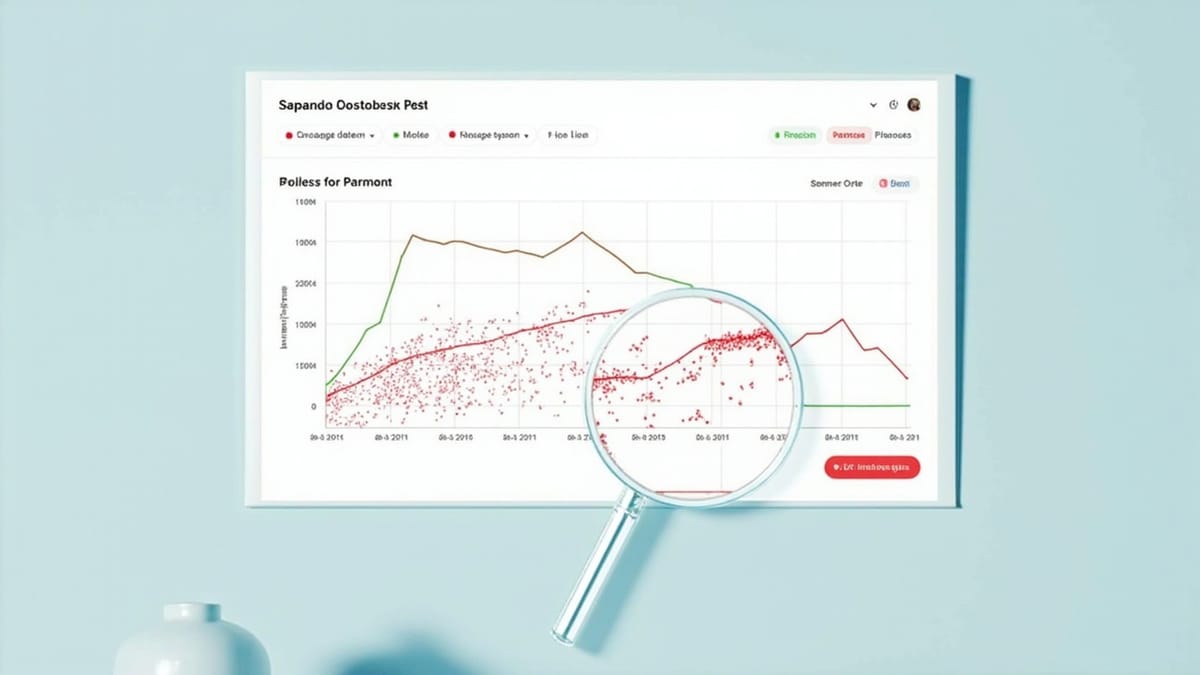
Running tests is table stakes. Understanding what the results mean over time — that's where teams actually improve their quality practice.
Test trend analysis is the discipline of reading patterns from test result history: which tests are reliable, which are lying to you, which parts of the codebase have no coverage, and whether quality is improving or degrading across releases.
This guide covers practical techniques for extracting signal from test data, whether you're working with a dedicated analytics platform or writing SQL queries against your own result store.
Why Trend Analysis Matters
A single test run tells you: "These N tests passed, these M failed, right now."
Trend analysis tells you:
- Is the failure rate getting better or worse over time?
- Which tests fail frequently vs. occasionally vs. never?
- Is test coverage growing with the codebase, or falling behind?
- Are new failures appearing on main, or only on feature branches?
- Which areas of the application are most risky based on historical test behavior?
The difference between a reactive QA team (fixing broken tests) and a proactive one (preventing regressions) is usually whether they're doing trend analysis or not.
The Four Core Metrics
1. Pass Rate Trend
The overall ratio of passing tests over time. This is your highest-level signal.
Pass rate = (total tests - failures - errors) / total testsWhat to look for:
- Stable pass rate (>95%) with occasional dips: healthy. Dips after deploys indicate regressions.
- Gradually declining pass rate: technical debt accumulating in the test suite — often stale selectors or outdated test data.
- Volatile pass rate (wild swings): environment instability or heavy test flakiness.
- Plateau below 90%: known failures being ignored. This is a culture problem, not a technical one.
2. Failure Rate Per Test
How often does each individual test fail, across all runs over a time window?
Failure rate = failures / total executions (last 30 days)Classify tests into:
- Green (0-5% failure rate): reliable, trusted
- Yellow (5-20% failure rate): needs investigation — could be flaky or intermittently broken
- Red (>20% failure rate): actively broken or severely flaky — high noise, low signal
3. Flakiness Score
A flaky test is one that changes result (pass↔fail) across consecutive runs without code changes. Flakiness is distinct from a consistently failing test.
Flakiness = status change count / total executionsHigh flakiness score on a passing test is just as dangerous as a failing test — it means you can't trust either result.
4. Coverage Trend
Are new features being covered by tests? Coverage trend measures whether the ratio of tested code is growing or shrinking as the codebase grows.
Track via:
- Line/branch coverage from tools like Istanbul, coverage.py, or JaCoCo
- Or proxy: test count vs. story points shipped over time
Identifying Flaky Tests
Flakiness is often the biggest source of noise in a test suite. A team with 20% flaky tests loses trust in their entire CI pipeline — engineers start ignoring failures, and real regressions slip through.
Method 1: Status Flip Detection
The most direct approach: count how many times a test changed its result between consecutive runs.
WITH ordered AS (
  SELECT
    test_name,
    status,
    created_at,
    LAG(status) OVER (PARTITION BY test_name ORDER BY created_at) as prev_status
  FROM test_results
  WHERE created_at > NOW() - INTERVAL '30 days'
),
flips AS (
  SELECT
    test_name,
    COUNT(*) as total_runs,
    SUM(CASE WHEN status != prev_status AND prev_status IS NOT NULL THEN 1 ELSE 0 END) as flips,
    AVG(CASE WHEN status = 'passed' THEN 1.0 ELSE 0.0 END) as pass_rate
  FROM ordered
  GROUP BY test_name
  HAVING COUNT(*) >= 5  -- minimum runs to be meaningful
)
SELECT
  test_name,
  total_runs,
  flips,
  ROUND(flips::float / total_runs * 100, 1) as flakiness_pct,
  ROUND(pass_rate * 100, 1) as pass_rate_pct
FROM flips
WHERE flips > 0
ORDER BY flips DESC;Tests with >15% flakiness score are priority candidates for investigation.
Method 2: Re-run Comparison
Run your test suite twice in the same environment with the same code. Tests that produce different results between runs are flaky by definition — no code changed.
This is expensive for large suites but extremely accurate for targeted flakiness audits. Schedule a weekly double-run on the most volatile tests.
Method 3: Failure Rate Without Recent Code Changes
If a test fails, check whether any files it covers changed since the last green run. If not, the failure is likely flaky.
This requires linking test results to code changes — achievable by storing commit_sha with each test run and joining against Git history.
Fixing Flaky Tests
Once identified, flaky tests fall into common categories:
Timing-dependent failures:
- Tests that
sleep()for a fixed duration instead of waiting for a condition - Fix: replace sleeps with explicit waits (Playwright's
waitForSelector, Robot Framework'sWait Until Element Is Visible)
Shared state pollution:
- Tests that depend on database state left by a previous test
- Fix: transaction rollback after each test, or dedicated test data setup/teardown
External service dependencies:
- Tests that call real APIs, email services, or third-party systems
- Fix: mock the dependency at the network boundary, or use a stable test environment
Race conditions in async code:
- Tests that don't properly await async operations
- Fix: ensure all async operations are properly awaited and assertions run after completion
Order-dependent tests:
- Tests that pass individually but fail when run in a certain order
- Fix: enforce test isolation — each test must set up its own preconditions
Spotting Coverage Gaps
Method 1: Module-Level Coverage Heatmap
Line coverage tools (Istanbul for JavaScript, coverage.py for Python, JaCoCo for Java) produce per-file coverage reports. Aggregate this into a heatmap by feature area or directory.
Look for:
- Directories with <50% coverage that contain business-critical logic
- New files added in the last 30 days with 0% coverage
- Recently changed files (from
git diff) with declining coverage
Method 2: Risk-Coverage Matrix
Plot feature importance against test coverage. High-importance, low-coverage areas are your biggest risk zones.
           | Low Coverage | High Coverage
-----------|--------------|--------------
High Risk  |  🔴 Critical  |  🟡 Monitor
Low Risk | 🟡 Acceptable| 🟢 GoodRisk is a judgment call — typically defined by business criticality, change frequency, and historical defect density.
Method 3: Execution Frequency Analysis
If you track which test files cover which parts of the application, you can find areas that are never exercised by any test.
More practically: find parts of the application that have no failing tests but also no passing tests — they might not be covered at all.
Method 4: New Code Coverage Gate
In CI, fail the build if new code drops overall coverage below a threshold:
# GitHub Actions example
- name: Check coverage
  run: |
pytest --cov=myapp --cov-report=term-missing --cov-fail-under=80This doesn't find existing gaps, but it prevents new ones from being introduced.
Reading Failure Patterns
Time-Correlated Failures
If tests fail at specific times (e.g., every day at 2am, or every Monday), the cause is usually:
- Environment-level: scheduled jobs competing with tests, auto-scaling events
- Time-based: tests that depend on current time/date and break at boundaries
- Data-based: weekly data refresh that changes expected values
Query for time patterns:
SELECT
  EXTRACT(HOUR FROM created_at) as hour_of_day,
  COUNT(*) FILTER (WHERE status = 'failed') as failures,
  COUNT(*) as total,
  ROUND(COUNT(*) FILTER (WHERE status = 'failed')::float / COUNT(*) * 100, 1) as failure_rate
FROM test_results
WHERE test_name = 'specific_flaky_test'
  AND created_at > NOW() - INTERVAL '30 days'
GROUP BY hour_of_day
ORDER BY hour_of_day;Branch-Correlated Failures
Tests that only fail on feature branches (not main) indicate:
- The test is testing an incomplete feature
- The branch has a genuine regression
- Environment differences between branch and main
Tests that fail on main but not on branches indicate:
- Integration-time failures (merge introduced a regression)
- Environment drift between CI environments
Deployment-Correlated Failures
Track which deploy introduced a new failure pattern. If a test that was green for 30 builds suddenly fails after build #31, the change in build #31 is the prime suspect.
SELECT
  tr.build_number,
  tr.commit_sha,
  COUNT(*) FILTER (WHERE res.status = 'failed') as new_failures
FROM test_runs tr
JOIN test_results res ON tr.run_id = res.run_id
WHERE tr.started_at > NOW() - INTERVAL '14 days'
GROUP BY tr.build_number, tr.commit_sha
ORDER BY tr.build_number DESC;Communicating Trends to Stakeholders
QA trend data is most valuable when shared beyond the QA team. A weekly digest with three numbers gives engineering managers and product teams actionable signal without requiring them to understand test infrastructure:
Weekly Test Quality Digest:
Week of May 12

📊 Pass rate: 94.2% (+1.1% from last week)
🔴 Flaky tests: 8 identified, 3 fixed
🟡 Coverage: 78% (-0.5% — 2 new files without tests)

Top failures this week:
- checkout-flow-safari: 18 failures (timing issue, fix in review)
- user-profile-update: 11 failures (API rate limit in staging)

Action items:
- [eng] Fix Safari timing issue in checkout tests
- [devops] Investigate staging rate limitsThis format answers "are we getting better or worse?" without burying non-QA stakeholders in test infrastructure details.
Automating Trend Reports
For teams that want automated digests, a simple script can query your test result database and post to Slack each morning:
import psycopg2
import requests
import os

def generate_weekly_summary(db_url):
    conn = psycopg2.connect(db_url)
    cur = conn.cursor()

    # Pass rate this week vs last week
    cur.execute("""
        SELECT
          AVG(passed::float / NULLIF(total_tests, 0)) as this_week,
          NULL as last_week
        FROM test_runs
        WHERE started_at > NOW() - INTERVAL '7 days'
    """)
    row = cur.fetchone()
    pass_rate = round(row[0] * 100, 1) if row[0] else 0

    # Top flaky tests
    cur.execute("""
        WITH ranked AS (
          SELECT test_name, status,
            LAG(status) OVER (PARTITION BY test_name ORDER BY created_at) as prev
          FROM test_results
          WHERE created_at > NOW() - INTERVAL '7 days'
        )
        SELECT test_name, COUNT(*) FILTER (WHERE status != prev AND prev IS NOT NULL) as flips
        FROM ranked
        GROUP BY test_name
        HAVING COUNT(*) FILTER (WHERE status != prev AND prev IS NOT NULL) > 0
        ORDER BY flips DESC
        LIMIT 5
    """)
    flaky = cur.fetchall()

    cur.close()
    conn.close()

    msg = f"*Weekly Test Quality Report*\n"
    msg += f"Pass rate (7d): *{pass_rate}%*\n"
    if flaky:
        msg += f"\nTop flaky tests:\n"
        for name, flips in flaky:
            msg += f"• `{name}` — {flips} flips\n"

    return msg

def post_to_slack(message, webhook_url):
    requests.post(webhook_url, json={"text": message})

if __name__ == '__main__':
    msg = generate_weekly_summary(os.getenv('DB_URL'))
post_to_slack(msg, os.getenv('SLACK_WEBHOOK'))Using HelpMeTest for Built-In Analytics
HelpMeTest tracks test result history automatically and surfaces trends in its dashboard — without requiring you to set up a separate database, write ingestion scripts, or build Grafana panels.
The built-in analytics cover pass rate trends, test history per test case, and run-over-run comparisons. For teams that want test observability without the infrastructure overhead, HelpMeTest's usage-based pricing ($0.003/run, no base fee) includes unlimited tests with 6-month data retention — covering most of what custom trend analysis delivers out of the box.
Summary
Test trend analysis is the practice that separates teams that run tests from teams that improve software quality. The four metrics that matter:
- Pass rate trend — is quality improving?
- Per-test failure rate — which tests are broken vs. reliable?
- Flakiness score — which tests are lying to you?
- Coverage trend — is new code being tested?
Start with the flakiness analysis — a suite with 20% flaky tests gives you 20% noisy signal, and fixing that has immediate, visible impact on CI trust. Then move to coverage gap analysis for the areas where surprises happen. Trend reports follow naturally from having the data; the key is having somewhere to store test results beyond the current build.