SAST vs DAST: Understanding Static and Dynamic Application Security Testing

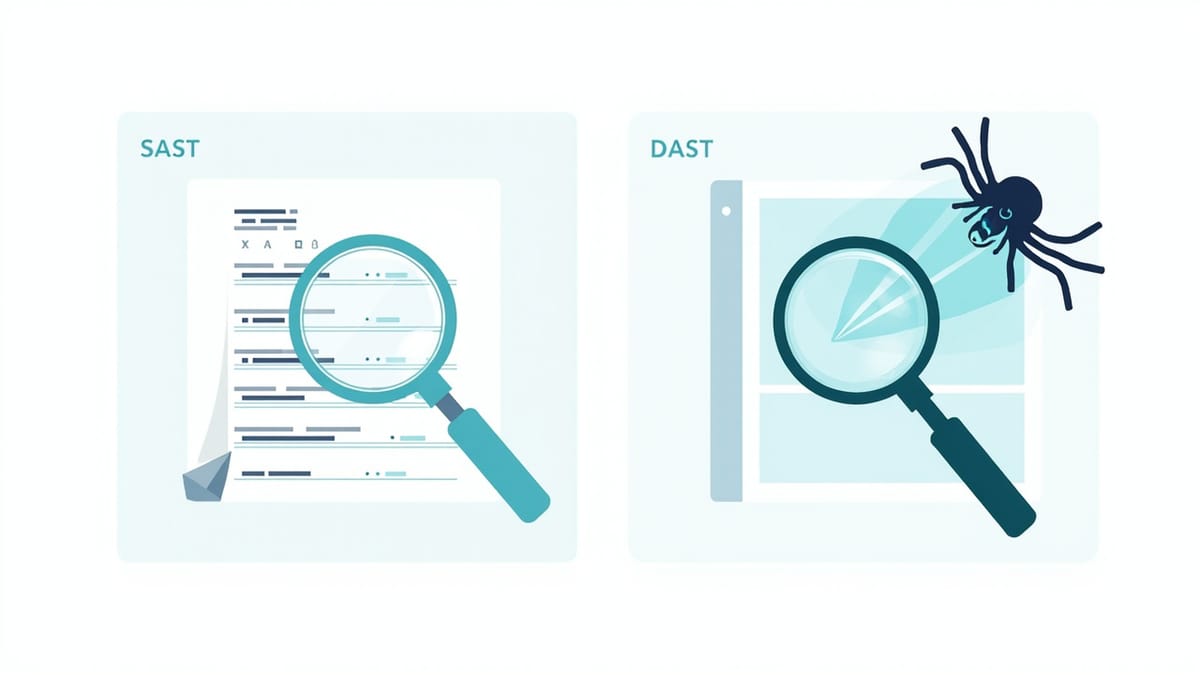
SAST (Static Application Security Testing) analyzes source code without running it. DAST (Dynamic Application Security Testing) tests the running application by sending malicious inputs. SAST finds vulnerabilities early in development; DAST finds vulnerabilities that only appear at runtime. Use both: SAST in CI on every pull request, DAST against a staging environment after deployment.
Key Takeaways
SAST analyzes code, DAST attacks a running application. SAST reads your source code to find patterns associated with vulnerabilities. DAST sends HTTP requests with malicious payloads and analyzes responses—it needs a running application.
SAST produces false positives; DAST produces false negatives. SAST flags suspicious patterns that might not actually be exploitable. DAST misses vulnerabilities that don't surface in HTTP traffic (logic errors, server-side memory issues).
SAST runs on every code change; DAST runs after deployment. SAST integrates into pre-commit hooks and CI pipelines. DAST requires a deployed, accessible application—typically a staging environment.
IAST combines both. Interactive Application Security Testing instruments the application at runtime and watches for vulnerable code paths being exercised during testing. It reduces false positives significantly but requires agent installation.
Neither replaces manual security review. SAST and DAST are automated tools that catch known vulnerability classes. Business logic flaws, authorization vulnerabilities, and complex attack chains still require manual security testing.
The Core Difference
SAST (Static Analysis):
- Analyzes source code, bytecode, or binaries
- Runs without executing the application
- Can run on every commit in CI
- Finds: SQL injection patterns, hardcoded secrets, dangerous function calls, insecure crypto usage
- Limited: can't find issues that only appear at runtime
DAST (Dynamic Analysis):
- Attacks a running application
- Sends malicious inputs via HTTP, WebSockets, or other interfaces
- Requires a deployed, accessible application
- Finds: XSS, CSRF, auth bypasses, business logic flaws that manifest as HTTP behavior
- Limited: can't see source code, misses server-side vulnerabilities not exposed via HTTP
When Each Technique Applies
| Finding | SAST | DAST |
|---|---|---|
| SQL injection | ✓ (pattern detection) | ✓ (injection + response analysis) |
| XSS | Partial (output encoding checks) | ✓ (payload injection + reflection detection) |
| Hardcoded secrets | ✓ | ✗ |
| Insecure dependencies | ✓ (SCA tools) | ✗ |
| Authentication bypass | ✗ | ✓ |
| IDOR / access control | ✗ | ✓ (with manual guidance) |
| Insecure deserialization | ✓ (pattern detection) | ✓ (payload injection) |
| Business logic flaws | ✗ | Partial (manual DAST) |
| Server-side request forgery | ✓ (pattern detection) | ✓ (callback-based detection) |
| Open redirect | Partial | ✓ |
SAST Tools
Semgrep
Language-agnostic pattern-based scanner. Excellent rule library, fast, customizable:
# Install
pip install semgrep

# Scan for security issues using the default OWASP ruleset
semgrep --config=p/owasp-top-ten .

# Scan Python code for security patterns
semgrep --config=p/python-security .

# Scan JavaScript/TypeScript
semgrep --config=p/javascript-security .Custom rule example (detect hardcoded JWT secrets):
rules:
  - id: hardcoded-jwt-secret
    patterns:
      - pattern: jwt.sign($PAYLOAD, "...")
    message: "Hardcoded JWT secret detected. Use an environment variable instead."
    languages: [javascript, typescript]
severity: ERRORBandit (Python)
Dedicated Python security scanner:
pip install bandit
bandit -r src/ -ll  # Only medium and high severity
bandit -r src/ -f json -o bandit-report.jsonCommon findings: subprocess.call with shell=True, pickle.loads on untrusted data, MD5/SHA1 for hashing, hardcoded passwords.
ESLint Security Plugin (JavaScript)
npm install eslint-plugin-security --save-dev// .eslintrc.json
{
"plugins": ["security"],
"extends": ["plugin:security/recommended"]
}Flags: eval(), new Function(), non-literal RegExp, child_process.exec with string concatenation.
Gitleaks (Secrets Detection)
# Install
brew install gitleaks

# Scan repo history for secrets
gitleaks detect --source . --verbose

# Scan staged changes (pre-commit hook)
gitleaks protect --stagedFinds: AWS keys, GitHub tokens, SSH private keys, generic API keys, database connection strings with credentials.
Snyk / OWASP Dependency-Check
Software Composition Analysis (SCA) — finds vulnerable dependencies:
# Snyk CLI
npm install -g snyk
snyk test             # Test current project
snyk monitor          # Monitor for new vulnerabilities

# OWASP Dependency-Check
dependency-check.sh --project "MyApp" --scan . --format HTMLDAST Tools
OWASP ZAP (Zed Attack Proxy)
Free, open-source DAST scanner. Good for CI integration:
# Docker-based scan
docker run -t owasp/zap2docker-stable zap-baseline.py \
  -t https://your-staging-app.example.com \
  -r zap-report.html

# Full active scan (longer, finds more vulnerabilities)
docker run -t owasp/zap2docker-stable zap-full-scan.py \
  -t https://your-staging-app.example.com \
-r zap-full-report.htmlZAP scan types:
- Baseline scan: passive scan only, safe for production
- API scan: scan using an OpenAPI spec
- Full scan: active scan with attack payloads (only for dedicated test environments)
Burp Suite
The industry standard for web application penetration testing. Community Edition for manual testing, Professional for automated scanning and CI integration.
Nuclei
Fast, template-based scanner for known CVEs and misconfigurations:
# Install
go install -v github.com/projectdiscovery/nuclei/v3/cmd/nuclei@latest

# Scan with community templates
nuclei -u https://your-staging-app.example.com -t nuclei-templates/

# Scan for specific severity
nuclei -u https://your-app.example.com -severity critical,highIAST Tools
Interactive Application Security Testing instruments the running application:
- Contrast Security — agents for Java, .NET, Python, Node.js, Ruby
- Seeker — observes application behavior during functional testing
- AppSensor — real-time intrusion detection inside the application
IAST works well when you already have integration tests or functional tests. The IAST agent watches code paths exercised by your tests and flags vulnerable patterns. Fewer false positives than SAST, better coverage than DAST for business logic.
CI/CD Integration
SAST in Every Pull Request
# .github/workflows/sast.yml
name: SAST Security Scan
on: [push, pull_request]

jobs:
  semgrep:
    runs-on: ubuntu-latest
    steps:
      - uses: actions/checkout@v4
      - uses: semgrep/semgrep-action@v1
        with:
          config: >-
            p/owasp-top-ten
            p/python-security
            p/secrets
        env:
          SEMGREP_APP_TOKEN: ${{ secrets.SEMGREP_APP_TOKEN }}

  secrets-scan:
    runs-on: ubuntu-latest
    steps:
      - uses: actions/checkout@v4
        with:
          fetch-depth: 0  # Full history for secret scanning
      - name: Run Gitleaks
        uses: gitleaks/gitleaks-action@v2

  dependency-scan:
    runs-on: ubuntu-latest
    steps:
      - uses: actions/checkout@v4
      - name: Snyk dependency scan
        uses: snyk/actions/python@master
        env:
SNYK_TOKEN: ${{ secrets.SNYK_TOKEN }}DAST After Deployment to Staging
# .github/workflows/dast.yml
name: DAST Security Scan
on:
  push:
    branches: [main]

jobs:
  zap-scan:
    runs-on: ubuntu-latest
    steps:
      - name: Wait for staging deployment
        run: sleep 60  # Or use a proper readiness check

      - name: ZAP Baseline Scan
        uses: zaproxy/action-baseline@v0.10.0
        with:
          target: ${{ secrets.STAGING_URL }}
          rules_file_name: '.zap/rules.tsv'
          cmd_options: '-a'

      - name: Upload ZAP Report
        uses: actions/upload-artifact@v4
        if: always()
        with:
          name: zap-report
path: report_html.htmlInterpreting and Prioritizing Findings
Not all SAST findings require immediate action. Triage by:
Exploitability — is the vulnerable code path reachable from user input? A SQL injection pattern in dead code is low priority.
Data exposure — does exploitation expose PII, credentials, or financial data? Higher exposure = higher priority.
CVSS score — use the Common Vulnerability Scoring System as a baseline, then adjust for your context.
False positive rate — SAST tools are noisy. Mark confirmed false positives in your SAST tool's configuration so they don't recur. Investing time in tuning reduces noise over time.
Building a Security Testing Program
Start with the highest-ROI, lowest-friction tools:
- Week 1: Add Gitleaks as a pre-commit hook. Zero code changes, immediately prevents secret commits.
- Week 2: Add Semgrep to CI with
p/owasp-top-ten. Fix critical findings only. - Week 3: Add Snyk for dependency scanning. Update or pin vulnerable dependencies.
- Month 2: Add OWASP ZAP baseline scan against staging after deployment.
- Quarter 2: Tune SAST rules, reduce false positives, add custom rules for your patterns.
- Ongoing: Manual penetration testing for critical features; automated tools catch the basics.
Summary
SAST and DAST are complementary:
- SAST runs on code, catches secrets and vulnerable patterns early, integrates into every PR
- DAST runs against a live app, catches runtime vulnerabilities, runs after deployment
Use both. Neither replaces manual security review for complex authorization logic and business logic flaws. The goal of automated SAST and DAST is to eliminate the category of well-known vulnerabilities so manual testing time can focus on the harder, application-specific issues.