
PactFlow: Managing Contracts at Scale in a Microservices Architecture
Local pact files work fine when you have one consumer and one provider. As soon as you have five consumers and ten providers, file-sharing falls apart.

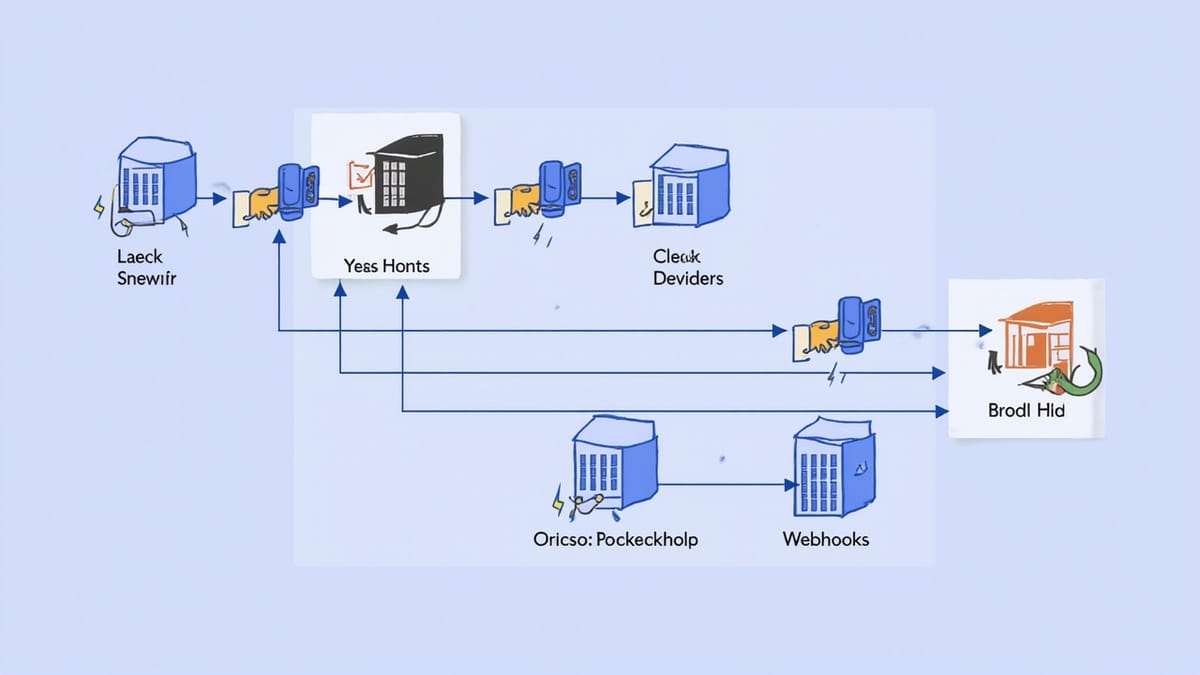
Local pact files work fine when you have one consumer and one provider. As soon as you have five consumers and ten providers, file-sharing falls apart. You need a central store for pacts and verification results — somewhere all teams can publish to and read from. That's what PactFlow is.
PactFlow is the hosted pact broker, built and maintained by the team that created the Pact framework. It provides storage, a UI for browsing contracts and verification status, webhooks, and the can-i-deploy check that makes deployment gates possible.
What PactFlow Adds to Pact
Without a broker:
- Consumer teams must manually share pact JSON files with provider teams
- Provider teams must update file paths in their tests when consumers change
- No central view of which versions are compatible
- No automated deployment gates
With PactFlow:
- Consumers publish pacts by version (tagged with git SHA or branch)
- Providers fetch pacts from the broker and publish verification results
- PactFlow tracks which consumer versions are verified by which provider versions
can-i-deployanswers "is it safe to deploy this version to this environment?"- Webhooks trigger provider verification automatically when a new pact is published
Getting Started with PactFlow
Create an Account
PactFlow has a free developer plan (5 integrations). Sign up at pactflow.io. After signup, you get:
- A PactFlow URL:
https://your-org.pactflow.io - A read/write API token (for publishing)
- A read-only token (optional, for CI environments that only verify)
Install the Pact Broker CLI
# Via npm
npm install -g @pact-foundation/pact-node

# Or use the Docker image for CI
docker run --rm pactfoundation/pact-cli:latest pact-brokerPublishing Pacts from the Consumer
After running consumer tests (which generate pact files), publish them:
pact-broker publish ./pacts \
  --broker-base-url https://your-org.pactflow.io \
  --broker-token $PACTFLOW_API_TOKEN \
  --consumer-app-version $GIT_SHA \
--branch $BRANCH_NAMEOr from JavaScript:
import { Publisher } from '@pact-foundation/pact';

const opts = {
  pactFilesOrDirs: ['./pacts'],
  pactBroker: 'https://your-org.pactflow.io',
  pactBrokerToken: process.env.PACTFLOW_API_TOKEN,
  consumerVersion: process.env.GIT_SHA,
  branch: process.env.BRANCH_NAME,
};

await new Publisher(opts).publish();In GitHub Actions:
- name: Publish pacts to PactFlow
  run: |
    npx pact-broker publish ./pacts \
      --broker-base-url ${{ secrets.PACTFLOW_URL }} \
      --broker-token ${{ secrets.PACTFLOW_API_TOKEN }} \
      --consumer-app-version ${{ github.sha }} \
--branch ${{ github.ref_name }}Provider Verification Against PactFlow
Instead of loading pacts from local files, the provider fetches them from the broker:
const verifier = new Verifier({
  provider: 'user-service',
  providerBaseUrl: 'http://localhost:4001',

  // Fetch pacts from PactFlow
  pactBrokerUrl: 'https://your-org.pactflow.io',
  pactBrokerToken: process.env.PACTFLOW_API_TOKEN,

  // Which consumer pacts to verify
  consumerVersionSelectors: [
    { mainBranch: true },       // main branch of each consumer
    { deployedOrReleased: true }, // currently deployed consumer versions
  ],

  // Publish verification results back to PactFlow
  publishVerificationResult: true,
  providerVersion: process.env.GIT_SHA,
  providerVersionBranch: process.env.BRANCH_NAME,

  stateHandlers: {
    // ... your state handlers
  },
});

return verifier.verifyProvider();The consumerVersionSelectors configuration is important:
{ mainBranch: true }— verify against the main branch of each consumer (catch breaking changes during development){ deployedOrReleased: true }— verify against versions currently deployed to production (ensure you don't break live consumers){ branch: 'feature/my-feature' }— verify against a specific branch (for feature branch testing)
The can-i-deploy Check
The most powerful PactFlow feature is can-i-deploy. Run it before any deployment:
pact-broker can-i-deploy \
  --pacticipant user-service \
  --version $GIT_SHA \
  --to-environment production \
  --broker-base-url https://your-org.pactflow.io \
--broker-token $PACTFLOW_API_TOKENThis command asks: "Is there a verified pact between user-service at this version and every consumer that's currently in production?"
If yes: exits 0, deployment is safe. If no: exits 1 with a detailed explanation of which consumer+provider pair is unverified.
In GitHub Actions:
- name: Check can-i-deploy
  run: |
    npx pact-broker can-i-deploy \
      --pacticipant user-service \
      --version ${{ github.sha }} \
      --to-environment production \
      --broker-base-url ${{ secrets.PACTFLOW_URL }} \
      --broker-token ${{ secrets.PACTFLOW_API_TOKEN }}
# Fails the build if deployment is not safeRecording Deployments
After a successful deployment, record it so can-i-deploy has accurate environment state:
pact-broker record-deployment \
  --pacticipant user-service \
  --version $GIT_SHA \
  --environment production \
  --broker-base-url https://your-org.pactflow.io \
--broker-token $PACTFLOW_API_TOKENPactFlow tracks which versions are deployed to which environments. This is what powers --to-environment production in can-i-deploy.
Webhooks: Trigger Verification Automatically
Without webhooks, the provider team must remember to run verification after a consumer publishes a new pact. Webhooks automate this.
In the PactFlow UI, create a webhook that triggers when a new pact is published:
- Event: "Contract published"
- URL: Your CI system's API to trigger a build (GitHub Actions, CircleCI, Jenkins)
- Request body: Pass the consumer/provider names and versions as parameters
For GitHub Actions:
POST https://api.github.com/repos/your-org/user-service/dispatches
Authorization: Bearer $GITHUB_TOKEN
Content-Type: application/json

{
  "event_type": "pact-verification",
  "client_payload": {
    "pact_url": "${pactbroker.pactUrl}",
    "consumer": "${pactbroker.consumerName}",
    "consumer_version": "${pactbroker.consumerVersionNumber}"
  }
}In the user-service repo, add a workflow that triggers on this event:
on:
  repository_dispatch:
    types: [pact-verification]

jobs:
  verify-pact:
    runs-on: ubuntu-latest
    steps:
      - uses: actions/checkout@v4
      - run: npm ci
      - name: Verify pact
        env:
          PACT_URL: ${{ github.event.client_payload.pact_url }}
          PACTFLOW_API_TOKEN: ${{ secrets.PACTFLOW_API_TOKEN }}
run: npx jest --testPathPattern=provider.pactThe PactFlow UI
PactFlow's dashboard shows:
- Network graph: all consumers and providers and their relationships
- Compatibility matrix: which versions of each service are compatible
- Pact content: the actual interactions in each contract
- Verification results: whether each pact version passed provider verification
- Deployment status: which versions are deployed to which environments
The compatibility matrix is particularly valuable during incidents — you can immediately see which consumer/provider pairs are unverified, narrowing down where a broken integration might be.
Team Workflow at Scale
With PactFlow, the full workflow across multiple teams:
Consumer team (e.g., frontend):
- Write consumer test → generates pact file
- CI publishes pact to PactFlow with git SHA and branch
- PactFlow webhook triggers user-service verification
- Before deploying:
can-i-deploy --pacticipant frontend --to-environment production - After deploying:
record-deployment
Provider team (e.g., user-service):
- Write code changes
- CI runs provider verification against
mainBranchanddeployedOrReleasedselectors - If verification passes: publish verification result to PactFlow
- Before deploying:
can-i-deploy --pacticipant user-service --to-environment production - After deploying:
record-deployment
Result: Either team can deploy independently, without coordinating with the other. PactFlow's verification records make deployment safety deterministic.
Common Mistakes
Not recording deployments: Without record-deployment, can-i-deploy --to-environment production doesn't know what's in production and either passes when it shouldn't or fails with confusing errors.
Verifying only the latest consumer version: Use deployedOrReleased: true as a selector. Your main branch might have a new pact that works, but if a consumer at an older version is in production with different expectations, you need to verify both.
Skipping can-i-deploy in CD: The check is only valuable if it's a gate. A can-i-deploy that's advisory but not enforced is ignored during incidents, which is exactly when it matters most.
Publishing without a branch name: PactFlow uses branch names for the mainBranch selector. Always pass --branch when publishing.
PactFlow vs Self-Hosted Broker
PactFlow is the SaaS version of the open-source pact-broker (Ruby). The open-source broker supports most of the same features but requires you to host, maintain, and upgrade it. For most teams, PactFlow's free tier is sufficient to start, and the maintenance overhead of self-hosting isn't worth it.

