Codecov Tutorial: Track Test Coverage in CI/CD

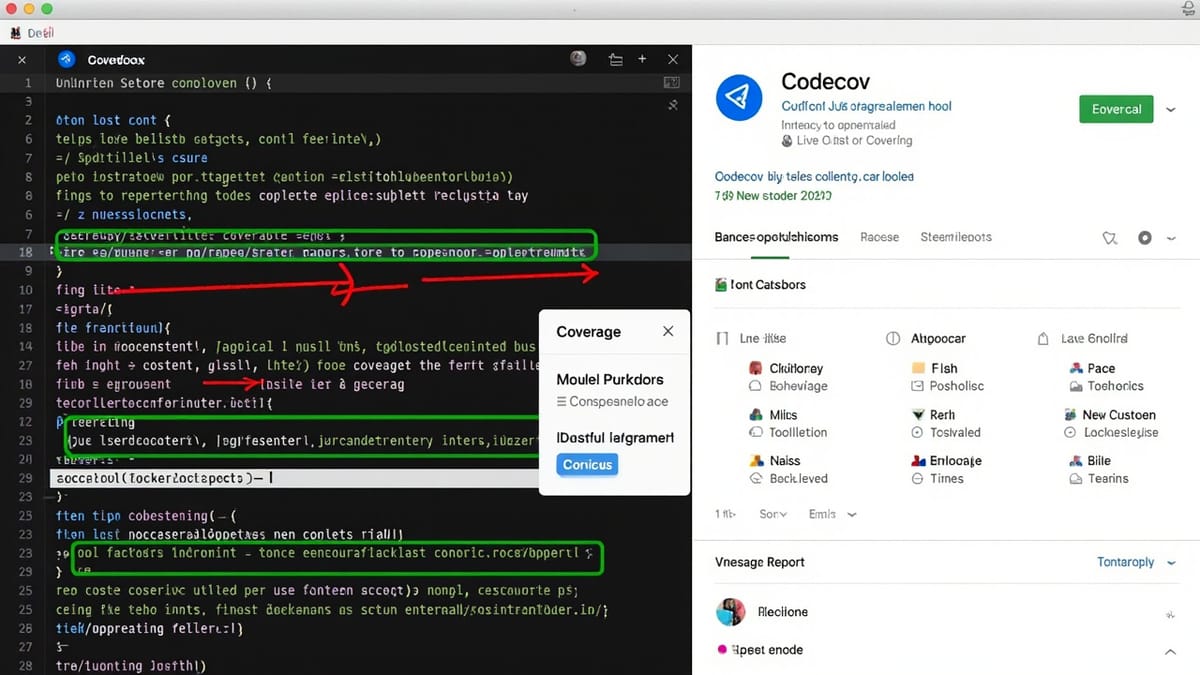
Codecov is a coverage tracking service that aggregates coverage reports from your CI runs, displays trends over time, and adds pull request comments showing coverage changes for every commit. This tutorial covers setup, configuration, PR integration, and coverage gates.
Why Codecov Over Just Viewing Coverage Locally
Running nyc report or pytest --cov locally tells you current coverage, but it doesn't:
- Track whether coverage is trending up or down over time
- Block merges when coverage drops below a threshold
- Show reviewers which new code is uncovered in a PR
- Aggregate coverage across parallel CI jobs
Codecov handles all of this with a few lines of CI configuration.
Supported Languages and Frameworks
Codecov accepts any lcov.info, coverage.xml, or coverage.json file. Common integrations:
| Language | Coverage tool | Report format |
|---|---|---|
| JavaScript/TypeScript | Istanbul (nyc), c8, Vitest | lcov.info |
| Python | pytest-cov, coverage.py | coverage.xml |
| Go | go test -coverprofile |
coverage.out |
| Ruby | SimpleCov | coverage.xml |
| Java | JaCoCo, Cobertura | .xml |
| PHP | phpunit | clover.xml |
| Rust | cargo-tarpaulin | lcov.info |
Setting Up Codecov
1. Connect Your Repository
- Go to codecov.io and sign in with GitHub, GitLab, or Bitbucket
- Select your organization and repository
- Copy the CODECOV_TOKEN from the repository settings
Add the token to your CI secrets:
- GitHub Actions: Settings → Secrets and variables → New repository secret
- GitLab: Settings → CI/CD → Variables
- CircleCI: Project Settings → Environment Variables
Public repositories on GitHub don't need a token — Codecov can read public repos without authentication.
2. Generate a Coverage Report
Your test run must produce a coverage file. Examples:
JavaScript with nyc:
npx nyc --reporter=lcov mocha tests/**/*.test.js
# Produces: coverage/lcov.infoJavaScript with Vitest:
// vitest.config.js
export default {
  test: {
    coverage: {
      provider: 'v8',
      reporter: ['text', 'lcov'],
    }
  }
};npx vitest run --coverage
# Produces: coverage/lcov.infoPython with pytest:
pip install pytest-cov
pytest --cov=src --cov-report=xml tests/
# Produces: coverage.xmlGo:
go test -coverprofile=coverage.out ./...
# Produces: coverage.out3. Upload to Codecov in CI
GitHub Actions
name: CI

on: [push, pull_request]

jobs:
  test:
    runs-on: ubuntu-latest
    steps:
      - uses: actions/checkout@v4

      - uses: actions/setup-node@v4
        with:
          node-version: '20'

      - run: npm ci

      - name: Run tests with coverage
        run: npx nyc --reporter=lcov mocha tests/**/*.test.js

      - name: Upload coverage to Codecov
        uses: codecov/codecov-action@v4
        with:
          token: ${{ secrets.CODECOV_TOKEN }}
          files: ./coverage/lcov.info
          flags: unit
          name: unit-tests
fail_ci_if_error: trueGitLab CI
test:
  image: node:20
  script:
    - npm ci
    - npx nyc --reporter=lcov mocha tests/**/*.test.js
  after_script:
    - curl -Os https://uploader.codecov.io/latest/linux/codecov
    - chmod +x codecov
    - ./codecov -t $CODECOV_TOKEN -f coverage/lcov.info
coverage: '/Lines\s*:\s*(\d+\.?\d*)/'CircleCI
version: 2.1

jobs:
  test:
    docker:
      - image: cimg/node:20.0
    steps:
      - checkout
      - run: npm ci
      - run: npx nyc --reporter=lcov mocha tests/**/*.test.js
      - run:
          name: Upload coverage
command: bash <(curl -s https://codecov.io/bash) -t $CODECOV_TOKENThe Codecov YAML Configuration
Place codecov.yml at your repository root to customize behavior:
coverage:
  # Target coverage for the whole repo
  status:
    project:
      default:
        target: 80%          # What we aim for
        threshold: 1%        # Allow 1% drop before failing

    # Per-PR patch coverage (new code only)
    patch:
      default:
        target: 75%          # New code should be 75%+ covered
        threshold: 0%        # No tolerance for patch drops

  # Round coverage percentages
  precision: 2
  range: "70...100"         # Color range for UI (red=70, green=100)

# Ignore these paths in coverage calculations
ignore:
  - "tests/**"
  - "**/*.test.js"
  - "**/*.spec.js"
  - "src/generated/**"
  - "src/migrations/**"
  - "scripts/**"

# Comment behavior on PRs
comment:
  layout: "reach,diff,flags,files,footer"
  behavior: default          # Post once, update on each push
  require_changes: false     # Always comment, even if no change
require_base: true # Don't comment if base report missingPR Coverage Comments
When Codecov sees a pull request, it posts a comment like:
## Coverage Report

Coverage diff: **+2.31%** ✅

| Flag | Coverage Δ |
|------|-----------|
| unit | 87.45% (+2.31%) ✅ |

| File | Coverage Δ |
|------|-----------|
| src/auth/login.js | 92.00% (+15.00%) ✅ |
| src/utils/format.js | 76.00% (-4.00%) ❌ |The patch coverage section shows coverage specifically for the lines changed in this PR — critical for catching untested new code before merge.
Flags for Multiple Coverage Reports
When you have separate unit and integration test suites, upload each separately with flags:
# GitHub Actions
- name: Upload unit coverage
  uses: codecov/codecov-action@v4
  with:
    token: ${{ secrets.CODECOV_TOKEN }}
    files: ./coverage/unit/lcov.info
    flags: unit

- name: Upload integration coverage
  uses: codecov/codecov-action@v4
  with:
    token: ${{ secrets.CODECOV_TOKEN }}
    files: ./coverage/integration/lcov.info
flags: integrationIn codecov.yml, configure flags:
flags:
  unit:
    carryforward: true       # Use last run if this CI job didn't run
    paths:
      - src/
  integration:
    carryforward: true
    paths:
- src/Codecov merges the flag reports for the combined view. This is especially useful for monorepos.
Monorepo Setup
For monorepos with multiple packages:
# codecov.yml
codecov:
  notify:
    after_n_builds: 3       # Wait for all 3 packages to upload

flags:
  packages/api:
    paths:
      - packages/api/src/
  packages/ui:
    paths:
      - packages/ui/src/
  packages/shared:
    paths:
- packages/shared/src/Upload from each package job:
- name: Upload API coverage
  uses: codecov/codecov-action@v4
  with:
    token: ${{ secrets.CODECOV_TOKEN }}
    files: packages/api/coverage/lcov.info
flags: packages/apiCoverage Gates: Blocking Merges
To prevent coverage from dropping, configure branch protection:
- In your repository settings, add Codecov as a required status check
- Set
fail_ci_if_error: truein the GitHub Action - Configure thresholds in
codecov.yml
When a PR would drop project coverage below threshold, the Codecov check fails and blocks merge.
Carryforward Coverage
When you have multiple CI jobs and not all run on every commit (e.g., integration tests only on main), use carryforward:
flags:
  integration:
carryforward: trueCodecov uses the last known coverage for that flag if no new upload arrives for the current commit. This prevents false "coverage dropped" alerts when the integration test job didn't run.
The Codecov Badge
Add a coverage badge to your README:
[](https://codecov.io/gh/your-org/your-repo)The badge updates automatically after each CI run.
Codecov vs Coveralls vs SonarQube
| Feature | Codecov | Coveralls | SonarQube |
|---|---|---|---|
| PR comments | ✓ | ✓ | ✓ |
| Trend charts | ✓ | ✓ | ✓ |
| Code quality | ✗ | ✗ | ✓ |
| Self-hosted | Enterprise | ✗ | ✓ (open source) |
| Free tier | Public repos | Public repos | Community edition |
| Monorepo support | Good | Basic | Good |
Codecov is the most popular choice for JavaScript/Python open source projects. SonarQube adds code quality analysis (duplication, complexity, security issues) beyond just coverage — worth evaluating if you want a single tool for both.
Continuous Production Monitoring Beyond Coverage
Codecov tracks which code is covered by tests. But coverage tells you nothing about whether the covered code actually works correctly in production.
HelpMeTest monitors your production application 24/7, running end-to-end tests every 5 minutes and alerting you when real user flows break. Where Codecov shows you coverage trends, HelpMeTest shows you whether production is actually working.
Start with the free plan — 10 tests, unlimited health checks, no credit card required. It takes about 10 minutes to have your first production monitor running.
Summary
Setting up Codecov:
- Sign up at codecov.io, connect your repo, get the token
- Generate coverage in your test run (
lcov.info,coverage.xml, etc.) - Add the Codecov upload step to your CI pipeline
- Create
codecov.ymlwith project targets and patch thresholds - Enable branch protection to block PRs that drop coverage
- Add the badge to your README
The PR comment integration is the highest-value feature — reviewers see exactly which new lines are uncovered before approving a merge, making coverage a team concern rather than an afterthought.