Test 50 Websites with One Click: Bulk Website Testing for Agencies

You have 30 client websites. Testing each one manually takes 20 minutes. That's 10 hours of clicking — every single week. Or you build the system once and test all 30 in the time it takes to make coffee.
Key Takeaways
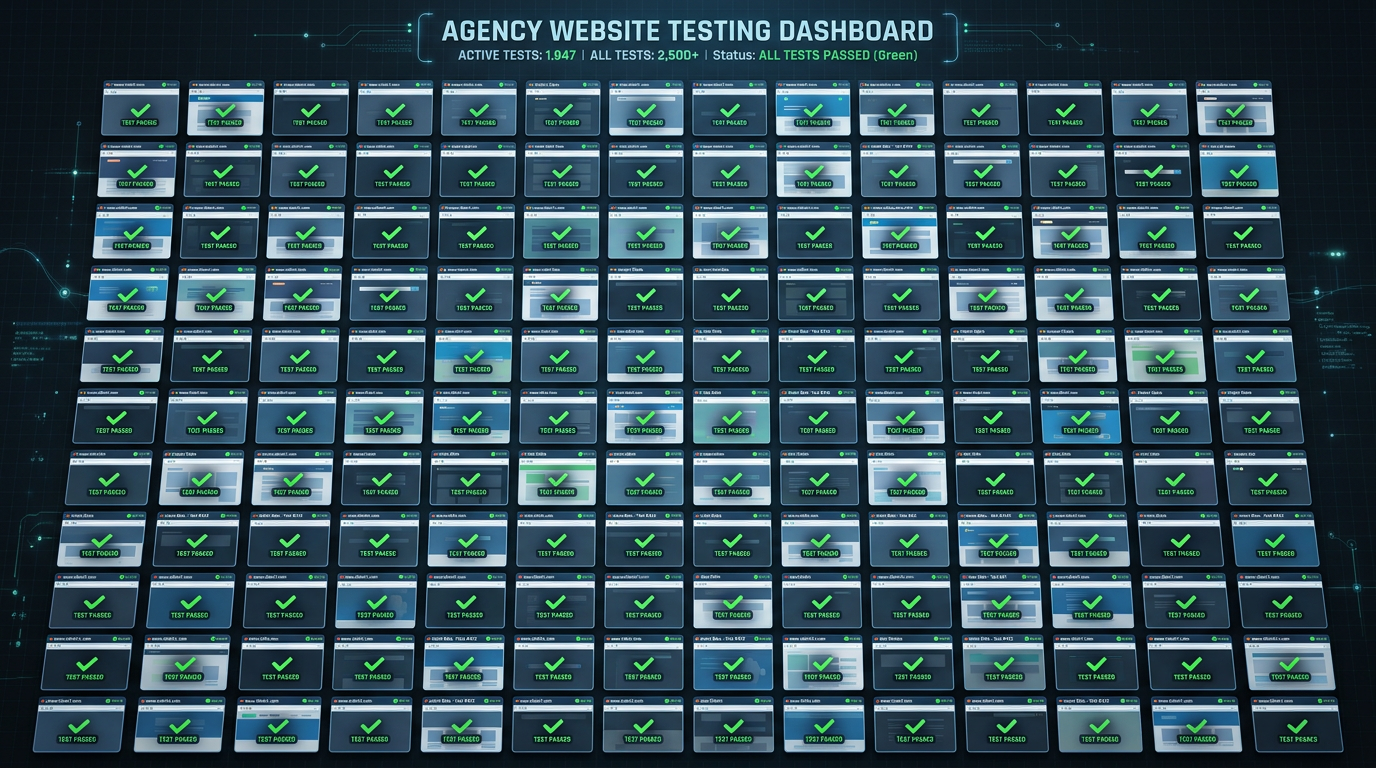
Bulk website testing means running automated checks across your entire client portfolio from one place. One login, one alert stream, one place to see which sites are passing and which need attention.
The biggest time sink isn't the testing — it's the organization. Without a system, agencies spend more time managing who owns which test than actually catching bugs.
The critical flows to test aren't pages — they're transactions. A form that doesn't submit, a checkout that fails, a booking that doesn't confirm. These break silently and cost clients money before anyone notices.
Setup takes 30 minutes per client site. After that, it runs automatically — daily tests, instant alerts, zero manual work until something actually breaks.
Here's the math no agency wants to do: if you manage 30 client websites and manually check each one takes 20 minutes, that's 10 hours of clicking every week. 520 hours a year. At $100/hour, that's $52,000 in staff time spent on manual verification that a computer could do for $100/month.
This guide is for agencies managing 10 to 100+ client websites who want to test their entire portfolio automatically — without clicking through every site, without hiring a QA engineer, and without missing a broken form until a client calls about it.
What "Bulk Website Testing" Actually Means
Bulk website testing is running automated checks across multiple client sites from a single management layer. It's not visiting 50 sites in one browser session — it's building a test suite once and having it run automatically, continuously, across every client at once.
A complete bulk testing setup covers three layers:
Availability monitoring — Is the site reachable? Is the server responding? Is the SSL certificate valid? These checks run every 5 minutes across your entire portfolio with no human involvement.
Functional testing — Do the critical workflows actually work? Does the contact form submit? Does the checkout complete? Does the booking confirmation appear? These tests run on a schedule (typically daily) and simulate real user actions in a real browser.
Visual regression — Has the layout changed unexpectedly? Did a plugin update break the mobile layout? Did a CSS change make a button invisible? These checks catch the failures that don't break functionality but do break the user experience.
Most agencies start with availability monitoring (easy) and never build functional testing (the part that actually matters). The contact form that broke silently for three weeks while the client's paid search budget burned — that's a functional testing failure, not an availability issue. The site was up. The form just didn't work.
The Setup: One Dashboard, All Clients
The key requirement for bulk testing is centralized management. If you're logging into separate accounts per client, you've already lost — that doesn't scale past 10 clients.
The right architecture is one account with separate workspaces per client. Each client workspace contains their tests, their test history, their alert configuration, and their monitoring data. You switch between workspaces from one login without any data overlap.
At HelpMeTest, this is how agencies manage testing multiple websites in practice: one Pro account at $100/month gives you unlimited tests across unlimited client workspaces. Every client is isolated, every alert is labeled with the client name, and your team sees the full portfolio status from a single dashboard.
Step 1: Template Your Standard Test Suite
The fastest way to scale bulk testing is to never start from scratch. Build a standard test suite that covers the things every client site needs tested, then clone it for each new client.
The universal template should include:
- Homepage availability — Verify the homepage loads and returns a 200 status
- Primary contact form — Fill every field, submit, verify confirmation message appears
- Navigation links — Verify key nav items resolve (no 404 on About, Services, Contact)
- SSL validity — Verify certificate is valid and not expiring in the next 30 days
- Mobile render check — Verify page loads correctly at 375px width
- Core Web Vitals — Page load within acceptable thresholds (optional but valuable)
This template covers the failures that happen most often and matter most. Plugin updates knock out contact forms. Hosting migrations invalidate SSL certificates. Theme updates break mobile layouts. A theme update removes the button ID and breaks the navigation link. These are the calls you don't want to get.
After the template, add client-specific tests:
- For e-commerce clients: checkout flow start-to-finish
- For service businesses: booking form submission and confirmation
- For SaaS clients: login workflow and core user action
- For WordPress sites with WooCommerce: product add-to-cart and cart persistence
The client-specific tests are what make bulk testing genuinely valuable — they're the tests that catch the bugs worth catching, not just availability blips.
Step 2: AI-Assisted Test Creation
The reason agencies don't build proper functional tests is the perceived effort: writing Playwright or Selenium tests requires a developer, takes hours, and needs constant maintenance. That barrier is now largely gone.
Modern platforms generate functional tests from plain-language descriptions. You tell the system "fill out the contact form on this page and verify the thank-you message appears" — the AI reads the page, maps the form fields, and writes the Robot Framework test steps automatically. The test runs in a real cloud browser; you see per-step execution with screenshots.
At HelpMeTest, this is the agency QA automation workflow: describe what to test in natural language, AI writes the steps, you review and run. For a standard contact form test, this takes under 5 minutes. For a full e-commerce checkout, maybe 15 minutes. The tests then run daily without any ongoing effort.
The key to making AI test generation work well across many sites is specificity. "Test the contact form" produces generic steps. "Fill in the 'Your Name' field, 'Email' field, and 'Message' field on the /contact page, click the Submit button, and verify the text 'Thank you for your message' appears" produces a test that actually catches real failures.
Step 3: Configure Alerts Per Client
Alerts are where bulk testing either works or becomes noise. If every client fires alerts to the same Slack channel with no labeling, you'll ignore them. If alerts go to the wrong person, nothing gets fixed.
The right alert structure for agencies:
Route by client. Each client workspace should have its own alert destination — either a separate Slack channel (#client-acme-alerts), a dedicated email address, or both. When an alert fires at 11pm, whoever receives it needs to know immediately which client, which test, and what failed.
Separate criticality tiers. A broken checkout on an e-commerce client is critical — wake someone up. A failed visual regression check on a brochure site is medium — fix it during business hours. Configure alert thresholds accordingly.
Include enough context. The alert should say "Contact form on acme-client.com failed at 2:14am — confirmation message did not appear after submit" — not just "Test failed." The context determines whether the on-call person needs to act immediately or can wait until morning.
Set grace periods for transient failures. One failed test run at 3am might be a blip. Three consecutive failures is a real problem. Configure alerts to fire after 2-3 consecutive failures, not on the first failure, to avoid alert fatigue.
Step 4: Build the Onboarding Checklist
The payoff of a standard template is that onboarding a new client becomes a repeatable checklist rather than a creative exercise.
A complete client onboarding workflow for bulk testing:
- Create new client workspace in your testing platform
- Clone the standard test template into the workspace
- Update URLs to point to the client's domain
- Run the template tests once manually to confirm they pass on a fresh site
- Add 2-3 client-specific tests (their specific contact form, their checkout flow, their booking system)
- Configure alert routing to the right Slack channel or email
- Set the test schedule (daily functional tests, 5-minute uptime checks)
- Document which URLs are tested and which tests cover which workflows
This process takes 30 minutes per client after the first few. The first client takes longer because you're building the template — every subsequent client is faster.
For the agency QA workflow that follows this structure, one person can realistically manage ongoing testing for 30-50 client sites. Not because they're working harder — because the system runs without them.
Step 5: Monthly Reporting as a Service
Bulk testing doesn't just catch bugs — it generates proof that you're earning your retainer. Monthly reports that show test results across client portfolios turn an invisible service into a visible one.
The report doesn't need to be elaborate. "This month, your site was checked 437 times. We caught 2 failures (contact form broke after plugin update on March 3rd, homepage 404 on March 17th) and resolved both before you noticed." That sentence is worth more to client retention than any deliverable.
Clients who see this data renew retainers. Clients who don't know you're running automated monitoring see only the occasional incident and wonder what they're paying for.
The Economics of Bulk Testing
The cost comparison is straightforward:
| Approach | Cost | Scale |
|---|---|---|
| Manual review per client per week | 10 hrs/week × $100/hr = $1,000/week | Breaks past 10 clients |
| Dedicated QA engineer | $80,000–$120,000/year | Covers 20-30 clients with full attention |
| HelpMeTest Pro (unlimited sites) | $1,200/year | Covers 50+ clients, runs 24/7 |
The manual approach becomes financially untenable at 10 clients. A QA hire is justifiable at 30+ clients if testing is a core service. Automated bulk testing is the right answer for agencies between those thresholds — and for larger agencies as the foundation layer even when dedicated QA staff exist.
The hidden ROI is client retention. One client churn event on a $3,000/month retainer costs $36,000 annually. If better bulk testing prevents two churn events per year, it's worth more than a full-time QA hire.
What to Test First
If you're setting up bulk testing for the first time across an existing portfolio, sequence matters. Don't try to test everything on day one.
Week 1: Add uptime monitoring and SSL checks for all clients. This alone catches a class of failures you're currently missing and costs nothing to set up.
Week 2: Add contact form tests for your top 5 clients by retainer value. These are the sites where a missed failure has the biggest financial and relationship impact.
Week 3: Expand contact form coverage to all clients. By now you've debugged the template and the process is fast.
Week 4: Add e-commerce checkout tests for clients with online stores. These are the highest-stakes tests and worth the extra setup time.
Month 2: Add visual regression and scheduled regression runs for high-change clients (those with frequent content updates or active development).
This sequence means you're capturing the most critical risks first, and each week's work builds on the previous. By month 2, your entire portfolio is covered with layered automated testing that you didn't have to write from scratch.
FAQ
How many websites can you test with one account?
With HelpMeTest Pro ($100/month), you can manage unlimited client websites across unlimited workspaces. There are no per-site fees. The free tier covers up to 10 tests across all sites, which is enough to test the critical forms for 3-4 clients before upgrading.
How long does it take to set up bulk testing for a new client?
Using a standard template, 30 minutes per client: 10 minutes to clone the template and update URLs, 10 minutes to add client-specific tests, 10 minutes to configure alerts and verify the tests pass. The first client takes longer because you're building the template — subsequent clients get faster.
What happens when a test breaks after a site update?
You receive an alert with the test name, client, and failure details. For most agencies, this means logging into the platform, reviewing the failure screenshot, and either fixing the underlying issue on the client site or updating the test if the site legitimately changed (e.g., a new form layout).
Can you test password-protected staging environments?
Yes. Browser state persistence means you authenticate once in the testing platform, save the state, and all tests in that client workspace can use the authenticated state. This works for staging environments, admin areas, and any page that requires login.
How do you handle sites that change frequently?
For high-change sites, use self-healing tests that automatically adapt when selectors change, and target stable elements (form labels, button text, ARIA roles) rather than auto-generated class names. Schedule test review after major updates rather than trying to maintain 100% pass rate through active development.
Summary
Bulk website testing works when you build the system once and let it run. The steps are: build a standard test template, use AI to generate client-specific functional tests fast, configure alerts with enough context to act on, and onboard new clients from the template in 30 minutes.
The alternative — clicking through 50 client sites manually — doesn't scale, doesn't catch silent failures, and costs 50x more in staff time than the automated alternative.
Set up bulk testing for your agency portfolio — unlimited sites, one dashboard, starting free.