
Automated Website Testing: How to Stop Finding Bugs From Customer Emails

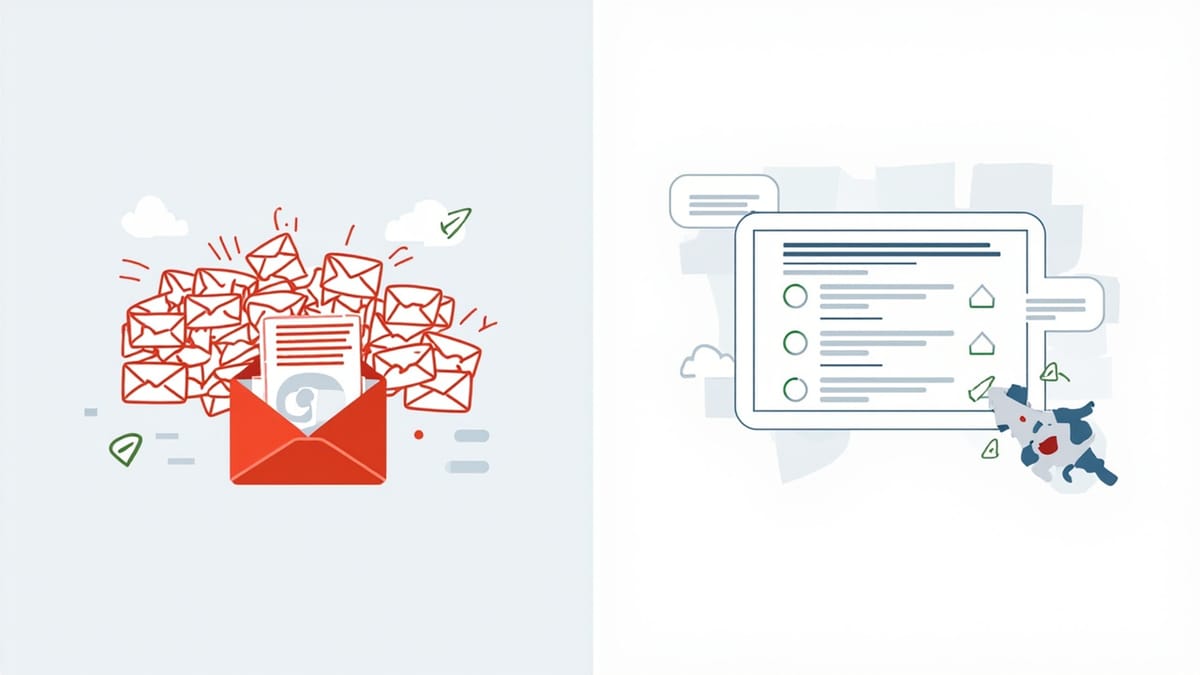
Your checkout page breaks on Tuesday. Nobody on your team notices. You find out on Wednesday morning because a customer emails asking why their card got charged twice and no order showed up.
That's the moment most people start looking into automated website testing. Not because they read an article about "shift-left QA" — because something broke, it cost real money, and they never want to hear about it from a customer again.
This guide covers what automated website testing actually is, what it takes to set up yourself, and where it makes sense to pay someone else to run it for you instead.
What automated website testing actually means
Automated testing means a script — not a person — clicks through your site the way a real customer would, on a schedule, and tells you the moment something stops working. It logs in, adds something to a cart, fills out a form, checks that a page loads the way it's supposed to.
That's different from manual testing, where you or someone on your team opens the site and clicks around by hand before you ship a change. Manual testing works fine when you have one or two people and ship once a week. It stops working the moment you're shipping daily, or the moment you're the only one who remembers to check.
It's also different from uptime monitoring, which only tells you whether your server responds to a ping. A server can return a perfectly healthy "200 OK" response while your checkout button is completely broken. Automated website testing checks whether the page actually works, not just whether it's technically online.
The DIY route: Selenium and Playwright
If you or someone on your team can write code, the standard way to build this yourself is with a browser automation framework — Selenium has been around the longest, Playwright is the newer, faster option most teams reach for now.
Here's roughly what that looks like for a login test in Playwright:
await page.goto('https://yoursite.com/login');
await page.fill('#email', 'test@example.com');
await page.fill('#password', 'testpass123');
await page.click('button[type="submit"]');
await expect(page.locator('.dashboard')).toBeVisible();Straightforward enough for one test. The real cost shows up later:
- Tests break when the page changes. Rename a CSS class, move a button, and the test that worked yesterday fails today — not because your site broke, but because the test's instructions for finding that button are now wrong. Someone has to notice, diagnose, and fix it.
- Someone has to run them. A script on your laptop doesn't help at 2 AM. You need a server or CI pipeline running these on a schedule, plus someone to build and maintain that pipeline.
- Auth flows are a pain. Testing anything behind a login means scripting the login itself, every time, unless you build session reuse yourself.
- It's a part-time job. Teams that go this route usually end up with someone — often reluctantly — becoming the de facto "test maintainer," fixing broken selectors between actual feature work.
None of this means Selenium or Playwright are bad tools. They're the right call if you have engineering capacity to spare and want full control. The problem is time, not technology: someone has to own it, and for a lot of small teams, that person doesn't exist.
What "automated" should really include
A good automated testing setup for a small business covers three things at once:
- Functional checks — does the actual workflow work? Can someone log in, add to cart, check out?
- Visual checks — does the page look right across devices? A broken CSS rule that pushes your "Buy Now" button off-screen on mobile won't trip a functional test, but it'll tank your conversion rate.
- Uptime and health — is the site reachable at all, and are background jobs (email sending, payment webhooks, scheduled reports) actually running?
Most teams patch this together from separate tools: UptimeRobot or Pingdom for uptime, a Selenium/Playwright script for functional checks, and nothing at all for visual regressions, because that's the hardest one to script by hand.
Where a done-for-you option fits
This is the gap HelpMeTest is built for. Instead of writing Playwright code, you describe what should happen in plain English — "log in, add a product to the cart, and check out" — and it generates and runs the browser test for you. When the page changes and a test would normally break, self-healing tests adjust automatically instead of failing on a renamed button.
It also covers the other two pieces in the same place: multi-viewport visual testing catches layout breaks with AI-based flaw detection, and health checks (with configurable grace periods) catch silent failures in background jobs, not just page-level outages. One dashboard, one alert system, instead of three separate tools that don't talk to each other.
HelpMeTest bills for what you use — no base fee, no per-seat charges. Compare that to hiring a QA engineer, or to a managed testing service — a 20-person engineering team typically pays $18,000–$200,000/year for equivalent coverage through per-user SaaS tools or a managed QA service.
DIY vs. done-for-you: the real tradeoff
| Selenium/Playwright (DIY) | HelpMeTest | |
|---|---|---|
| Setup | Write and maintain code | Describe tests in plain English |
| Broken selectors | Manual fix required | Self-healing |
| Visual regressions | Not covered by default | Built in, AI flaw detection |
| Uptime/health checks | Separate tool needed | Built in |
| Who maintains it | Someone on your team | Nobody — it's the product |
| Cost model | Engineer time (hidden cost) | Pay for what you use |
If you have a developer who wants full control and has time to own it, DIY is a legitimate choice. If you're a small team and testing keeps sliding to "next week" because nobody has time to write and fix scripts, that's the actual signal you need something that doesn't require ongoing engineering time.
Getting started
Whichever route you pick, start with the workflow that would actually cost you money if it broke — checkout, signup, the form that generates leads — not every page on your site. A handful of tests covering the things your business depends on catches the outages that matter, and it's a lot less to maintain than trying to cover everything on day one.
If you want to see what that looks like without writing any code, HelpMeTest lets you cover your checkout, login, and the handful of pages you can't afford to have break silently — without hiring for it.