Ansible Molecule Advanced: Multi-Instance, Delegated, and Docker Scenarios
Basic Molecule usage—spin up a Docker container, run a playbook, verify with Ansible—covers maybe 30% of real-world scenarios.

Basic Molecule usage—spin up a Docker container, run a playbook, verify with Ansible—covers maybe 30% of real-world scenarios. When your roles provision multiple nodes, interact with cloud APIs, or require OS-specific behavior, you need the advanced toolkit. This guide covers multi-instance testing, the delegated driver, custom verifiers, and what Molecule 6.x changes.
Multi-Instance Scenarios
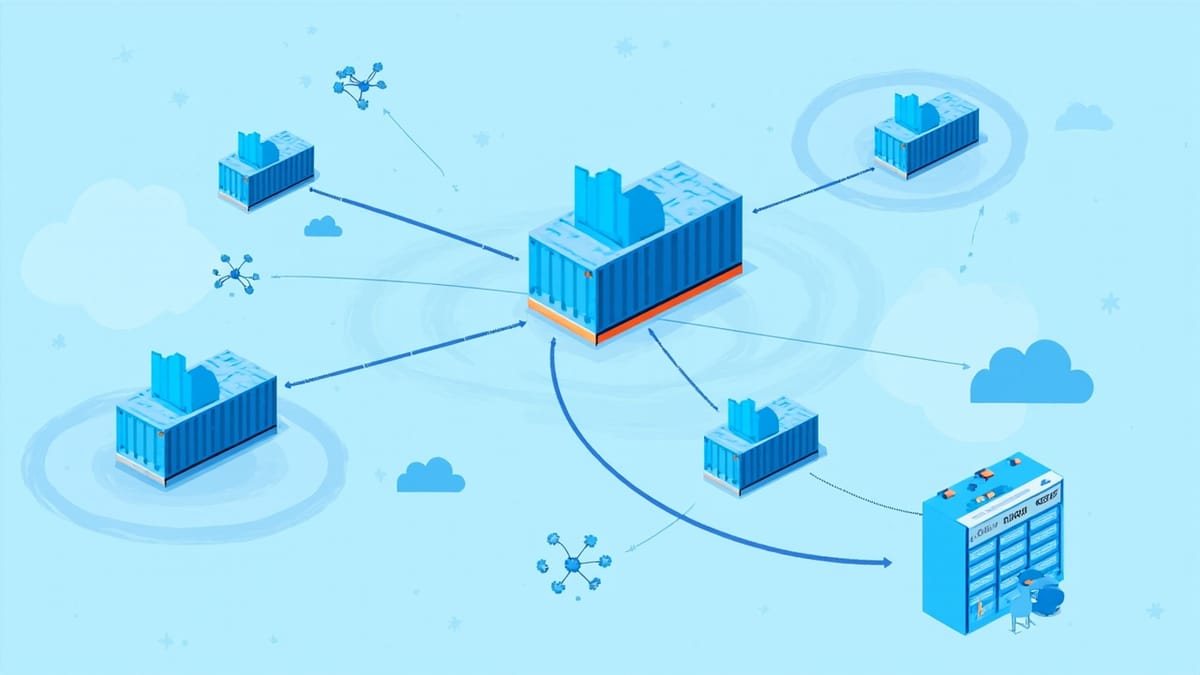
Most production playbooks touch more than one host. A web tier, a database tier, a load balancer. Testing roles in isolation misses the integration points. Molecule supports multi-instance scenarios through the platforms list.
# molecule/cluster/molecule.yml
driver:
  name: docker

platforms:
  - name: lb
    image: "geerlingguy/docker-ubuntu2204-ansible"
    groups:
      - loadbalancers
    networks:
      - name: cluster_net

  - name: web1
    image: "geerlingguy/docker-ubuntu2204-ansible"
    groups:
      - webservers
    networks:
      - name: cluster_net

  - name: web2
    image: "geerlingguy/docker-ubuntu2204-ansible"
    groups:
      - webservers
    networks:
      - name: cluster_net

  - name: db
    image: "geerlingguy/docker-rockylinux8-ansible"
    groups:
      - databases
    networks:
- name: cluster_netThe converge.yml then targets groups just like a real inventory:
# molecule/cluster/converge.yml
---
- name: Configure load balancer
  hosts: loadbalancers
  roles:
    - haproxy

- name: Configure web servers
  hosts: webservers
  roles:
    - nginx
    - app_deploy

- name: Configure database
  hosts: databases
  roles:
- postgresqlContainer-to-container networking requires the shared network. Verify it's created before platforms try to attach:
# molecule/cluster/create.yml (override if needed)
# For Docker driver, networks defined in platforms auto-create.
# Add to molecule.yml under driver options if you need custom IPAM:
driver:
  name: docker
  options:
managed: trueFor the verify step, test cross-host behavior—not just that nginx is running, but that the load balancer can reach the web backends:
# molecule/cluster/verify.yml
---
- name: Verify cluster connectivity
  hosts: loadbalancers
  tasks:
    - name: Check HAProxy can reach web1
      uri:
        url: "http://web1:80/health"
        status_code: 200
      register: result

    - name: Assert web1 responded
      assert:
that: result.status == 200Delegated Driver for Cloud Testing
The Docker driver falls short when your role calls AWS APIs, provisions GCP resources, or expects actual cloud metadata. The delegated driver hands control to you—Molecule manages the test lifecycle but you own instance creation and deletion.
# molecule/aws/molecule.yml
driver:
  name: delegated

platforms:
  - name: app-server
    instance_raw_params:
      ami: ami-0c02fb55956c7d316
      instance_type: t3.micro
      subnet_id: "${SUBNET_ID}"
key_name: "${KEY_NAME}"You implement create.yml and destroy.yml:
# molecule/aws/create.yml
---
- name: Create EC2 instances
  hosts: localhost
  gather_facts: false
  vars:
    keypair_path: "{{ lookup('env', 'MOLECULE_EPHEMERAL_DIRECTORY') }}/ssh_key"
  tasks:
    - name: Generate keypair
      community.crypto.openssh_keypair:
        path: "{{ keypair_path }}"
        type: rsa
        size: 2048

    - name: Import keypair to AWS
      amazon.aws.ec2_key:
        name: "molecule-{{ lookup('env', 'MOLECULE_SCENARIO_NAME') }}"
        key_material: "{{ lookup('file', keypair_path + '.pub') }}"
        region: us-east-1

    - name: Launch instance
      amazon.aws.ec2_instance:
        name: "molecule-{{ item.name }}"
        instance_type: t3.micro
        image_id: ami-0c02fb55956c7d316
        key_name: "molecule-{{ lookup('env', 'MOLECULE_SCENARIO_NAME') }}"
        region: us-east-1
        wait: true
        tags:
          MoleculeScenario: "{{ lookup('env', 'MOLECULE_SCENARIO_NAME') }}"
      loop: "{{ molecule_yml.platforms }}"
      register: instances

    - name: Write instance config
      copy:
        content: "{{ instance_config | to_yaml }}"
        dest: "{{ molecule_instance_config }}"
      vars:
        instance_config: |
          {% for item in instances.results %}
          - instance: {{ item.instances[0].instance_id }}
            address: {{ item.instances[0].public_ip_address }}
            user: ec2-user
            port: 22
            identity_file: {{ keypair_path }}
{% endfor %}The MOLECULE_INSTANCE_CONFIG environment variable tells Molecule where to find the SSH connection details you wrote.
Custom Verifiers
Molecule's default verifier is Ansible, but sometimes you want Python tests (Testinfra), Go (Goss), or shell scripts.
Testinfra
# molecule/default/molecule.yml
verifier:
  name: testinfra
  options:
sudo: true# molecule/default/tests/test_nginx.py
import pytest
def test_nginx_installed(host):
nginx = host.package("nginx")
assert nginx.is_installed
assert nginx.version.startswith("1.")
def test_nginx_running(host):
service = host.service("nginx")
assert service.is_running
assert service.is_enabled
def test_nginx_listening(host):
socket = host.socket("tcp://0.0.0.0:80")
assert socket.is_listening
def test_config_syntax(host):
cmd = host.run("nginx -t")
assert cmd.rc == 0
assert "syntax is ok" in cmd.stderr
def test_default_page(host):
cmd = host.run("curl -s http://localhost/")
assert cmd.rc == 0
assert cmd.stdout != ""Goss for Fast Validation
Goss runs YAML-defined checks at ~10ms each—faster than Ansible tasks for pure validation:
# molecule/default/files/goss.yml
package:
  nginx:
    installed: true

service:
  nginx:
    enabled: true
    running: true

port:
  tcp:80:
    listening: true
    ip:
      - 0.0.0.0

file:
  /etc/nginx/nginx.conf:
    exists: true
    owner: root
mode: "0644"# In converge.yml, copy and run goss:
- name: Install and run goss
hosts: all
tasks:
- name: Download goss
get_url:
url: https://github.com/goss-org/goss/releases/latest/download/goss-linux-amd64
dest: /usr/local/bin/goss
mode: "0755"
- name: Copy goss spec
copy:
src: files/goss.yml
dest: /tmp/goss.yml
- name: Run goss
command: goss -g /tmp/goss.yml validate --format tap
register: goss_result
changed_when: false
- name: Assert goss passed
assert:
that: goss_result.rc == 0
fail_msg: "{{ goss_result.stdout }}"Converge Side Effects
Some roles have side effects that only appear after idempotency checks or when other roles run first. Molecule's side_effect.yml handles this:
# molecule/default/side_effect.yml
---
- name: Simulate service restart trigger
  hosts: all
  tasks:
    - name: Modify config to trigger handler
      lineinfile:
        path: /etc/app/config.ini
        line: "debug = true"
      notify: restart app

  handlers:
    - name: restart app
      service:
        name: myapp
state: restartedEnable it in molecule.yml:
provisioner:
  name: ansible
  playbooks:
side_effect: side_effect.ymlRun with: molecule side-effect or it executes as part of the full molecule test sequence.
Molecule 6.x Features
Molecule 6 (released 2023) brought several workflow improvements.
Scenario inheritance lets you share a base molecule.yml and override per-scenario:
# molecule/default/molecule.yml
extends: ../../molecule/base.yml

platforms:
  - name: instance
image: "geerlingguy/docker-ubuntu2204-ansible"Parallel execution across scenarios (experimental, requires --parallel flag):
molecule test --all --parallelDependency caching via the dependency block now supports force: false to skip reinstalls when requirements haven't changed:
dependency:
  name: galaxy
  options:
    force: false
requirements-file: requirements.ymlMatrix testing with environment variables lets CI test across multiple OS images without separate scenario directories:
# GitHub Actions matrix
strategy:
  matrix:
    image:
      - geerlingguy/docker-ubuntu2204-ansible
      - geerlingguy/docker-rockylinux9-ansible
      - geerlingguy/docker-debian12-ansible

steps:
  - name: Run Molecule
    env:
      MOLECULE_IMAGE: ${{ matrix.image }}
run: molecule test# molecule.yml reads the env var:
platforms:
- name: instance
image: "${MOLECULE_IMAGE:-geerlingguy/docker-ubuntu2204-ansible}"Practical Workflow
For a role that's used across multiple OS versions and deployment targets, a complete Molecule setup looks like:
molecule/
  default/          # Docker, Ubuntu, quick iteration
  rocky/            # Docker, Rocky Linux, OS compat
  aws/              # Delegated, real EC2 instances
cluster/ # Docker multi-instanceRun molecule test -s default during development. Run molecule test --all in CI. Gate the aws scenario on merges to main only—it takes 5+ minutes and costs real money.
The investment in multi-scenario Molecule setups pays off when you catch the "works on Ubuntu, broken on Rocky" bugs before they reach staging.