AgentOps for AI Testing: Session Replay and Agent Observability
Testing an AI agent is not like testing a traditional API. When a REST endpoint misbehaves, you read the logs and find the bad request.

Testing an AI agent is not like testing a traditional API. When a REST endpoint misbehaves, you read the logs and find the bad request. When an AI agent misbehaves, you're staring at a black box that made a sequence of decisions — each one plausible in isolation, wrong in combination. You need a fundamentally different kind of observability. AgentOps was built for this.
This guide covers how AgentOps works, what it gives you that generic tracing tools don't, and how to integrate it into a real testing workflow.
The Agent Testing Problem
Multi-step AI agents introduce testing challenges that don't exist in deterministic systems:
- Non-determinism — the same input can produce different sequences of tool calls
- Emergent failures — step 3 fails because step 1 made a subtly wrong decision, but step 2 looked fine
- State explosion — an agent interacting with 5 tools has a combinatorially large behavior space
- No stack trace — when things go wrong, you don't get a line number
Traditional logging captures what happened. What you need is session replay: the ability to reconstruct the exact sequence of decisions an agent made, with full context at each step.
What AgentOps Provides
AgentOps is an observability platform specifically designed for AI agents. Its core features are:
- Session recording — every agent run is captured as a session with a timeline of events
- Tool call tracking — each tool invocation is logged with inputs, outputs, and duration
- LLM call capture — every prompt and completion in the session is stored
- Error attribution — exceptions are linked to the specific agent step that caused them
- Cost tracking — token usage and estimated cost per session
- Session replay — a visual timeline you can scrub through to see what the agent did
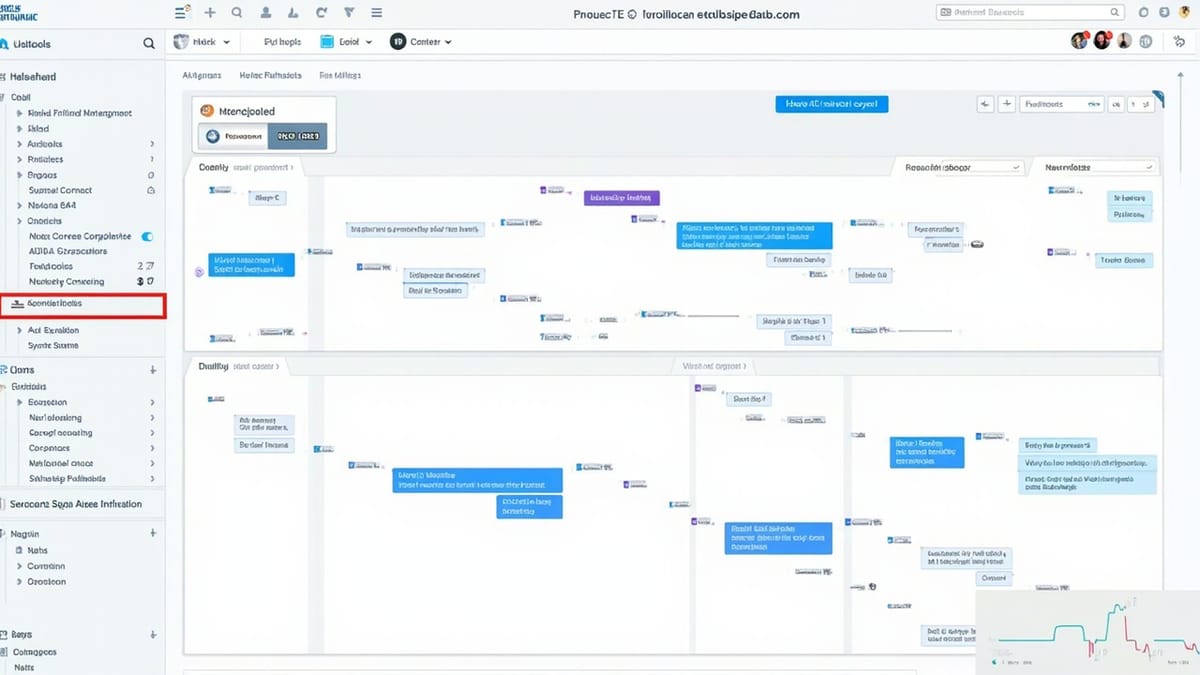
The visual replay is the differentiator. Instead of reading logs trying to reconstruct a sequence, you click through an agent's decisions chronologically.
Setup and Integration
Install the SDK:
pip install agentopsInitialize at the start of your application:
import agentops

agentops.init(api_key="your-api-key")That's enough to start capturing LLM calls automatically if you're using OpenAI or Anthropic. For custom agent frameworks, use the decorator:
from agentops import record_action

@record_action("fetch_customer_data")
def fetch_customer(customer_id: str) -> dict:
    # This tool call will be tracked in the session
    return db.get_customer(customer_id)

@record_action("classify_intent")
def classify(message: str) -> str:
    response = openai.chat.completions.create(
        model="gpt-4o",
        messages=[{"role": "user", "content": f"Classify: {message}"}]
    )
return response.choices[0].message.contentFor a complete agent session:
import agentops
from agentops import ActionEvent

agentops.init(api_key="your-api-key")

def run_support_agent(user_message: str):
    agentops.start_session(tags=["support", "v2.1"])

    try:
        intent = classify(user_message)

        if intent == "billing":
            customer = fetch_customer(extract_customer_id(user_message))
            response = generate_billing_response(customer, user_message)
        else:
            response = generate_general_response(user_message)

        agentops.record(ActionEvent(
            action_type="session_complete",
            params={"intent": intent},
            returns={"response_length": len(response)}
        ))

        agentops.end_session("Success")
        return response

    except Exception as e:
        agentops.end_session("Fail", end_state_reason=str(e))
raiseEvery session gets a URL in the AgentOps dashboard where you can inspect the full timeline.
Building a Test Suite Around Sessions
The session model maps cleanly onto automated testing. Each test case becomes an agent session you can inspect programmatically.
import agentops
import pytest

@pytest.fixture(autouse=True)
def agentops_session(request):
    agentops.init(api_key="test-api-key")
    agentops.start_session(tags=["test", request.node.name])
    yield
    # Fail the session if the test failed
    if request.node.rep_call.failed:
        agentops.end_session("Fail")
    else:
        agentops.end_session("Success")

def test_billing_intent_routing():
    response = run_support_agent("I was charged twice for my subscription")

    # Check the response content
    assert "billing" in response.lower() or "charge" in response.lower()

    # Check session data - did the agent use the right tools?
    session = agentops.get_session()
    action_types = [e.action_type for e in session.action_events]

    assert "fetch_customer_data" in action_types, \
        "Agent should have fetched customer data for billing query"
    assert action_types.index("fetch_customer_data") < \
           action_types.index("session_complete"), \
        "Customer data should be fetched before session ends"

def test_agent_handles_ambiguous_input():
    # This should not crash the agent, even if the intent is unclear
    response = run_support_agent("hello")
    assert response is not None
assert len(response) > 10The key insight here: you're not just testing the output, you're testing the agent's behavior — which tools it called, in what order, and why. That's only possible because AgentOps captures the full session.
Session Replay for Debugging
When a test fails or a user reports a problem, you open the session in AgentOps and see something like this:
Session: s_abc123 | Duration: 4.2s | Cost: $0.003 | Status: Fail

00:00.000  LLM Call (gpt-4o)
           Input: "I was charged twice..."
           Output: "I'll look into your billing issue..."

00:01.234  Action: classify_intent
           Input: "billing_dispute"
           Output: "billing"

00:01.890  Action: fetch_customer_data
           Input: customer_id=None   ← PROBLEM
           Error: ValueError: customer_id cannot be None

00:01.891  Exception: ValueError
Session ended: FailThe replay shows you instantly that extract_customer_id returned None — because the message said "I was charged twice" without including account information. The agent didn't validate that before calling fetch_customer_data.
Without session replay, you'd see a ValueError in your logs and spend 20 minutes tracing backwards through function calls. With it, you see the problem in 30 seconds.
Testing Agent Reliability Across Variations
One of the hardest problems in agent testing is that the same logical intent can be expressed dozens of different ways. A support agent that handles "I was charged twice" might fail on "double billing issue" if its intent classifier isn't robust.
AgentOps makes it practical to run variation testing:
BILLING_VARIANTS = [
    "I was charged twice for my subscription",
    "There's a duplicate charge on my account",
    "You billed me twice this month",
    "Double billing issue on account",
    "I see two charges from you",
    "Charged me double",
]

def test_billing_intent_robustness():
    results = []

    for variant in BILLING_VARIANTS:
        agentops.start_session(tags=["robustness-test", "billing"])

        try:
            response = run_support_agent(variant)
            session = agentops.get_session()
            action_types = [e.action_type for e in session.action_events]

            results.append({
                "input": variant,
                "used_customer_fetch": "fetch_customer_data" in action_types,
                "session_url": agentops.get_session().url
            })
            agentops.end_session("Success")
        except Exception as e:
            results.append({
                "input": variant,
                "error": str(e),
                "session_url": agentops.get_session().url
            })
            agentops.end_session("Fail")

    failures = [r for r in results if "error" in r or not r.get("used_customer_fetch")]

    assert len(failures) == 0, \
        f"Agent failed on {len(failures)}/{len(BILLING_VARIANTS)} variants:\n" + \
        "\n".join(f"  - {f['input']}: {f.get('error', 'wrong tool sequence')}"
for f in failures)Each failed variant gets a session URL. You paste it into the AgentOps dashboard and see exactly where the decision tree diverged.
Cost Monitoring as a Test Assertion
One underrated use of AgentOps in testing: cost assertions. AI agents that work correctly but cost 10x more than expected are a problem. You can catch cost regressions the same way you catch behavioral regressions.
def test_billing_agent_cost_efficiency():
    agentops.start_session(tags=["cost-test"])

    response = run_support_agent("I was charged twice for my subscription")

    session = agentops.get_session()
    total_cost = session.cost

    agentops.end_session("Success")

    # Agent should handle this query for under $0.01
    assert total_cost < 0.01, \
        f"Agent cost ${total_cost:.4f} which exceeds the $0.01 threshold. " \
f"Check session: {session.url}"If a prompt change causes the agent to make 5 LLM calls instead of 2, this test catches it before it hits production.
Integrating with End-to-End Testing
AgentOps covers the agent's internal behavior. It doesn't cover how your application presents agent responses to users. For full coverage, you need both.
This is where HelpMeTest fits in. While AgentOps watches what happens inside the agent, HelpMeTest's Robot Framework + Playwright tests verify what users actually see. A complete test for a support chat feature might be:
- AgentOps test: agent routes billing queries correctly and calls the right tools
- HelpMeTest E2E test: user can submit a support message, sees a response within 5 seconds, response is displayed correctly in the chat UI
Running both in CI means you catch model-level regressions and UI-level regressions before they ship.
CI Integration
Add AgentOps testing to your pipeline:
# .github/workflows/agent-tests.yml
- name: Run agent behavioral tests
  run: pytest tests/agent/ -v --tb=short
  env:
    AGENTOPS_API_KEY: ${{ secrets.AGENTOPS_API_KEY }}
    OPENAI_API_KEY: ${{ secrets.OPENAI_API_KEY }}

- name: Check session failure rate
  run: python scripts/check_session_metrics.py --max-failure-rate 0.05
  env:
AGENTOPS_API_KEY: ${{ secrets.AGENTOPS_API_KEY }}The check_session_metrics.py script queries the AgentOps API for recent session stats and fails the build if the failure rate exceeds your threshold.
What to Test First
If you're new to agent testing, prioritize in this order:
- Happy path — the most common successful flow, end to end
- Tool call sequence — verify the agent calls tools in the right order
- Error handling — what happens when a tool fails or returns unexpected data
- Input robustness — same intent, different phrasings
- Cost bounds — catch unexpectedly expensive sessions
Each of these maps to a distinct category of failure that AgentOps surfaces clearly through session replay.
Summary
AgentOps fills the observability gap that exists between "my agent works in a demo" and "my agent works reliably in production." Session replay makes debugging non-deterministic agents tractable. Behavioral assertions — testing which tools were called, in what order, at what cost — make regression testing practical.
The combination of AgentOps (agent-level observability) with end-to-end testing tools (application-level coverage) gives you the full picture. Without both, you're either flying blind inside the agent or only testing the surface that users see.