Acceptance Testing vs Integration Testing: Key Differences Explained
Ask ten developers what the difference is between acceptance testing and integration testing, and you'll get ten different answers.

Ask ten developers what the difference is between acceptance testing and integration testing, and you'll get ten different answers. The confusion is understandable — both test how multiple components work together, both can run against real systems, and both often use similar tooling. But they serve fundamentally different purposes, and conflating them leads to testing strategies with dangerous gaps.
This guide clarifies the distinction, explains when each type of testing is appropriate, and shows how they fit together in a complete testing strategy.
The Core Distinction
The simplest way to understand the difference:
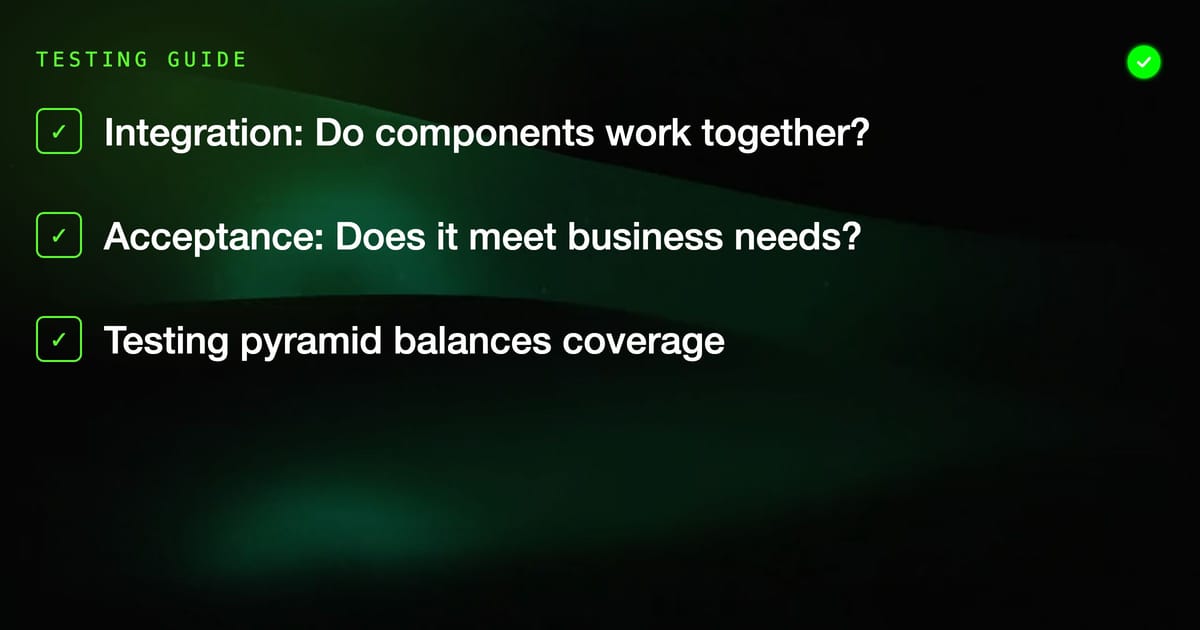
- Integration testing asks: "Do these components work together correctly?"
- Acceptance testing asks: "Does this system do what the business and users need it to do?"
Integration testing is a technical verification. It ensures that the contracts between components hold — that a service correctly calls an API, that a database query returns the expected data shape, that a message queue consumer processes messages correctly. The audience for integration test results is primarily the development team.
Acceptance testing is a business verification. It ensures that the software delivers the outcomes stakeholders care about — that users can complete checkout, that reports show accurate data, that notifications reach the right people. The audience for acceptance test results includes business stakeholders, product managers, and QA teams, not just developers.
Understanding Integration Testing
Integration testing fills the gap between unit tests (which test individual functions or classes in isolation) and end-to-end tests (which test complete user flows). It verifies that two or more components work correctly when combined.
What Integration Tests Cover
Integration tests typically verify:
- Service-to-service communication — does Service A correctly call Service B's API and handle the response?
- Database interactions — does the data access layer correctly read and write to the database?
- Third-party integrations — does the payment processing integration correctly communicate with Stripe or PayPal?
- Message queue interactions — does the consumer correctly process messages published to a queue?
- Authentication and authorization flows — does the auth middleware correctly validate tokens and enforce permissions?
Integration Testing Example
Consider an e-commerce application with a product catalog service and an inventory service. An integration test might verify:
Test: Product availability reflects inventory
1. Set inventory for Product A to 5 units
2. Request product details from the catalog service
3. Verify the catalog service correctly shows Product A as "in stock"
4. Set inventory for Product A to 0 units
5. Request product details again
6. Verify the catalog service correctly shows Product A as "out of stock"This test checks that two services communicate correctly. It doesn't verify the user experience or business requirements — it verifies a technical contract.
When to Write Integration Tests
Write integration tests when:
- You've built a new integration between components or external services
- You're changing how two services communicate
- You want to verify database queries return expected results
- You're implementing new API endpoints that other services will consume
- You've changed data schemas and need to verify consumers handle the new format
Integration Testing Characteristics
- Scope: Two or more components working together
- Perspective: Technical — what do the components do?
- Audience: Development team
- Speed: Slower than unit tests, faster than acceptance tests
- Environment: Typically uses test databases, mock external services, or containerized dependencies
- Written by: Developers, sometimes QA engineers
Understanding Acceptance Testing
Acceptance testing verifies that the software meets the business requirements and user needs that motivated building it in the first place. It's typically the final verification before software is released.
What Acceptance Tests Cover
Acceptance tests verify:
- Complete user journeys — can a user register, log in, complete a purchase, and receive confirmation?
- Business rules — do discount codes apply correctly? Do subscription tier limits work as specified?
- User interface behavior — does the UI respond correctly to user actions?
- Cross-functional requirements — does the system handle the required volume? Does it meet accessibility standards?
- Edge cases from a user perspective — what happens when a user tries to do something unexpected?
Acceptance Testing Example
For the same e-commerce application, an acceptance test might verify:
Test: User can purchase a product successfully
Given a logged-in user with a valid payment method
1. Navigate to the product catalog
2. Search for "Blue Widget"
3. Verify search results show Blue Widget with correct price
4. Add Blue Widget to cart
5. Proceed to checkout
6. Verify order summary shows correct item and total
7. Complete purchase with saved payment method
8. Verify confirmation page shows order number
9. Verify confirmation email is received
10. Verify order appears in user's order historyThis test verifies a complete business process from the user's perspective. It doesn't care how the inventory service communicates with the catalog service — it cares whether a user can actually buy something.
When to Write Acceptance Tests
Write acceptance tests when:
- You're implementing a new user-facing feature
- You're fulfilling a specific business requirement
- A feature is high-risk and business-critical
- Stakeholders need to verify that the system meets their expectations
- You want to guard against regression in core business flows
Acceptance Testing Characteristics
- Scope: Complete user journeys or business processes
- Perspective: User and business — what value does the system provide?
- Audience: Business stakeholders, QA, product teams, and developers
- Speed: Slowest of the three test types
- Environment: Typically runs against an environment that closely mirrors production
- Written by: QA engineers, business analysts, sometimes developers — ideally with business stakeholder input
Where They Fit in the Testing Pyramid
The testing pyramid is a model for thinking about how many tests of each type to write. At the base are unit tests — fast, cheap, and numerous. In the middle are integration tests. At the top are acceptance tests (sometimes called end-to-end tests) — slow, expensive, and fewer in number.
        /\
       /  \
      / AT \        Acceptance Tests — fewest, highest value
     /------\
    /        \
   /    IT    \     Integration Tests — moderate number
  /------------\
 /              \
/   Unit Tests   \  Unit Tests — most numerous, fastest
/________________\This shape reflects the economics of each test type:
- Unit tests are cheap to write and run in milliseconds. Write lots of them.
- Integration tests take longer to write, need real or simulated dependencies, and run in seconds to minutes. Write enough to cover all integration points.
- Acceptance tests require the most setup, run in minutes, and are the most brittle. Write them for critical paths only.
A common mistake is inverting the pyramid — writing many acceptance tests and few unit tests. This creates a test suite that's slow, brittle, and expensive to maintain.
Key Differences at a Glance
| Dimension | Integration Testing | Acceptance Testing |
|---|---|---|
| Primary question | Do components work together? | Does the system meet business needs? |
| Perspective | Technical | User/business |
| Scope | Component interfaces | Complete user journeys |
| Written by | Developers | QA, analysts, developers |
| Audience | Engineering team | Business stakeholders + engineering |
| Failure means | Technical contract broken | Business requirement not met |
| Environment | Test infrastructure | Production-like environment |
| Speed | Seconds to minutes | Minutes |
| Typical tools | JUnit, pytest, REST-assured | Playwright, Selenium, Cucumber |
Where They Overlap (and Where People Get Confused)
The confusion between these two types of testing comes from real overlap:
Both test multiple components. An acceptance test that verifies a user can complete checkout involves the UI, the application server, the database, and payment processing — the same components an integration test might verify individually.
Both can use similar tools. You can write integration tests with Playwright just as you can write acceptance tests with it.
Both can catch the same bugs sometimes. An integration bug (two services communicating incorrectly) will often cause an acceptance test to fail too.
The distinction isn't about the tools or even the specific components involved — it's about the question being answered. Integration testing asks a technical question; acceptance testing asks a business question.
Practical Example: Authentication Feature
Consider implementing a new authentication feature. Here's how both types of tests cover it:
Integration tests for authentication:
- Does the auth service correctly validate JWT tokens?
- Does the database query correctly retrieve user records?
- Does the token refresh endpoint correctly issue new tokens?
- Does the middleware correctly reject requests with expired tokens?
Acceptance tests for authentication:
- Can a new user register with valid credentials and log in?
- Does a user with invalid credentials see an appropriate error message?
- Does a logged-out user get redirected to the login page when accessing protected content?
- Can a user reset their password through the forgot-password flow?
The integration tests verify technical contracts. The acceptance tests verify that the feature works from the user's perspective. You need both — and they answer different questions.
Building a Testing Strategy That Uses Both
An effective testing strategy layers these test types deliberately:
Start with the business requirements. Acceptance tests should map directly to user stories or business requirements. If you can't trace an acceptance test back to a business requirement, question whether it belongs at the acceptance level.
Map component interactions for integration tests. Draw or diagram how your components interact. Each interface between components is a candidate for integration tests. Cover the happy path and important error cases for each.
Don't duplicate coverage unnecessarily. If your integration tests verify that the payment service correctly processes successful and failed payments, your acceptance tests don't need to exhaustively test every payment failure mode — just verify the user experience for the common cases.
Run fast tests first. In CI/CD, run unit tests first, then integration tests, then acceptance tests. This way, developers get fast feedback on basic breakage before waiting for slow acceptance tests.
Use acceptance tests as regression guards. Once a feature is built and tested, its acceptance tests become regression guards. They should run automatically on every deployment to catch regressions before they reach users.
Tooling Considerations
Integration tests and acceptance tests can use different tools, or the same tools in different ways.
For integration testing, common approaches include:
- Language-native testing frameworks (JUnit, pytest, Go's testing package) with HTTP clients for API testing
- Testcontainers for spinning up real databases and services in Docker
- WireMock or similar for mocking external services
For acceptance testing, browser automation is often central:
- Playwright — fast, reliable, cross-browser, excellent for modern web apps
- Selenium — the classic choice with broad language support
- Cypress — developer-friendly, good for JavaScript-heavy applications
- Robot Framework — keyword-driven, readable test scripts that stakeholders can understand
Platforms like HelpMeTest combine Robot Framework and Playwright with AI-powered test generation, making it possible to write acceptance tests in plain English and have them converted to automated scripts. This bridges the gap between stakeholder-readable requirements and executable tests — which is exactly where acceptance testing should operate.
Conclusion
Integration testing and acceptance testing are complementary, not competing. Integration tests give developers confidence that components work together correctly. Acceptance tests give the business confidence that the software delivers what it promised.
The key to getting value from both is clarity about what question each test is answering. When a test fails, you want to know immediately whether it's a technical problem (integration test failure) or a business requirement not being met (acceptance test failure). That clarity comes from keeping the two types of testing distinct.
Invest in both. Put more tests at lower levels of the pyramid. And use the acceptance test layer for what it's best at: verifying that users can actually do what your software promises they can.