AccelQ API Testing: REST and SOAP Without Writing a Single Script
AccelQ's API testing module lets you create, execute, and maintain REST and SOAP tests without scripting.

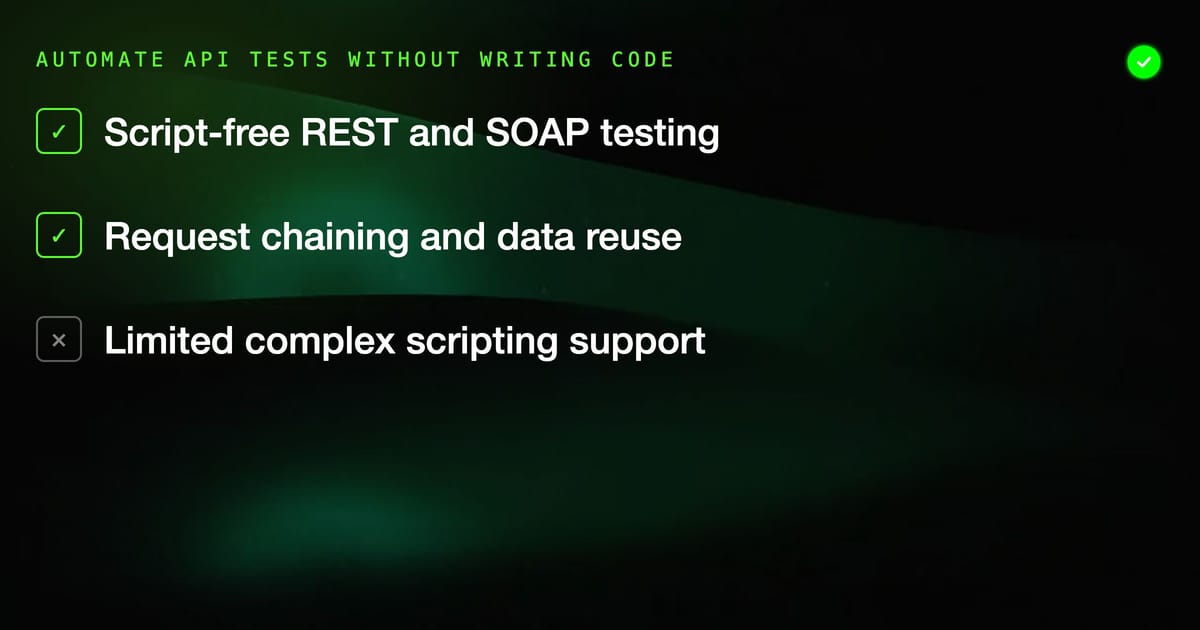
AccelQ's API testing module lets you create, execute, and maintain REST and SOAP tests without scripting. It sits in the same platform as your UI tests, which matters for end-to-end scenarios that mix API calls with browser interactions. This post covers what the module actually does, how to use it effectively, and where it falls short.
What AccelQ API Testing Covers
The API testing component handles:
- REST API testing (GET, POST, PUT, PATCH, DELETE)
- SOAP web service testing
- GraphQL (limited support, effectively treat as REST POST)
- OAuth 1.0/2.0 and API key authentication
- Request chaining — passing response data from one call to the next
- Environment-based configuration for different base URLs and credentials
- Response validation: status codes, JSON/XML body assertions, response time
This covers the majority of API testing scenarios for standard enterprise applications. AccelQ is not a replacement for Postman or Insomnia during API development — those tools are faster for ad-hoc exploration. AccelQ's value is in automated regression testing where you need tests to run on a schedule or in CI without manual intervention.
Creating Your First API Test
API tests in AccelQ live inside the same project/scenario structure as UI tests. You can create a scenario that contains only API steps, or mix API calls with UI steps in a single scenario.
Setting up an API step:
In a scenario, add a new step and select "API Call" as the step type. You'll get a request editor with:
- Method selector (GET, POST, PUT, DELETE, PATCH)
- URL field (supports environment variables like
{{BASE_URL}}/users) - Headers panel
- Request body editor (JSON, XML, form data, raw)
- Authentication section
For a basic GET request to a users endpoint:
- Method: GET
- URL:
{{API_BASE}}/api/v1/users - Headers:
Authorization: Bearer {{AUTH_TOKEN}}
AccelQ stores environment variables at the project level. Define API_BASE and AUTH_TOKEN once per environment (dev, staging, production), and all tests pick up the right values at runtime.
Assertions on API Responses
Steps without assertions are not tests. AccelQ provides a response assertion builder that covers the common cases:
Status code assertion: Add an assertion: response.status_code == 200. AccelQ evaluates this after the request completes. If the API returns 404 or 500, the step fails with the actual status code in the failure details.
JSON body assertions: Use JSONPath expressions to target specific fields. For a response like:
{"user": {"id": 123, "email": "test@example.com", "active": true}}You'd add assertions:
$.user.idis not null$.user.emailequalstest@example.com$.user.activeequalstrue
AccelQ evaluates JSONPath expressions without requiring you to write parsing code. You type the path, select the operator (equals, contains, not null, greater than), and enter the expected value.
XML/SOAP body assertions: Same concept but using XPath expressions. For SOAP responses, AccelQ handles namespace resolution automatically — you reference elements by local name rather than needing to declare namespace prefixes.
Response time assertions: Add response.time < 2000 to assert that the API responds within 2 seconds. Useful for catching performance regressions in CI without a dedicated load test.
Request Chaining
This is where AccelQ API testing becomes genuinely useful for end-to-end scenarios. Request chaining lets you extract values from one API response and inject them into subsequent requests.
Example: Create a resource, then verify it
Step 1 — Create user:
- POST
/api/v1/userswith body{"email": "test@example.com", "role": "member"} - Extract
$.user.idfrom response, store as variableCREATED_USER_ID
Step 2 — Fetch the user:
- GET
/api/v1/users/{{CREATED_USER_ID}} - Assert
$.user.emailequalstest@example.com
Step 3 — Delete the user (cleanup):
- DELETE
/api/v1/users/{{CREATED_USER_ID}} - Assert
response.status_code == 204
The CREATED_USER_ID variable is scoped to the scenario run. AccelQ resolves it at runtime, so each run uses the actual ID from the create response rather than a hardcoded value.
This pattern eliminates the need for test data setup scripts that create seed data before tests run. The test creates its own data, validates it, and cleans up — making tests self-contained and order-independent.
Authentication Handling
API Key authentication: Add the API key as a header variable. Store the actual key value in environment configuration, not hardcoded in the test step. This way, staging and production tests use different keys automatically.
OAuth 2.0: AccelQ has a dedicated OAuth 2.0 handler. Configure the token endpoint, client ID, client secret, and grant type. AccelQ fetches a token before test execution and injects it into all requests that require OAuth authorization. Token refresh is handled automatically when tokens expire.
Bearer tokens from login: Common pattern: POST to /auth/login with credentials, extract the JWT from the response, store it as AUTH_TOKEN, use {{AUTH_TOKEN}} in all subsequent request headers. AccelQ handles this cleanly with variable extraction.
Mixing API and UI Tests
AccelQ's unique value compared to standalone API tools is the ability to mix API calls and UI interactions in a single scenario. This is useful for:
Pre-populating test data via API: Use an API call to create a user account, then immediately test the UI login flow with that user's credentials. Faster and more reliable than navigating the UI to create the account.
Verifying API state after UI actions: Complete a purchase through the browser UI, then call the orders API to verify the order was created with the correct status. This tests the full stack, not just what the UI shows.
Cleaning up after UI tests: After a UI test creates data, use API calls to delete it. API calls are faster than navigating to an admin panel and clicking delete.
Environment Configuration
AccelQ's environment system handles the multi-environment reality of most teams:
Create environments: Dev, Staging, Production. Each environment has its own set of variables:
API_BASE: different URL per environmentAUTH_TOKENorCLIENT_SECRET: different credentialsTEST_USER_EMAIL: different test account per environment
When running a test, select the environment. AccelQ substitutes all variables from that environment's configuration. Same test, correct values for each environment.
CI Integration
AccelQ API tests run identically in CI as they do locally. In your Jenkins pipeline or GitHub Actions workflow, trigger the AccelQ test suite with the target environment specified:
# GitHub Actions example
- name: Run API regression
  uses: accelq/actions-run-tests@v1
  with:
    api-token: ${{ secrets.ACCELQ_TOKEN }}
    project-id: ${{ vars.ACCELQ_PROJECT_ID }}
    suite: api-regression
environment: stagingAccelQ returns exit codes that CI systems understand — non-zero on failure, zero on success. Pipeline fails when tests fail.
Where AccelQ API Testing Falls Short
Complex scripting scenarios. If you need to hash a request body with HMAC-SHA256 before sending, implement a custom retry-backoff strategy, or parse a non-standard response format, AccelQ's no-code interface will fight you. These scenarios require scripting, and AccelQ isn't designed for it.
Exploratory API testing. AccelQ is optimized for regression testing, not exploration. Postman's collection runner and environment management are faster for exploring an unfamiliar API.
Performance/load testing. AccelQ does not do load testing. response.time assertions catch regressions, but you cannot simulate 100 concurrent users.
For teams whose primary need is regression testing REST APIs that back a web application — especially teams already using AccelQ for UI tests — the API testing module is a clean, low-overhead solution. You get API and UI tests in the same platform, the same reporting, and the same CI integration without maintaining a separate tool.